Motherboard Manual
18
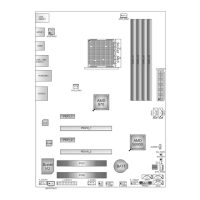
On-Board LED Indicators
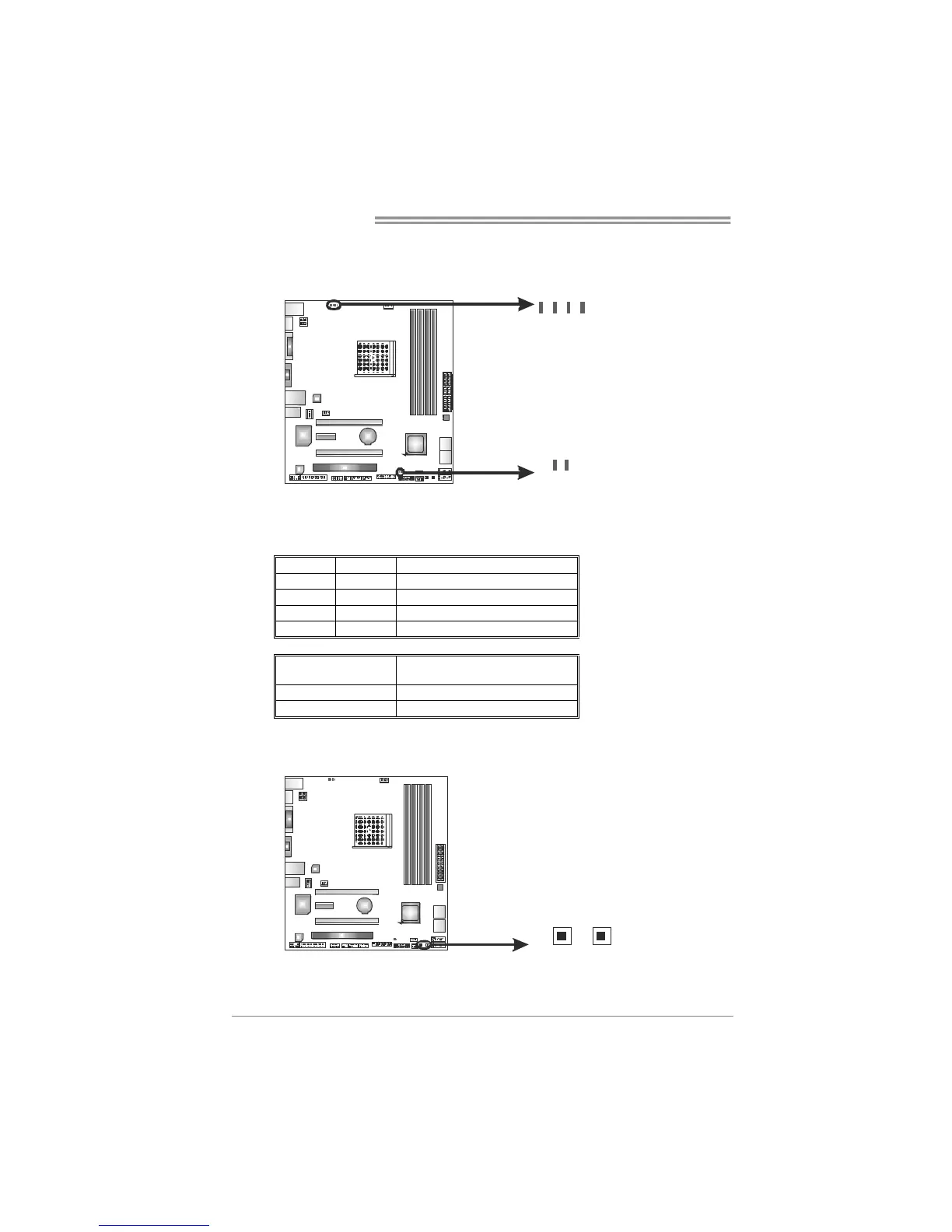
There are 6 LED indicators showing system status.
LED_D1
LED_D 2
PH 1_D1
PH 2_D2
PH 3_D3
NB_PH1_D 1
LED_D1 & LED_D2: Debug Indicators
PH1_D1 ~ PH3_D3 / NB_PH1_D1: Power Status Indicators
Please refer to the tables below for specific messages:
LED_D1 LED_D2 Message
ON ON Normal
ON OFF Memory Error
OFF ON VGA Error
OFF OFF Abnormal: CPU / Chipset error.
PH1_D1~PH3_D3
NB_PH1_D1
Phase Indicator
ON Phase Active
OFF Phase Disable
On-Board Buttons
There are 2 on-board buttons.
SW_PWR1
SW_RST 1
SW_RST1: Reset button.
SW_PWR1: Power Switch button.



 To Next Page