TB85/TB85-BTC
27
Configuration Utility
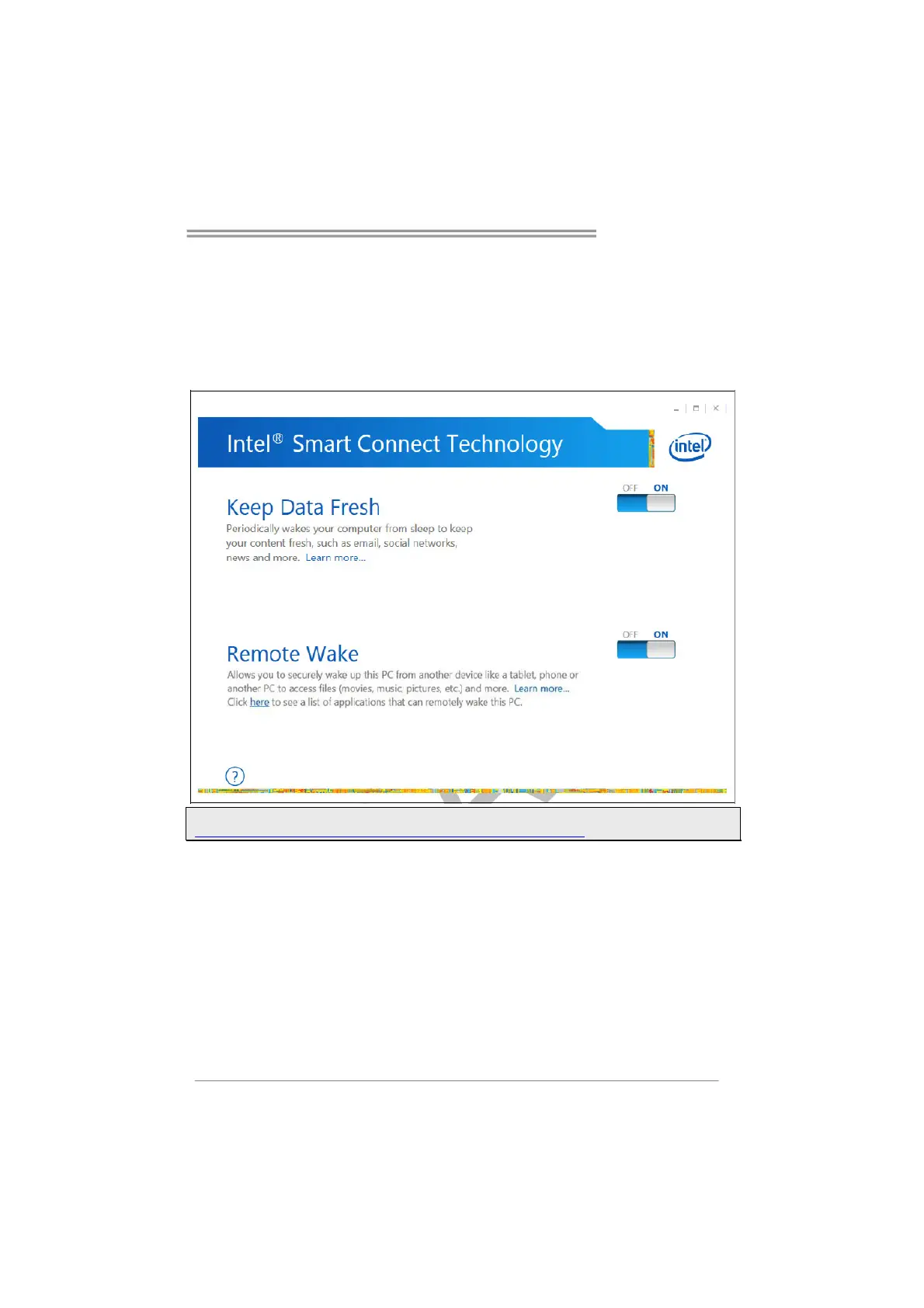
The Intel Smart Connect Technology Configuration Utility allows configuration of
the sleep duration, extended hours sleep duration, and viewing of the Event
History along with other settings. To launch the application, select the application
“Intel® Smart Connect Technology in the Start menu (Windows* 7) or Start screen
(Windows* 8/8.1) to launch the configuration GUI. Once launched, the following is
presented:
Note: For detailed setting of Intel® Smart Connect Technology, please check the below link.
http://www.intel.com/support/services/smartconnect/sb/CS-033109.htm


 To Next Page