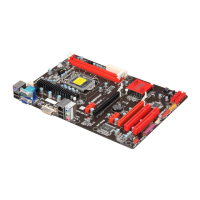
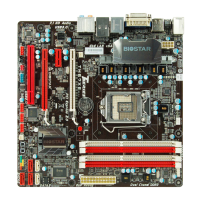
TB85/TB85-BTC
31
Installing Intel SBA
This procedure describes how to install Intel SBA.
1. Logon to the computer with a user that has administrator privileges.
2. Copy the Setup.exe file to the computer.
3. Double-click Setup.exe.
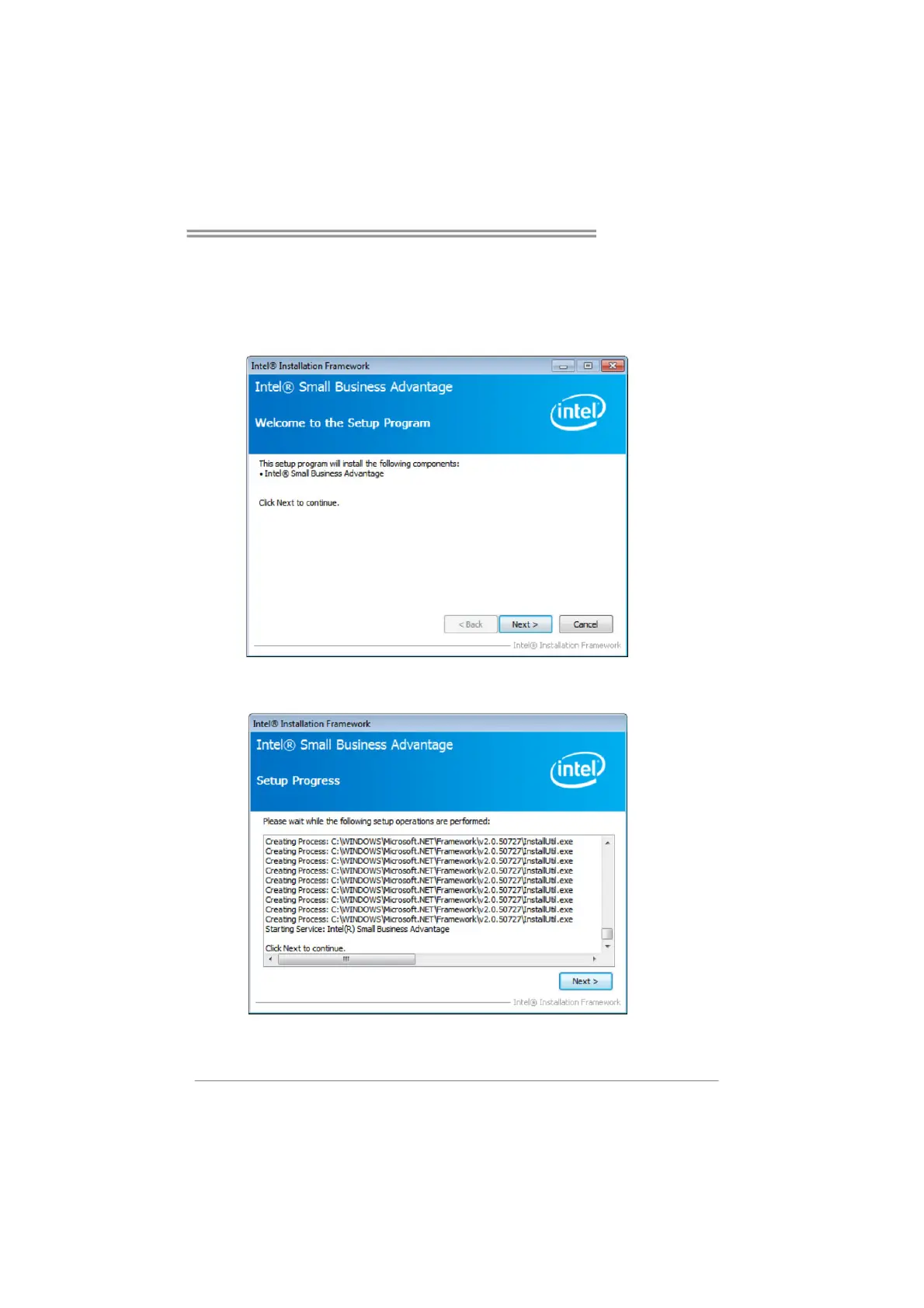
The Welcome to the Setup Program window opens.
4. Click Next. The installer starts the installation and the Setup Progress window
opens showing the progress of the installation. When installation is complete, the
installer starts the Intel SBA service and the Next button is enabled.
5. Click Next. The Setup Is Complete window opens.
6. Click Finish. The installer closes.


 To Next Page