Introduction
3
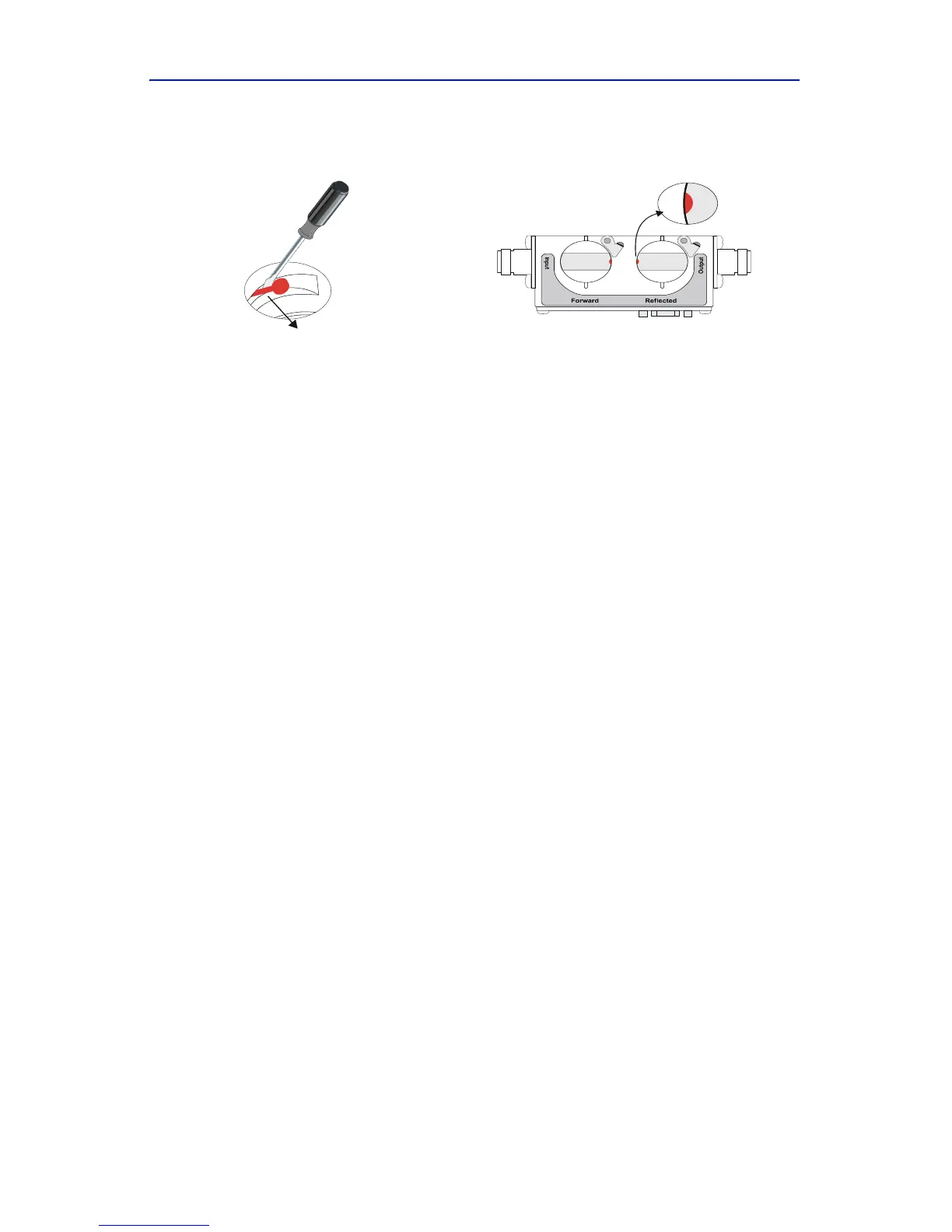
2. Aftercenteringthecontact,bendthecontactbarslightlytowardthecenter
oftheelementsocketbore,sothattheprofileoftheelementcontactis
visi blewhenviewingtheelementsocketfromthetopofthesocketbore.
Note: Ifthecontactisaccidentallymovedtoofar,theelementwill
notslideintothesocket.Movethecontactbackintotherecessed
areaandrepeattheprocess.



 To Next Page