BirdDirectionalPowerSensors
2
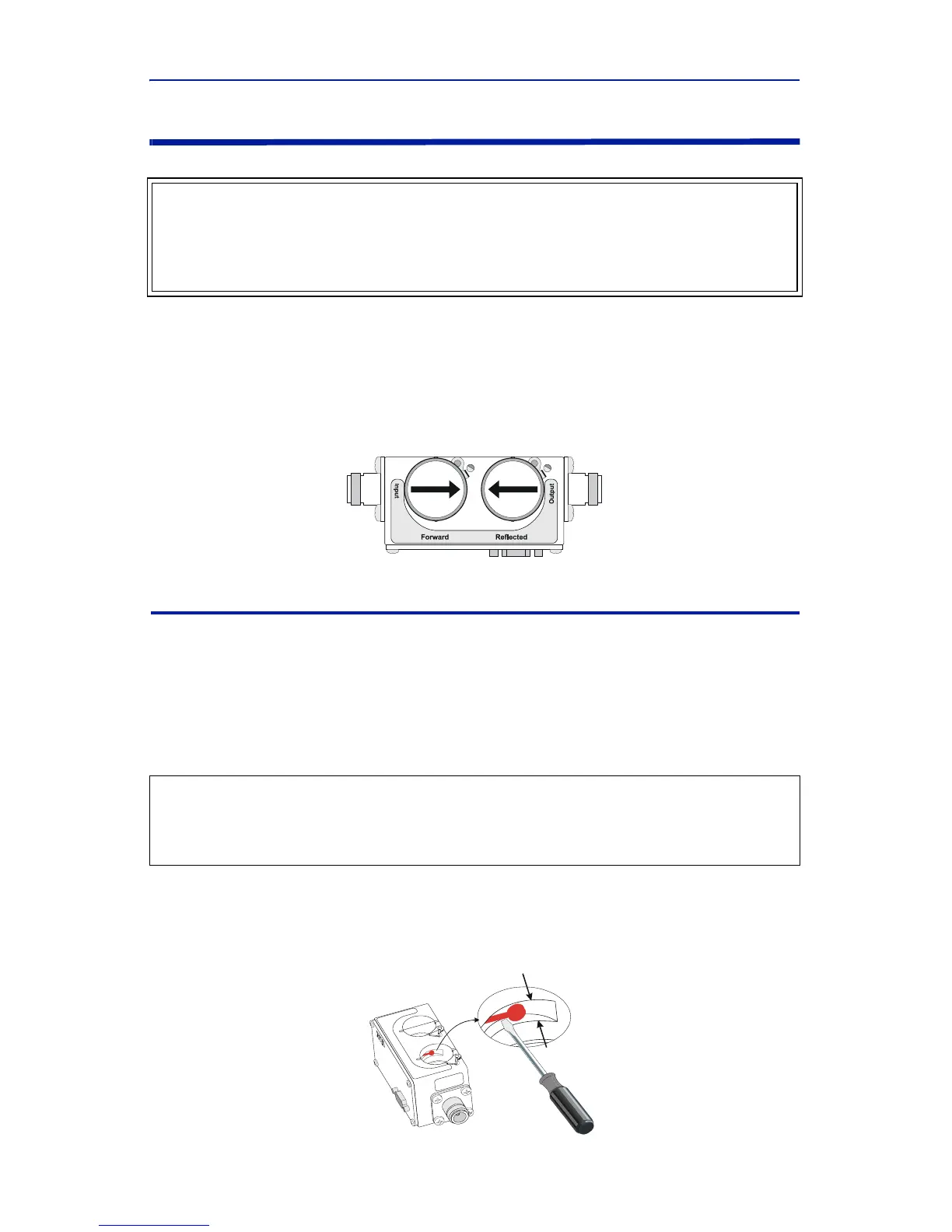
Element Orientation
Theforwardelementandthe reflectedelementmustbeofthesameseries
(APMor43).Thepowerratingoftheforwardelementmustbe10xthepower
ratingofthereverseelement.
Insertthe forwardelementintotheforwardsocketwith itsarrowpointinginthe
directionofforwardpower.Insertthereflectedelementintothereflected
socketwithitsarrowpointinginthedirectionofreversepower.
Element Contact Alignment
Continuousinsertionorrotationoftheelementmightcauseaslightchangein
thepositionofthecontactspringintheelementsocket.Ifthecontactspring
changesposition,erraticpowerreadingsmay beexperienced.
Thepositionofthecontactspringmaybeadjustedwithasmallscrewdriverto
reestablishcontact.
Performthefollowingstepstoadjustthecontactspring:
1. Usingasmallflatheadscrewdriver,placetheflatsideofthescrewdriver
behindthecontactbarasindicatedandbendthecontactbarsothatthe
contactrestsinthecenteroftheslotadjacenttotheelementsocket.
WARNING
LeakingRFenergyisapotentialhealthhazard.DONOTconnectordisconnect
equipmentfromthetransmissionlinewhileRFpowerisbeingappl ied.Severe
burns,electricalshock,ordeathcanoccur.
CAUTION
Iftheelementcannotbefullyinsertedintothesocket,donotforceit.This
maydamagethe
element.



 To Next Page