Setting your video input
It is important to set the video input correctly within the web
configuration console, if the input is not set to the required settings
then either no video will be displayed or unexpected video results
can occur.
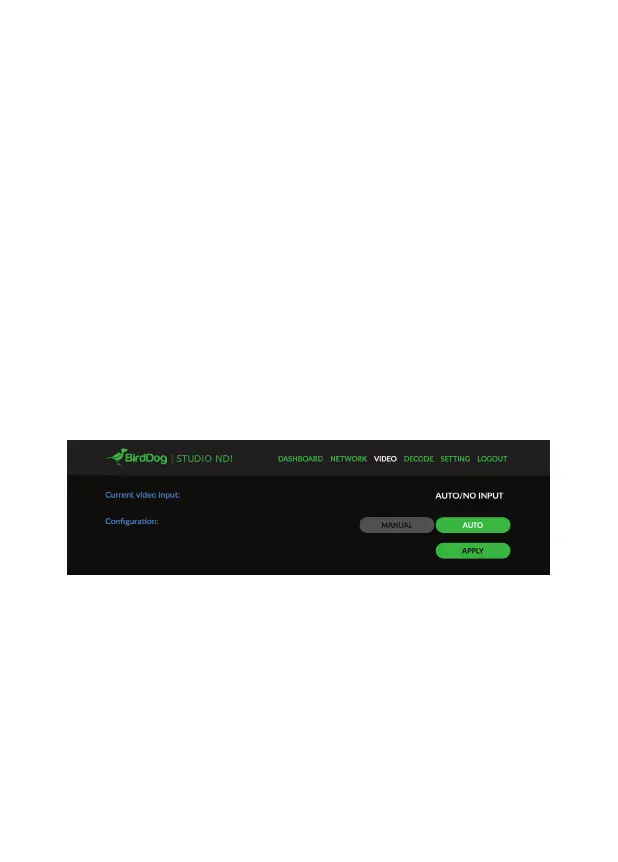
To access the video settings press the video menu option at the
top of the console.
Begin by selecting either AUTO or MANUAL as your primary
source setting. In most cases it is as simple as leaving the
Configuration set to Auto.
If you are not seeing the expected video results on your NDI
receiver with AUTO then manually configure the settings.


 To Next Page