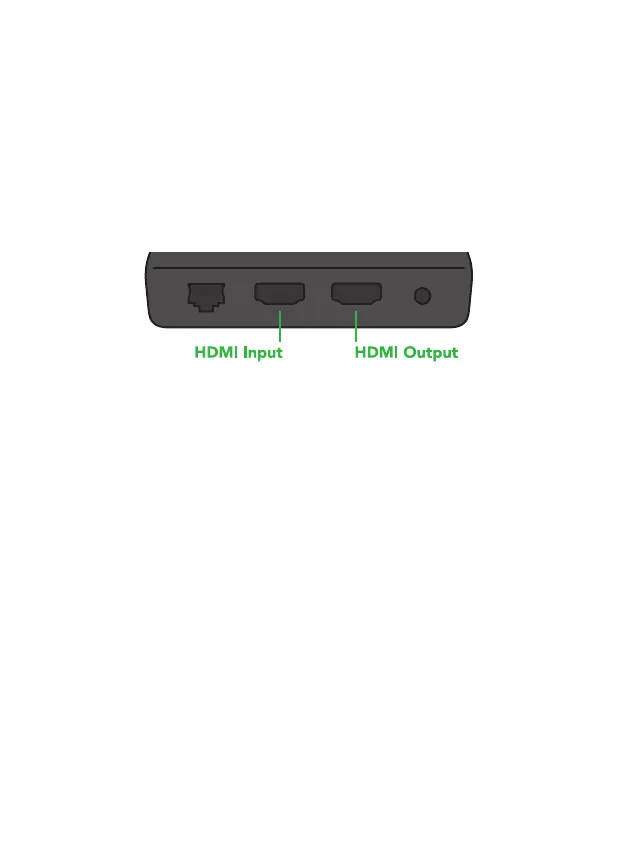
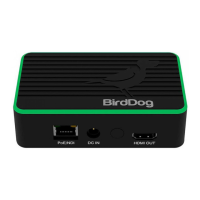
Connecting a video source
If the video input format changes while BirdDog Mini is active, the
unit will automatically reconfigure its settings to accommodate the
change when set to 'AUTO' mode on the web configuration
interface. The process of reconfiguring the inputs takes approxima-
tely 3 seconds and is not recommended during a live production.
BirdDog Mini accepts HDMI video inputs, refer to the latest release
notes for confirmation of the current supported video rates and
resolutions.
Once your BirdDog Mini has booted up succesfully it will automati-
cally detect the incoming format and set everything up accordingly.
If you would like to manually configure your input, this can be done
via the web interface.


 To Next Page