Accessing the web configuration console
After initial boot up is complete your BirdDog Mini unit will be
visible as a source on any NDI compatible devices on the SAME
ethernet subnet.
For further networking architecture instructions including routing
please consult either your system administrator or the support
page at bird-dog.tv
As BirdDog progresses through its boot-up sequence it will cycle
through various status modes as described in the section 'Booting
up your BirdDog Mini'.
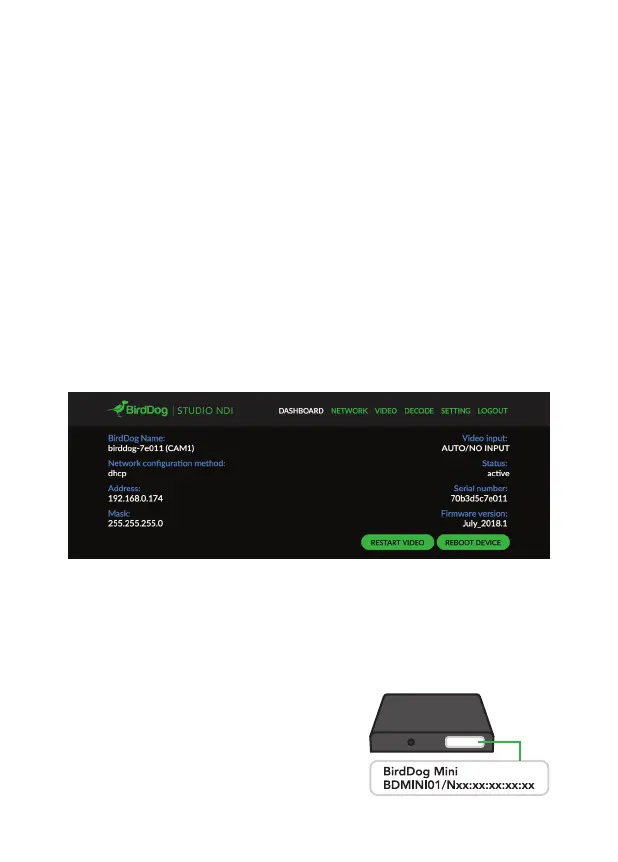
Once the boot cycle is complete the status LED will illuminate
blue. At this point the Web configuration console is available,
please type the following URL into your web browser:
http://birddog-xxxxx.local
Where xxxxx is the last 5 digits of
the serial number on the sticker
of your device (lower case).
Default password: birddog


 To Next Page