Powering Options
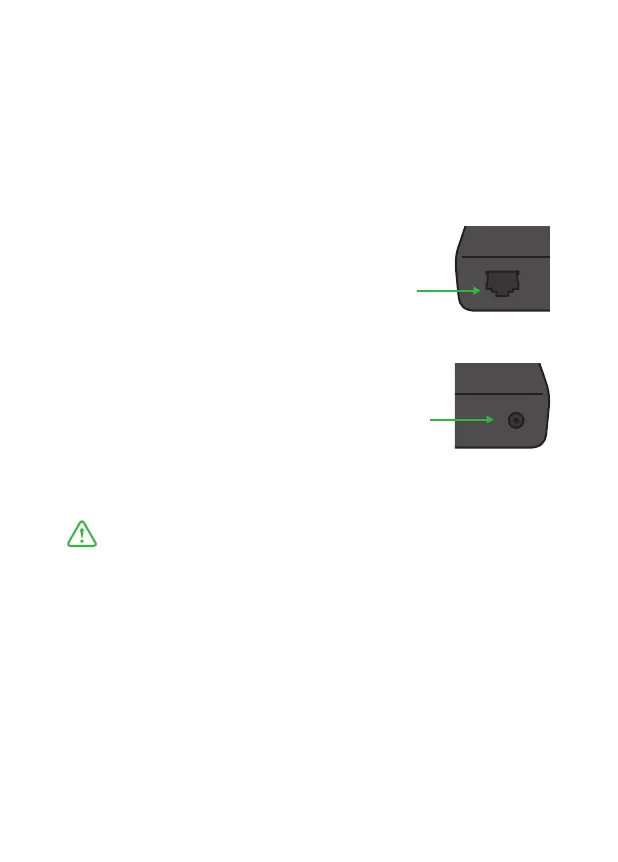
PoE Power over Ethernet (802.11af/at)
Mini can receive power and data through a single Ethernet cable.
Always use a certified 802.11af/at switch with minimum 12w port
power capacity.
Always use geniune BirdDog power adapters.
3rd party products can cause permanent damage.
Dc Power (strictly 5-18v)
Once a DC cable is connected the unit will
automatically power on.
Once PoE Ethernet cable is insered the unit will
automatically power on.


 To Next Page