
 To Next Page
S
Samantha WatsonOct 26, 2025
Why is my Bissell Vacuum Cleaner not picking up dirt?
- PpaulhoganOct 26, 2025
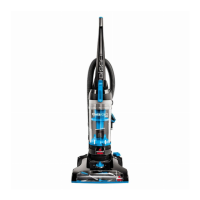
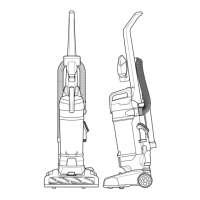
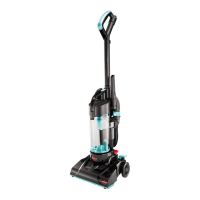
If your Bissell Vacuum Cleaner isn't picking up dirt, several factors could be at play. Start by emptying the dirt container, as a full container will impede suction. Also, check the filter; if it's dirty, clear any debris or clean it thoroughly. Ensure the hose is securely attached at both ends. Confirm the dirt container is correctly inserted and snapped into place. Inspect the air passageway, hose inlet, and hose for blockages, and carefully remove any obstructions. If the rotating power brush drive belt is broken, it will need replacement. Check the drive belt for obstructions or stretching, replacing it if necessary. Lastly, worn floor brush bristles or a jammed floor brush can cause issues; replace the floor brush if the bristles are worn, or remove the floor brush to clean any debri...
 General