SET UP PC SECURITY
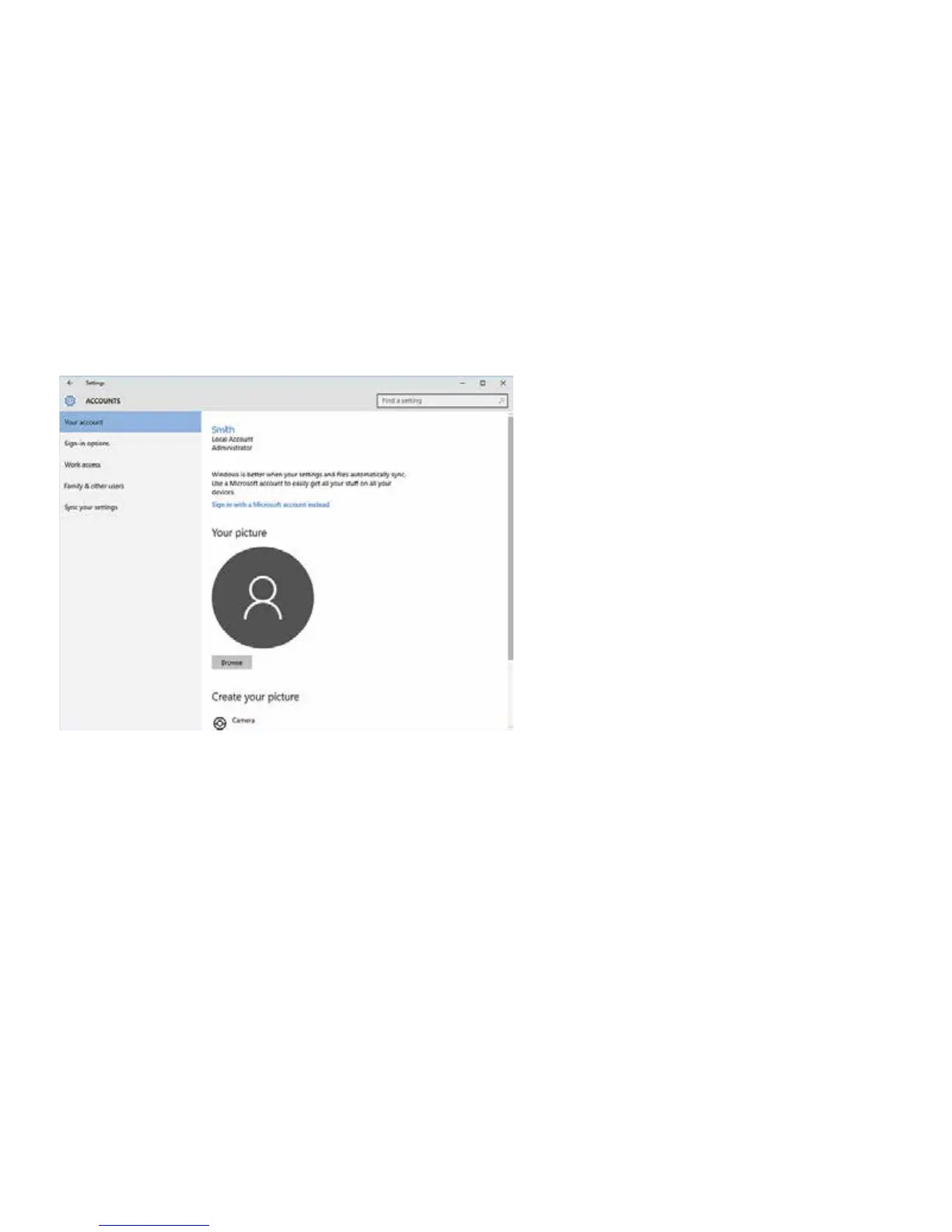
1. Go to Settings > Accounts.
2. Choose Local Account or Sign in
with Microsoft Account.
3. For Local Account, follow the
steps shown on the screen.
4. For Microsoft Account, tap “sign
in with Microsoft account instead”
and follow prompts.


 To Next Page