NOW COMPUTE
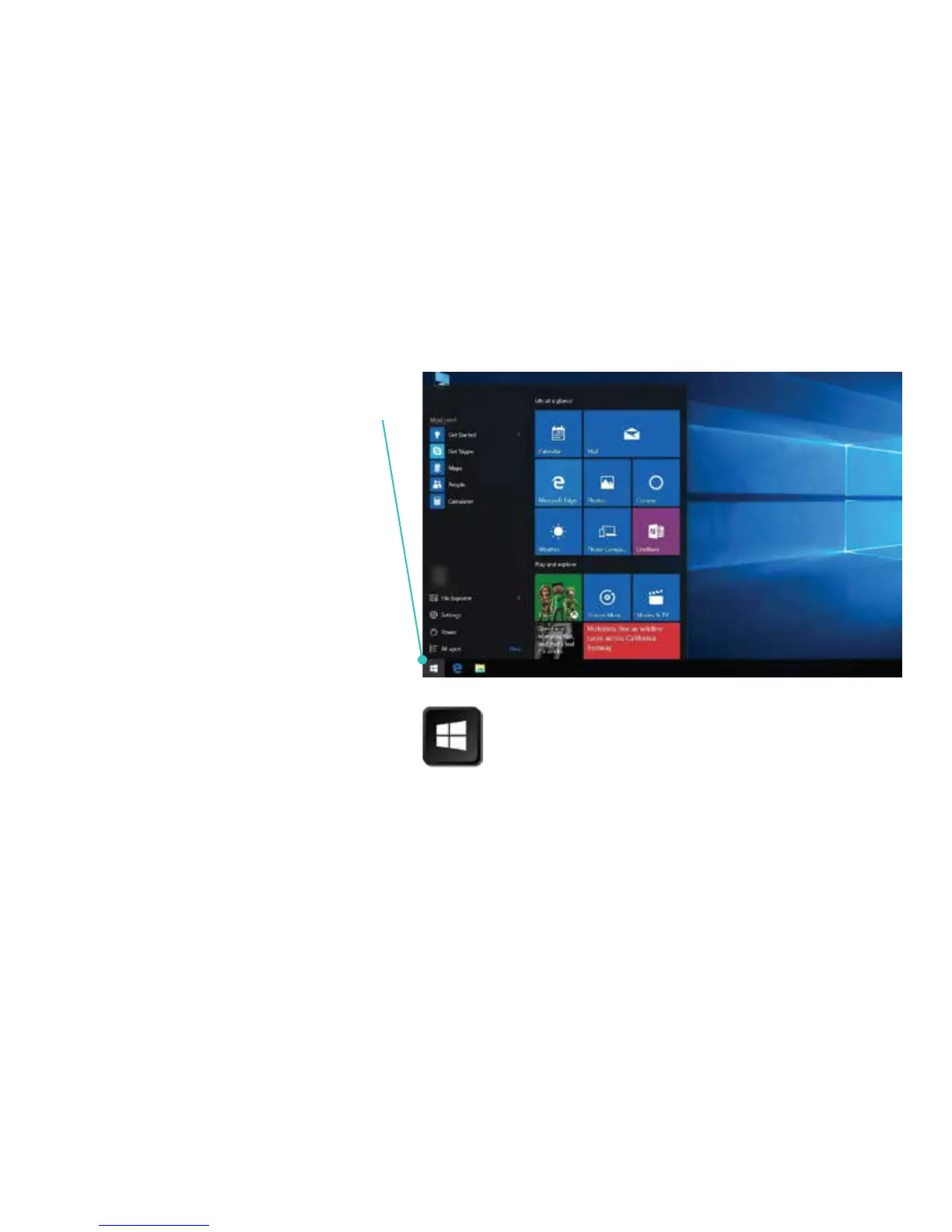
1. From the Desktop (main screen),
access Start Menu by pressing
the Windows icon in the task bar
(bottom of screen), or by pressing
the Windows key on the keyboard.
2. From the Start Menu you can
access your files, apps and
settings.
3. If you are a first time user of
Windows 10, we encourage you to
select the Get Started tile on the
Start Menu to get acquainted.
WINDOWS KEY


 To Next Page