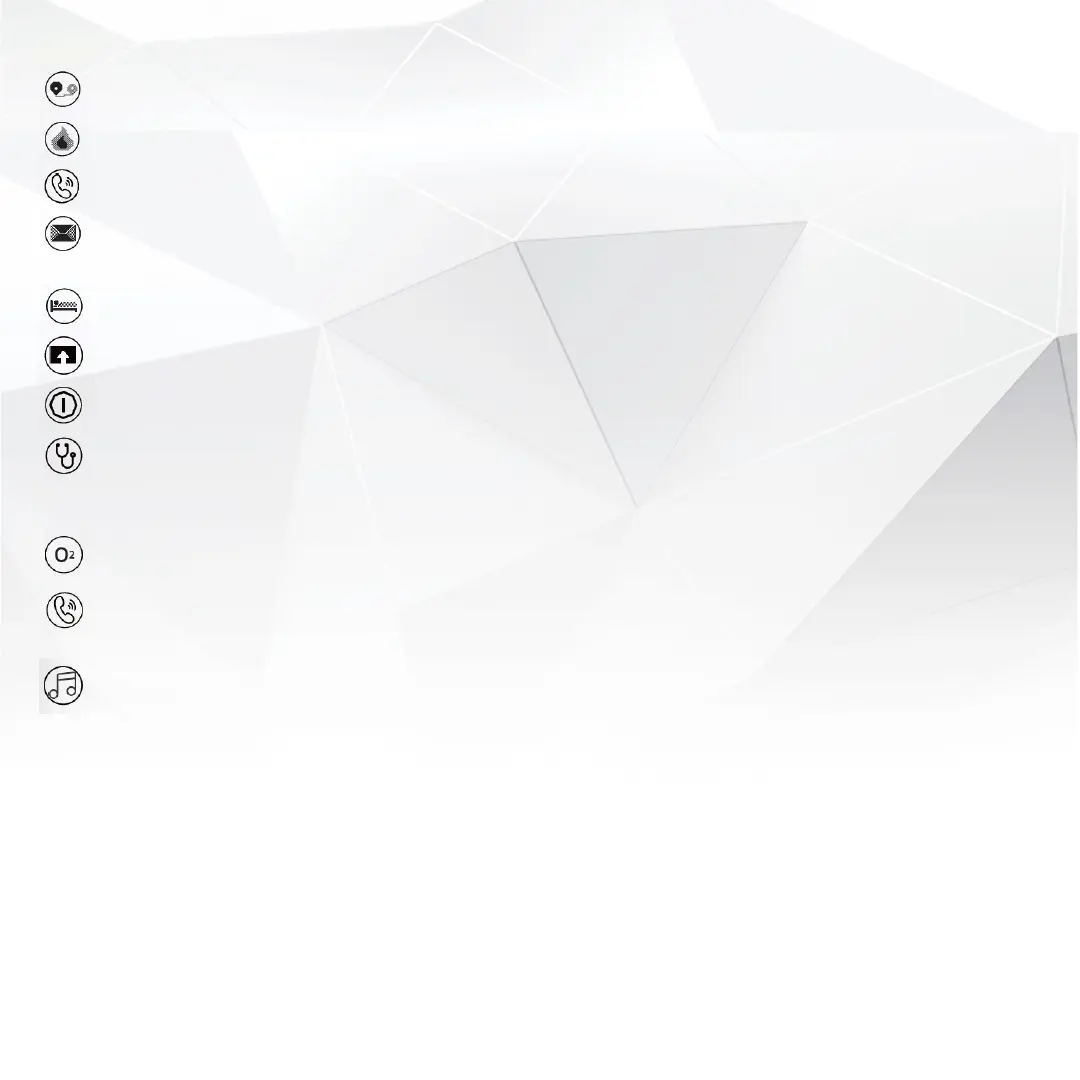
Show the total distance of movement in km or miles
Shows total calories burned (kcal).
Turn on “Call reminder” in the DayBand App. Your tracker will vibrate when call comes in.
Turn on “Message” in the DayBand App.
Your tracker will vibrate when a new message comes in.
Automatically monitor your sleep, and analyse deep and light sleep hours.
Check section this for your trackers software updates.
Long-press the mode button to switch it on, Long-press the ‘power off’ page on screen to switch it off.
Stay on this page to measure your blood pressure trend automatically. Blood pressure trend
data can be synched to the DayBand App if your tracker is connected with the App and your
Bluetooth is switched on and connected.
Stay on this page to automatically measure blood oxygen.
If your tracker is connected with your smartphone and you receive an incoming call,
press and hold the home button for 3-5 secs to reject it.
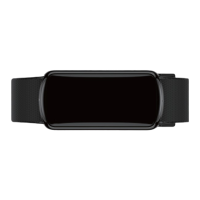
Press and hold the home button for 3-5 secs to access the menu options
Tap the home button until you find the Music option
Press and hold the home button for 3-5 secs to select and enter the Music control interface
Tap the home button to find your desired option, and press and hold the home button for 3-5 secs to select it


 To Next Page