GETTING STARTED
Download the Bivy app for iOS from the
App Store or for Android from the Play
Store. Create a Bivy account.
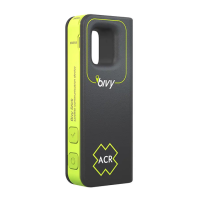
While in phone service or WiFi, turn on your Bivy Stick
by pressing the power button for 2 seconds. The power
indicator light will illuminate.
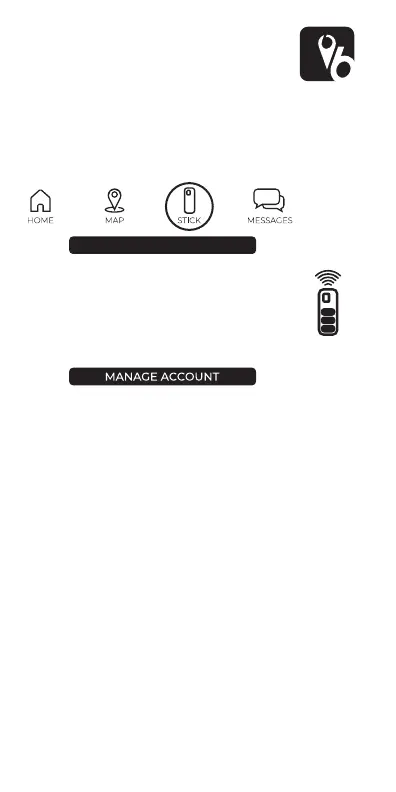
On the app menu, select “STICK.”
Select
Your Bivy Stick will now pair with your phone.
This will only take a few seconds. Once it is
connected you will see the battery life and
signal strength icon in the upper right corner
on the app.
Once your phone is connected to the Bivy Stick,
select
Follow the steps to activate your Bivy Stick. It will require
you to input emergency contact information and credit
card info. During this process you will also have the
opportunity to purchase a Global Rescue membership
for additional coverage in case of an emergency.
NOTE: SOS Monitoring and dispatch is a service provid-
ed by Global Rescue to all active Bivy Stick users as part
of your monthly service fee. A Global Rescue member-
ship provides additional services. More info about a
membership can be found here:
https://ss.globalrescue.com/partner/bivy/
During the activation process you will choose the data
plan you choose, the Bivy Stick will be active on the Iridi-
um satellite network for 30 days. Even if you use all your
allotted credits, you can still continue to use the Stick at
the rate of $0.50 per overage credit.
Once your Stick is activated, you will be assigned your
own dedicated phone number which will stay the same
-
ber on the STICK screen in the app.
CONNECT VIA BLUETOOTH
BIVY STICK
2


 To Next Page