USING THE APP
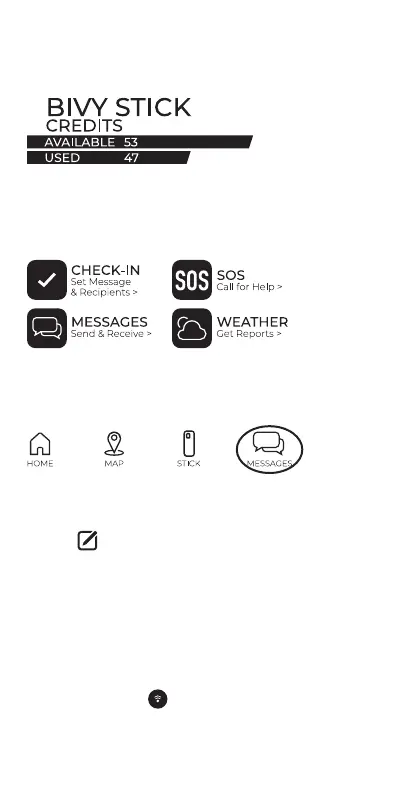
You can see the status of your Bivy Stick and account at
any time by using the app. On the HOME screen you can
see how many credits you have used and how many you
have remaining.
On the STICK screen, you will be able to see if your Stick
is active, when your active account renews or ends, and
your credit status. You can also navigate to many
features of Bivy Stick, including Messages, Weather, SOS,
and Check In message setup.
MESSAGING
Make sure you are connected to the Stick via Bluetooth.
Enter the Messages screen from the Stick page or by
tapping “MESSAGES” on the bottom menu.
The Bivy app will ask if you would like to sync your
contacts. This can take up to 5 minutes, depending on
how many contacts you have in your phone.
chain. Type in the name, number or email address of the
person you want to message. You can send one message
to multiple people, but each message will go to the
recipient individually, and replies will come in their own
thread. It does not work like standard group messaging.
Once you have picked your recipient, enter your mes-
You can also hit the Location button to the left of the
and a link for recipients to see your location on a map on
the Bivy website.
3


 To Next Page