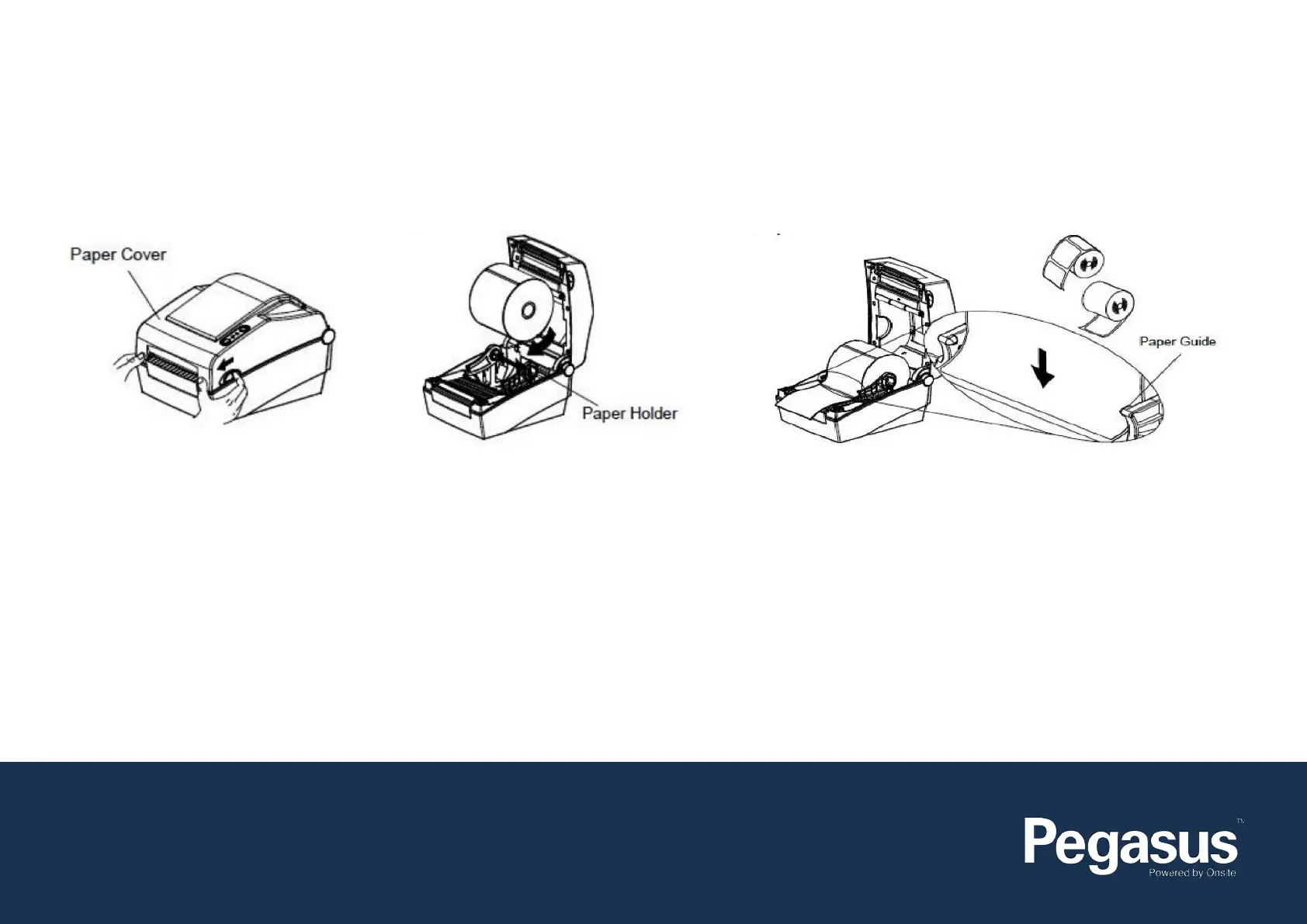
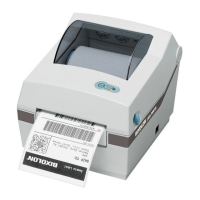
How to Install a Scker Roll:
This document is used to help diagnose and troubleshoot a Bixolon DX420
1. Open the Paper Cover 2. Spread the Paper Holder
and insert the paper roll
2. Pull the paper so that it extends out of the front of the printer*.
Push the paper under both of the paper guides.
* Whether the paper label is wound inwards or outwards, its printing
surface must face up.
Contact Us:
e: support@onsitetrackeasy.com.au
p: 1300 131 194
w: pegasus.net.au


 To Next Page