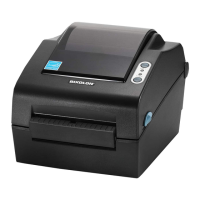
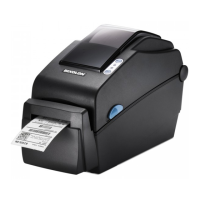
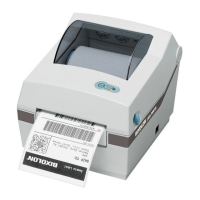
If the printer is displaying the more common errors highlighted above, you are free to attemot to rectify it by wither replacing the sticker roll or cleaning the
machine (see Cleaning Instructions).
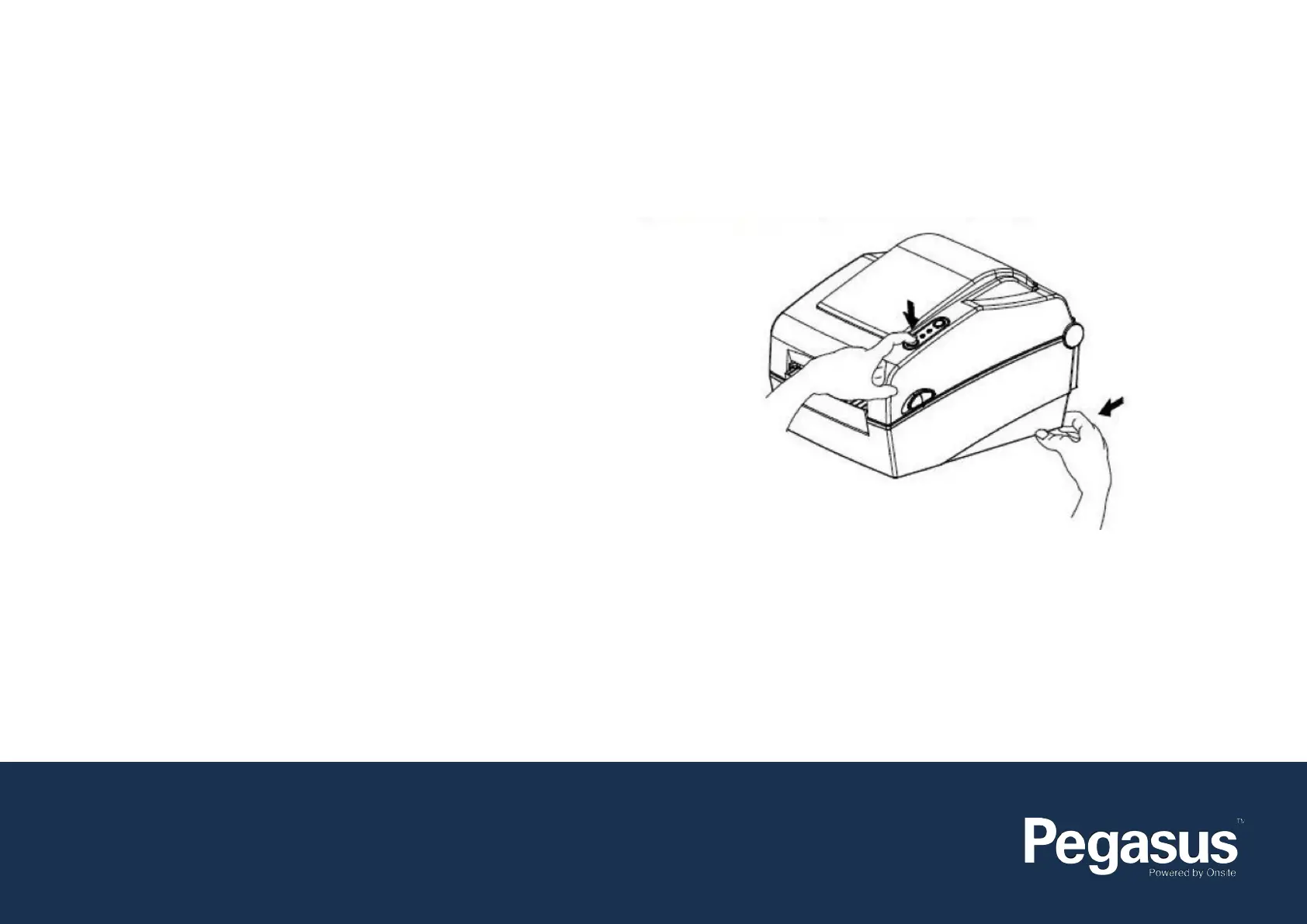
The self-test function checks whether the printer has any problems.
- Firmware version, printer conguration information, printing quality
checking pattern, and peripheral conguration information, etc.
Users cannot perform this procedure if using the printer’s label peel-off
option.
If the printer does not function properly, contact an authorised dealer.
The self-test checks the following:
1. Make sure that the paper roll has been installed properly
2. To begin the self-test turn on the power while pressing the feed button.
(Hold the button until the printer starts self-test printing).
If you are unable to resolve the issue or the problem persists, please call the Onsite Support Team on 1300 131 194 or email them on
support@onsitetrackeasy.com.au
Once you have spoken to an Onsite Support Technician complete the following steps:
Self Test:
Factory Reset:
This function is udes to reset the printer settings to factor defult settings.
How to reset the printer:
1. Press the Pause button for two seconds during Print Standby Mode.
2. Both LEDs will become an orange colour and the printer will be set to Stand-Alone Conguration Mode.
3. Press the Feed button at the third LED sequence (Status LED is green and LED 2 is blinking redfour times) to reset the printer to factory settings, and
Smart Media Detection funstion will be executed.
If neither the Self Test nor the Factory Reset resolve the issue, the Onsite Technician will advise you of the next steps.
Contact Us:
e: support@onsitetrackeasy.com.au
p: 1300 131 194
w: pegasus.net.au


 To Next Page