EasyManua.ls Logo

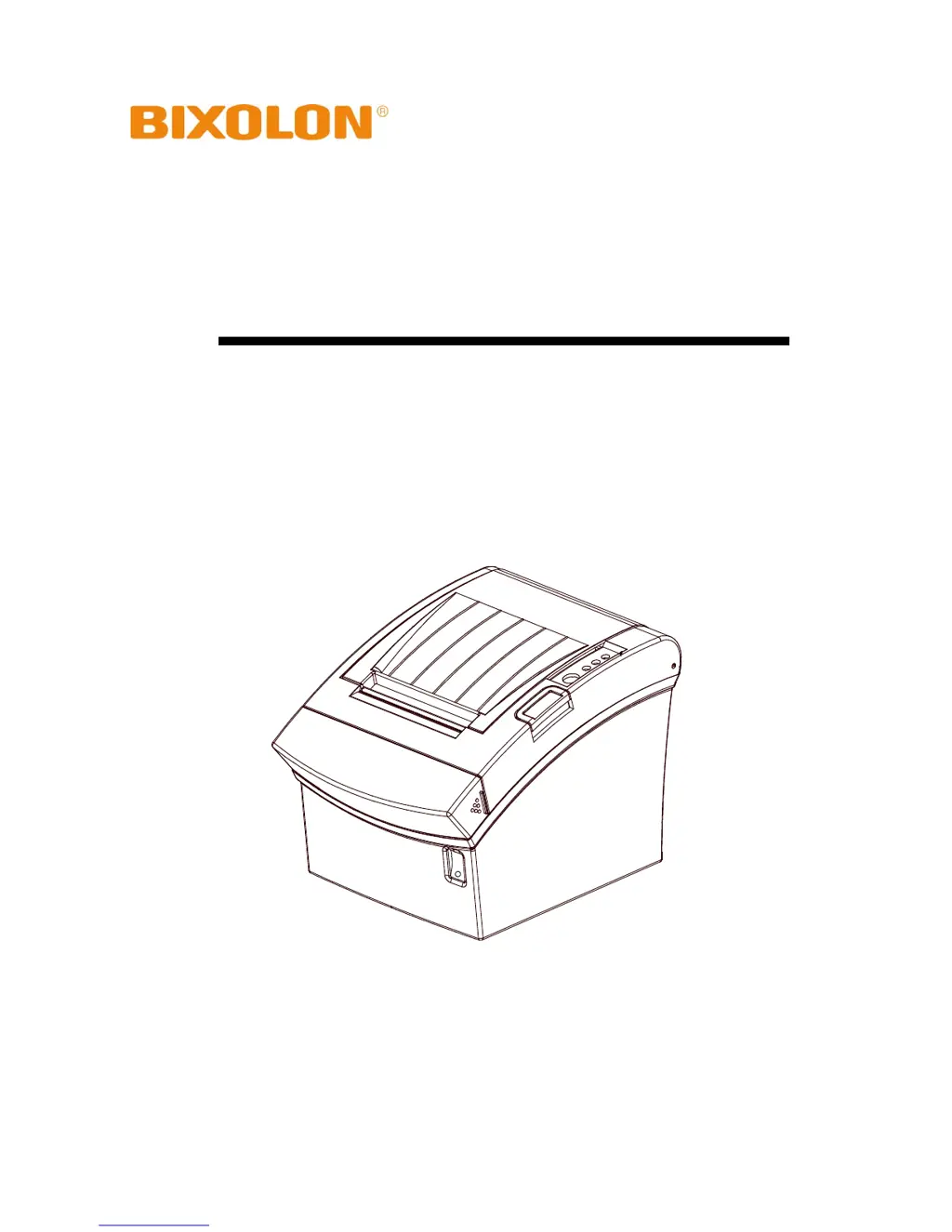
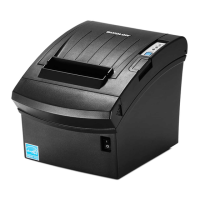
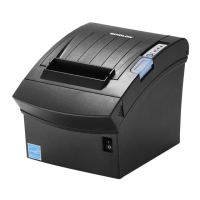
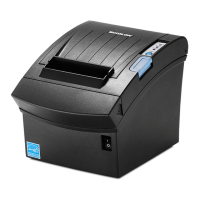
BIXOLON SRP-350IIOBE - User Manual

BIXOLON SRP-350IIOBE
20 pages
Print Icon
To Next Page IconTo Next Page
Loading...
User's Manual
SRP-350IIOBE
Thermal Printer
Rev. 1.01
http://www.bixolon.com

Other manuals for BIXOLON SRP-350IIOBE

Questions and Answers

  • B
    Bill SchmidtAug 5, 2025
    What to do if printing doesn’t work on my BIXOLON SRP-350IIOBE?
    • M
      Mackenzie CarterAug 5, 2025
      If printing isn't working on your BIXOLON Printer, start by verifying the network settings. Ensure that the IP Address band of the printer and the AP (or wireless terminals) are the same, and that the subnet mask of the printer matches the one in AP (or wireless terminal). Also, check that the port configured in the printer and the host (PC, PDA) are the same. If you're manually entering the IP address, confirm that it's not already in use by another device to avoid IP address collisions. Perform a Ping Test to the printer IP. To rule out LAN cable issues, connect the printer's cable to another terminal or PC to ensure it functions correctly.

Summary

Safety Precautions

Electrical and Cable Safety

Covers warnings for electrical connections, multi-outlets, wet hands, and cable handling.

Adapter and Child Safety

Covers adapter usage warnings and keeping plastic bags from children.

Cautionary Measures

Handling Printer Malfunctions

Instructions for printer smoke, odor, noise, or out-of-order operation.

Physical Safety and Maintenance

Covers printer placement, unauthorized repairs, foreign objects, and desiccant safety.

Setting Up the Printer

Connecting the Cables

Ethernet Communication Setup

Details Ethernet communication specifications and interface cable.

USB Communication Setup

Details USB communication signal descriptions and pin assignments.

Connecting Peripherals

Printer Operation and Maintenance

Connecting the Power Supply

Printer Diagnostics

BIXOLON SRP-350IIOBE Specifications

General IconGeneral
Print Resolution203 dpi
Paper Width80 mm
Dimensions145 x 195 x 146 mm (5.70 x 7.67 x 5.74 inch)
Weight1.7 kg (3.75 lbs)
Power SupplyExternal Power Adaptor
Auto CutterYes
InterfaceUSB, Serial, Ethernet

Related product manuals