EasyManua.ls Logo

BIXOLON SRP-E302 - Page 101

BIXOLON SRP-E302
122 pages
Print Icon
To Next Page IconTo Next Page
To Previous Page IconTo Previous Page
Loading...
SRP-E300/302
Ver. 1.01 BIXOLON
- 101 -
GS H
Function:
Selects print position of HRI characters
Code:
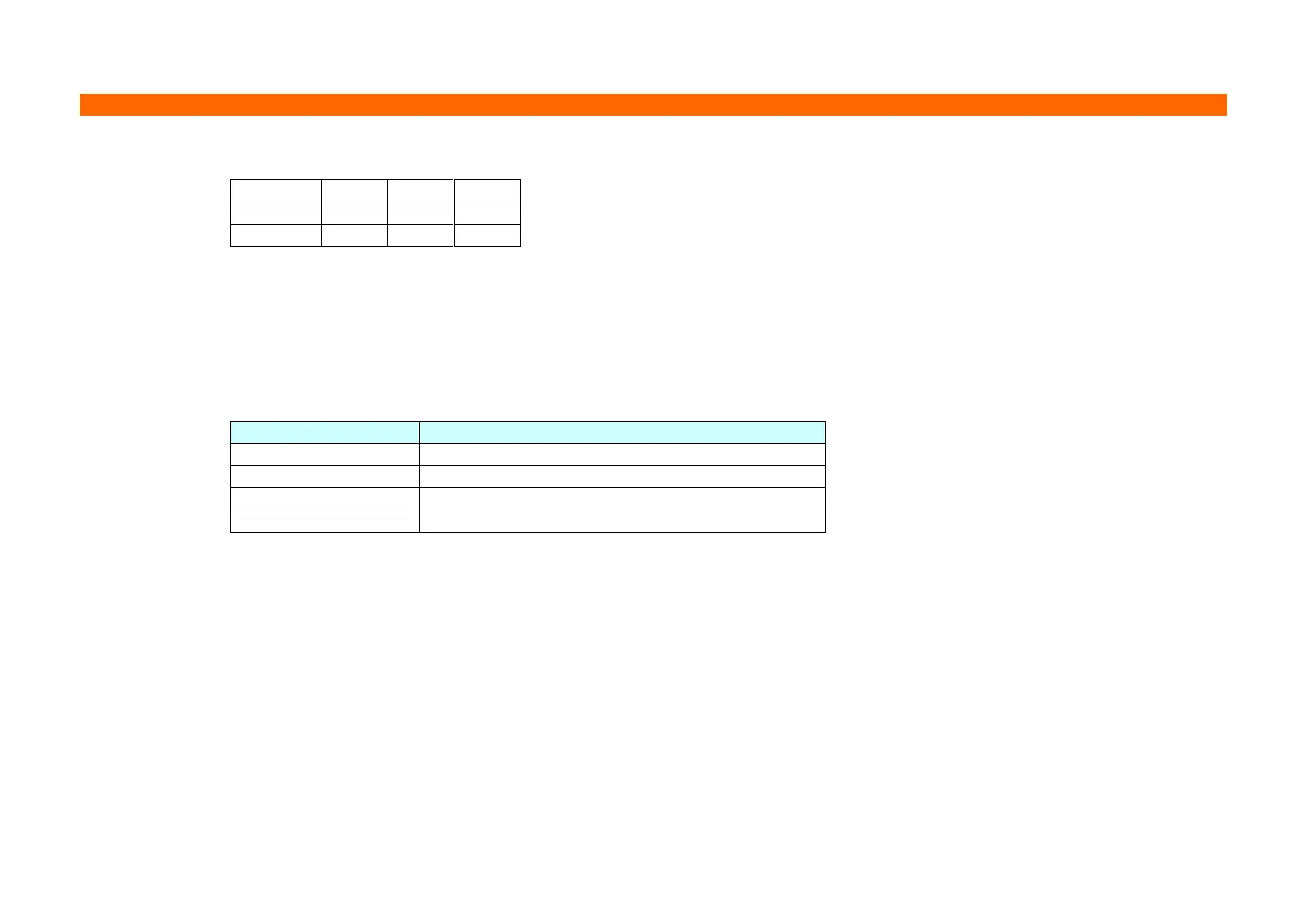
ASCII
GS
H
n
Hex
1D
48
n
Decimal
29
72
n
Range:
0 ≤ n ≤ 3, 48 ≤ n ≤ 51
Default:
n = 0
Description:
This command selects the printing position of HRI (Human Readable Interpretation) characters when printing a bar
code.
The printing position is set according to the value of as follows:
n
Printing position
0, 48
Not printed
1, 49
Above the bar code
2, 50
Below the bar code
3, 51
Both above and below the bar code
Remarks:
The font of the HRI characters is defined by GS f.
The setting of this command remains effective until ESC @, printer reset or power cycling is executed.
Differences:
None

Other manuals for BIXOLON SRP-E302

Related product manuals