Labeling
Operating instructions GLP
2 -- 6
6.562.98.5.01.18
2.1.9 Calling article data via direct PLU keys on
GT240 keyboard
If in mode level 5 PLU change type ”
Keys 1--96
” is set and on the GT--CT in mode
level 5 PLU change type “PLU number” and if the relevant PLU numbers have
been assigned to the direct PLU keys, 96 articles may easily and fast be called up
via direct-PLU keys.
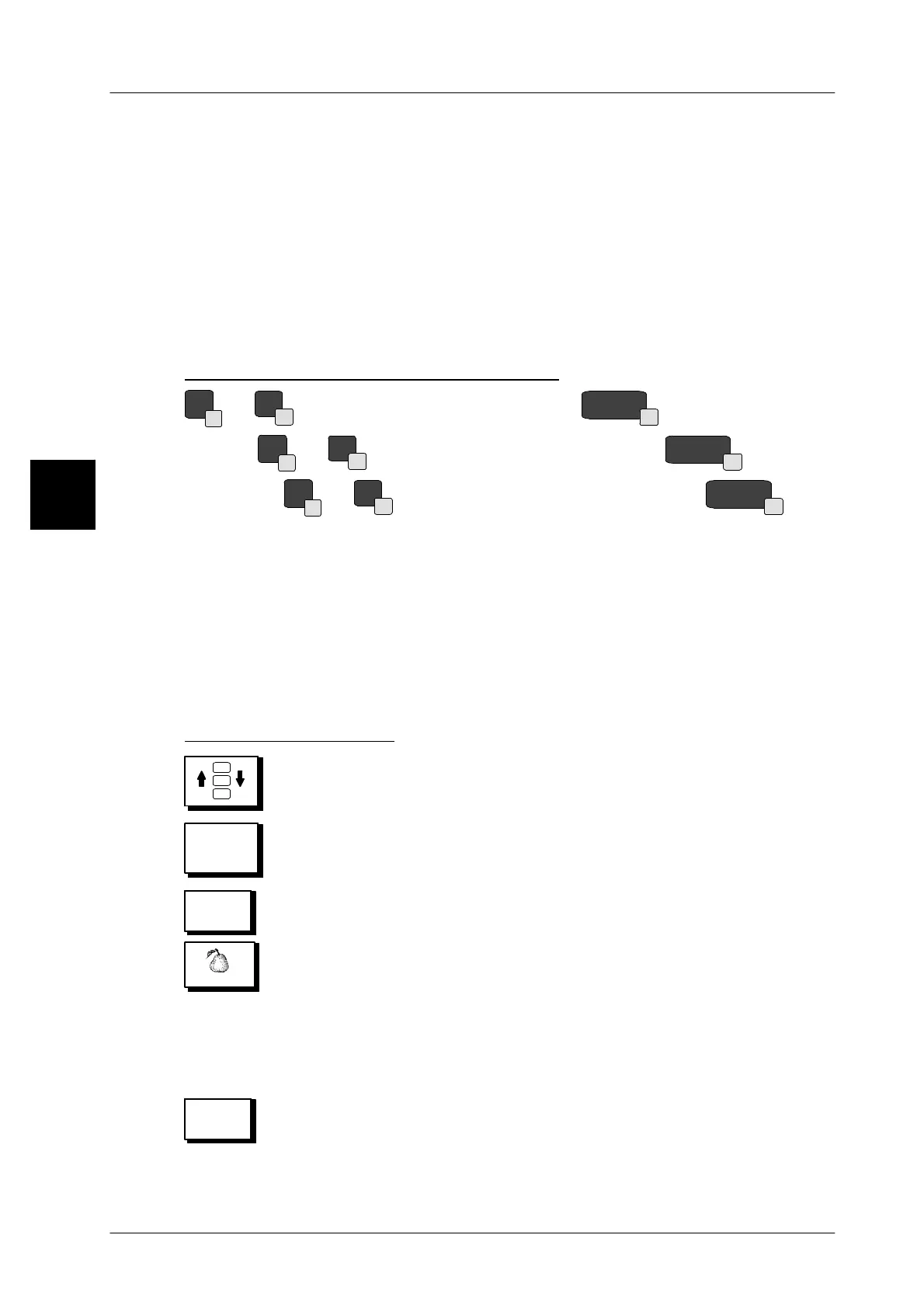
The direct PLUs are called via the alpha keys. The direct PLU numbers 1--31 are
located at the right bottom field. The number 32 is to be found next to the space
key. To call the direct PLUs 33 -- 64, press the [SHIFT] key in addition. For calling
the direct PLUs 65 -- 96, activate the key [SECOND] in addition before making
the call.
Direct PLU keys on GT240 keyboard
Q
1
--
--
31
--
direct PLU keys 1 -- 31, SPACE
32
= direct PLU 32.
[
SHIFT
]
Q
1
--
--
31
--
direct PLU keys 33 -- 63,
[
SHIFT
]
SPACE
32
= 64
[
SECOND
]
Q
1
--
--
31
--
direct PLU keys 65 -- 95,
[
SECOND
]
SPACE
32
= 96
2.1.10 Call article data via Quick keyboard on GT--CT
If the GT--CT display is connected and if the PLU change type ”Quick keyboard”
is set in mode level 5 and the Quick keyboard appropriately programmed (see
Chap. 1.4.13 from page 1 -- 71), then up to 60 or 160 articles can be called quickly
and simply via ”Touchbuttons”. The article data can also continue to be called ma-
nually via its PLU and, if need be, its specific customer number!
Call Quick keyboard
-- Switch function keyboard
Quick
keyboard
-- Call Quick keyboard display
-- If required, activate the specific keyboard level in the lower touch-
button row.
PEARS
-- Operate respective article touchbutton
The article data of the article concerned is called up via the assi-
gned PLU and possibly customer number.
The Quick keyboard called up is called again automatically when
the device is switched off and on.
-- If the Quick keyboard is no longer displayed for another entry or
presetting, their display can be switched on again by using the
”Back” key.
2
Fruits
Back


 To Next Page
 Loading...

