Labeling
Operating instructions GLP
2 -- 9
6.562.98.5.01.18
2.2.4 Calling up service functions with ”Service Key”
To call up standard macros (see below) or customer--specific generated and sa-
ved service macros, press the [SERVICE] key.
If customer--specific service macros have not been created, select and call up
the standard service functions described below.
In the event that customer--specific macros have been created, call up and acti-
vate the macro stored under ALT--1 via ’Setup’, the macro stored under ALT--2
via the ’Service menu’ and that stored under ALT--3 via ’Memocard’.
The standard service functions ”Setup” and ”Memocard” can only be called up
by the operator if the ”Restore default macros” function in mode level 5 has pre-
viously been activated (see programming instructions).
To recall standard service macros by means of the [SERVICE] key after having
called up customer--specific service macros, activate them prior to their being cal-
led up via the function ’Restore default macros’ at mode level 5. The procedure
is described in greater detail in the programming instructions.
Operating sequence: Description
------------------------------------------------------------------------------------------------------------------------------------------------------
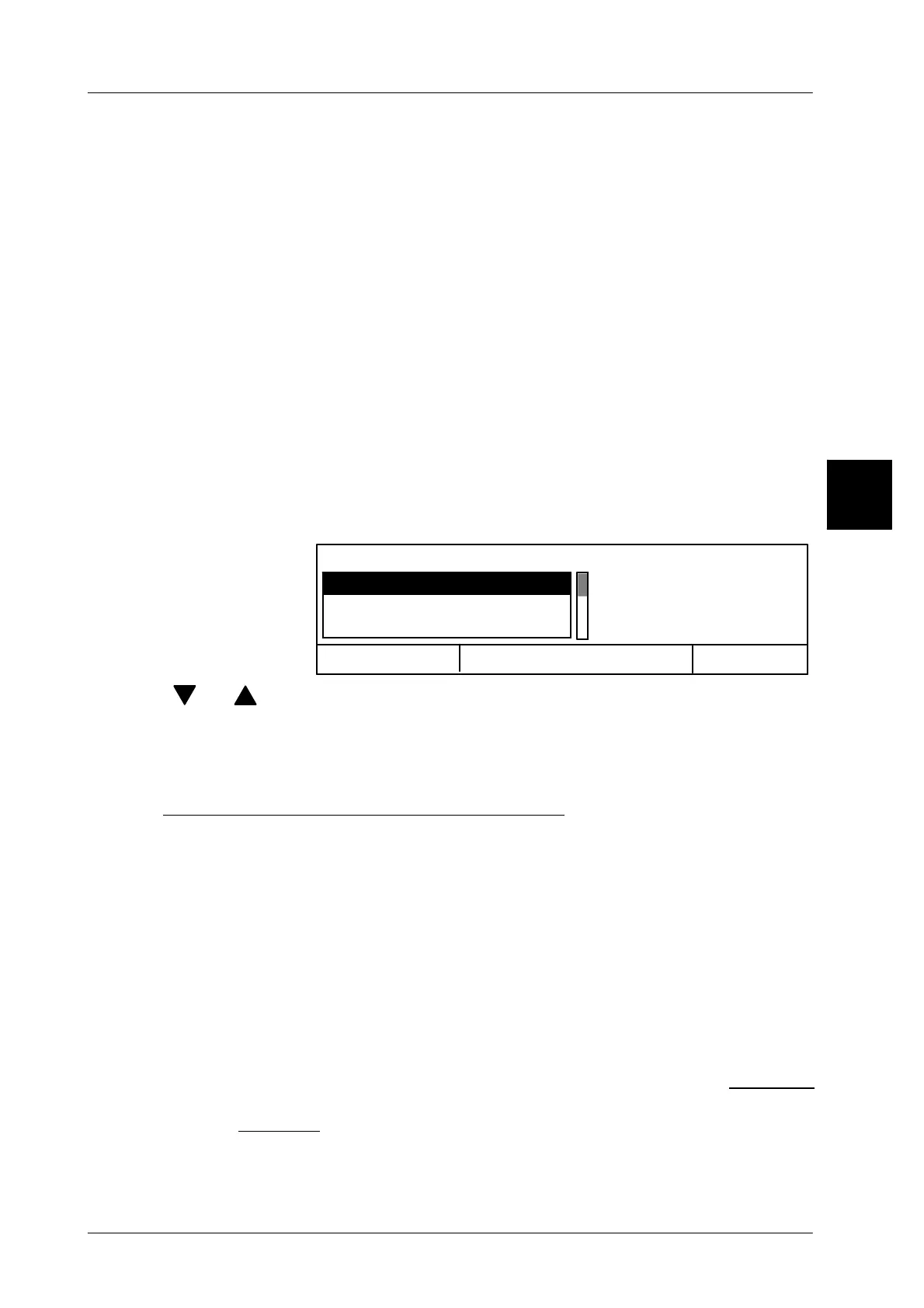
[SERVICE] -- Call the service function.
Cancel <ESC>
OK <ENTER>
Operator language
Service key:
Service menu
Memory card
[ ] , [ ] -- Select the desired service function using the cursor keys.
[ENTER] -- Acknowledge the selection. This causes the relevant macro to
be called up. After its activation you will automatically return
to the initial point.
Description of the standard service functions
Setup Can only be called after activating the default macro (see
above). Call up the function ’Load setup’ (see page 4 -- 16).
Service menu Call up ’System services menu’ in the service menu of mode
level 5 (see page 4 -- 17).
Memory card Can only be called after activating the default macro (see
above). Call up the ’Memocard’ menu of mode level 5 (see
page 4 -- 18
).
Operator language Call up selection menu for the operator language in mode
level 2 (see page 4 -- 20
).
The complete setup and memory card functions are described in section 4
of the programming instructions. A description of the service functions is
given in section 5 of the programming instructions.
2


 To Next Page
 Loading...

