Labeling
Operating instructions GLP
2 -- 10
6.562.98.5.01.18
2.3 Description of labeling and total functions
2.3.1 Addition of relevant prices and weights
If “with totalization” is set at mode level 5, the weight and the selling price of the
labeled articles can be added up in different total memories and displayed as
needed (see page 2 -- 31) or printed on normal labels or customer labels (see
section 3.4).
The following total memories are available:
Totals 1--3: any desired piece, weight, price and tare total
Example of totals 1 -- 3:
Total 1 = carton total, total 2 = pallet total, total 3 = order total. For totals 1 -- 3, any
desired totals may be preset in a preselectable total type (see section 3.6.1)
Article total: piece, weight and price total per article (PLU)
Product group tot.: piece, weight and price total per product group
Daily total: piece, weight and price total, e. g. of one day
Tare total: accumulated tare weight and number of packages
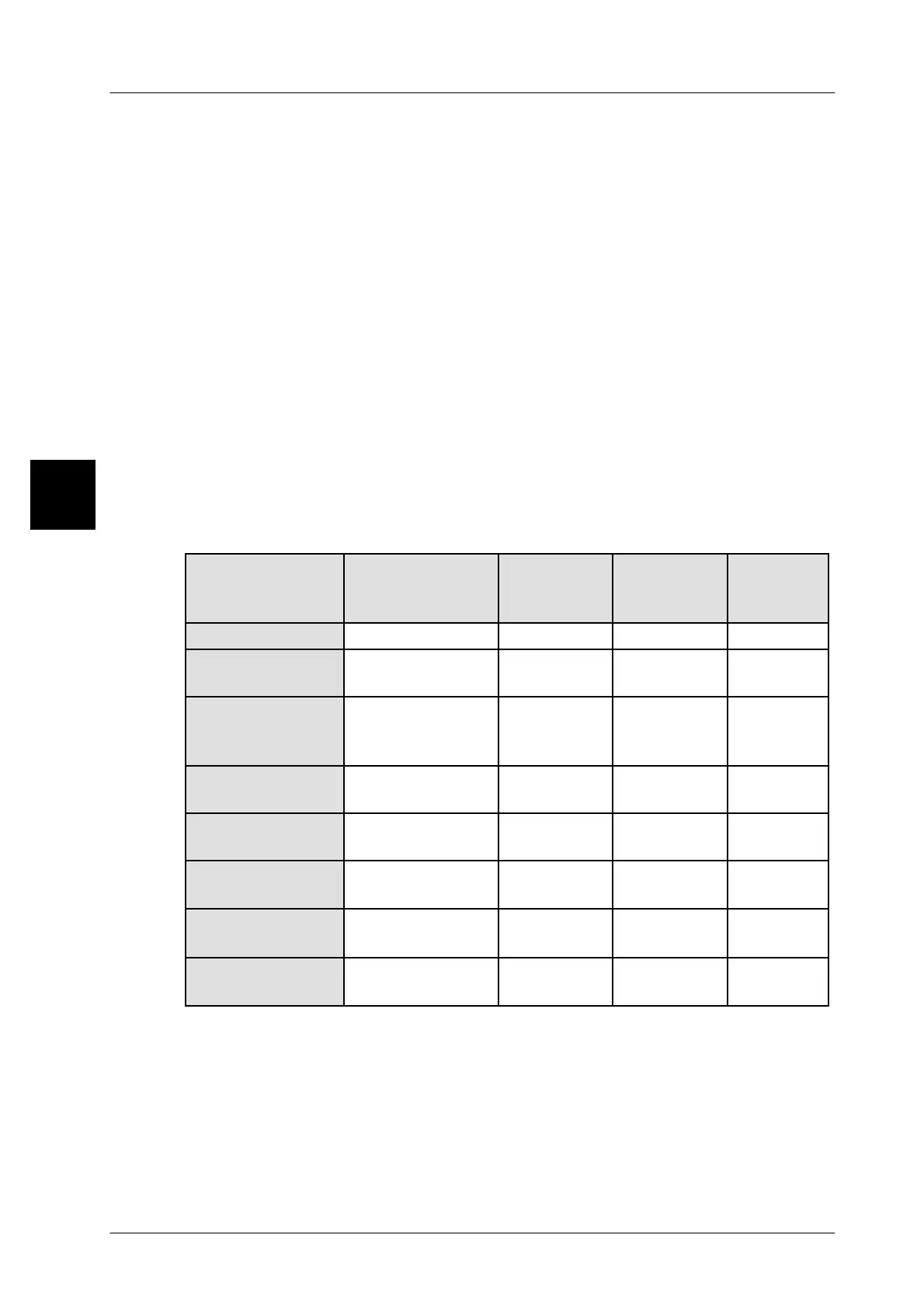
Totalization resulting in the following totals:
Weight total Totals
concerned
Printout on
label in ..
Printout on
list in ..
Printout
in bar
code
Tara total Totals 1 -- 3 Tare field Tare field Tare
Total of gross
weights
Totals 1 -- 3 Gross-
weight field
Gross
weight field
Gross
weight
Total of net
weights
Totals 1 -- 3 Net fil.
quantity
field
Net fil.
quantity
field
Net weight
Total or price--
relevant weights
All totals Weight field Weight field Weight
Total of ingre-
dient weights
Totals 1 -- 3 Ingredient
field
Ingredient
field
----------------
Total of drained
weights
Totals 1 -- 3 Drained
weight field
Drained
weight field
Drained
weight
Price total (pri-
mary price total)
All totals except
for tare total
Price field Price field Price
Secondary price
total
All totals except
for tare total
Secondary
price field
Secondary
price field
Secondary
price field
A tare total formed in the total memories of totals 1--3 is only printed out on 68 mm
labels or according to the configured customer labels. The relevant tare total may
include additionally preset tare weights for cartons, pallets etc. (see section
3.6.7).
The ingredient and drained weights may only be printed out on customer--specific
labels, in appropriately created data fields.
2



 To Next Page