Presettings for labeling
Operating instructions GLP
3 -- 5
6.562.98.5.01.18
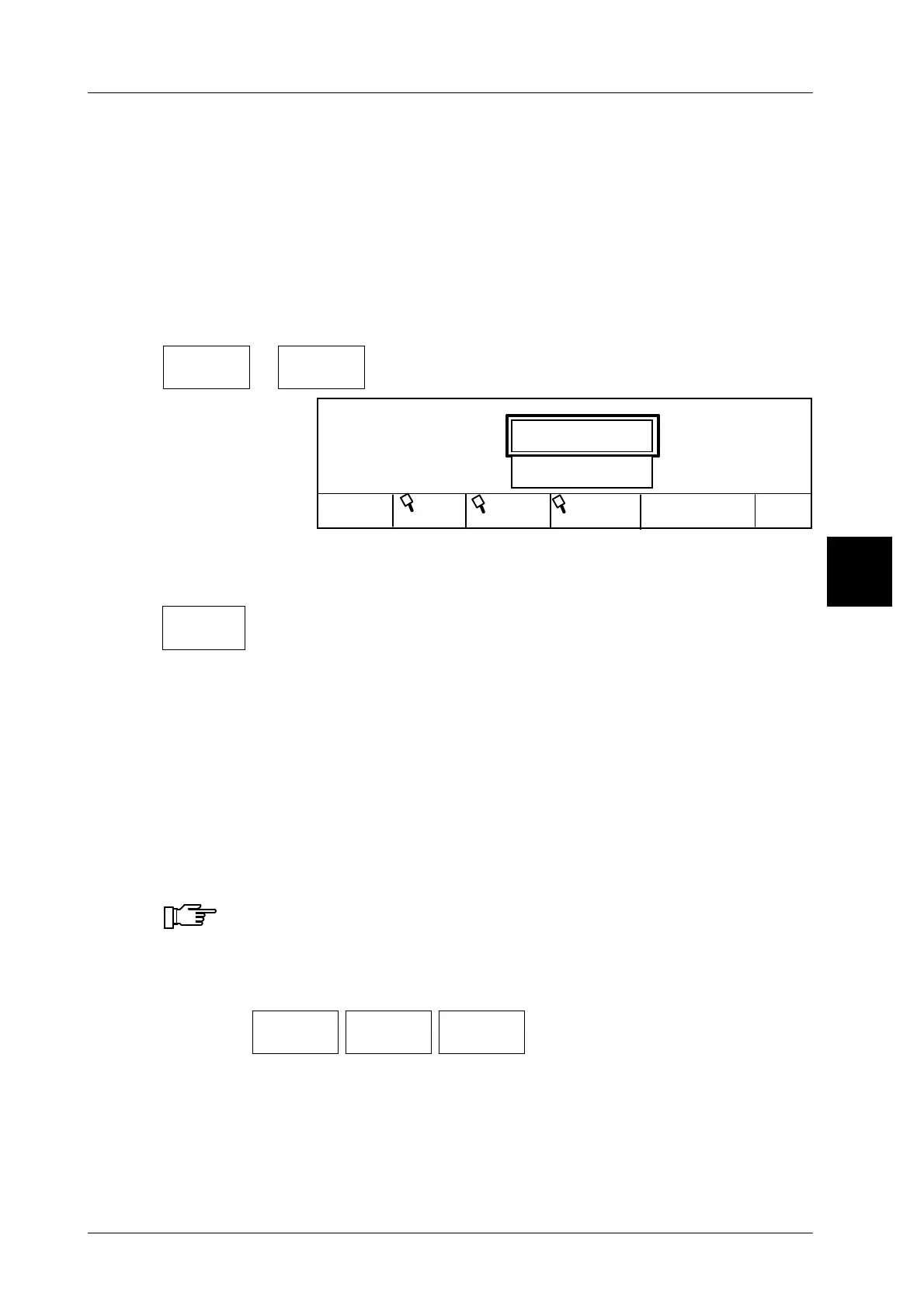
Call up article data via PLU number and pre--defined customer number
If in mode level 5 in the database KNVORB the attribute “Customer number”
is set to local or global and the “Customer number preset” is activated as PLU
change type, you can store the entered combination PLU number and customer
number as pre--defined setting into the database. When called up again, only the
PLU number must be entered. The assigned customer number is displayed. If re-
quired, it can also be edited and thus an article of a different customer number is
called up.
Operating sequence: Description
------------------------------------------------------------------------------------------------------------------------------------------------------
P L U
or
Customer
number
-- Call up article data
Load record
P L U
1340
P L U
Save in
OK
Cust. number
2020
Cust.
PLU text
database
x x x
[ENTER]
--
Enter the P L U number and acknowledge, e.g. 1340.
x x x
[ENTER]
--
Enter the customer number and acknowledge, e.g. 2020.
Save in
database
-- Call function store combination into database
xxx [ENTER] -- Enter password and acknowledge.
[ENTER] -- Store combination PLU-- and customer number into database
and call up article data.
3.1.3 Price
3.1.3.1 Unit price
A unit price may be entered here or, if required, the unit price called up via the PLU
data may be changed.
A unit price softkey presented in grey indicates that the input of a new
unit price is locked because of a setting made at mode level 5. A unit
price must then be changed directly under the PLU data at mode level 3.
Operating sequence: Description
------------------------------------------------------------------------------------------------------------------------------------------------------
[MODE] 2
Article
data
Price Unit
price
-- Call up the input menu.
xx [ENTER] , [ETC] -- Enter the new value and acknowledge or secure
(see page 1 -- 32).
3



 To Next Page