Presettings for labeling
Operating instructions GLP
3 -- 6
6.562.98.5.01.18
Price types*
Only possible if ”
with unit price intervals
” is set at mode level 5.
A different price type may be selected here, or the price type called up with the
PLU data may be changed.
Operating sequence: Description
------------------------------------------------------------------------------------------------------------------------------------------------------
[MODE] 2
Article
data
Price Unit
price
-- Call up the selection menu.
[ ] -- Go to the price selection menu using the cursor key.
9,50 €
pro Einheit
Unit price
$ 9.80
per unit
[SELECT] -- Advance to unit price type selection.
per unit
per 100g
[ ] , [ ] -- Select the new unit price type, e. g. price per 100g.
[ENTER] -- Acknowledge the selection.
Changing the price per price type
[ ] -- Go to price input using the cursor key.
xxxx
--
Enter a new unit price, e. g. $ 0.99/100 g.
9,50 €
pro Einheit
Unit price
$ 0.99
per 100 g
[ENTER] -- Acknowledge input.
[ENTER] -- Return to the basic display.
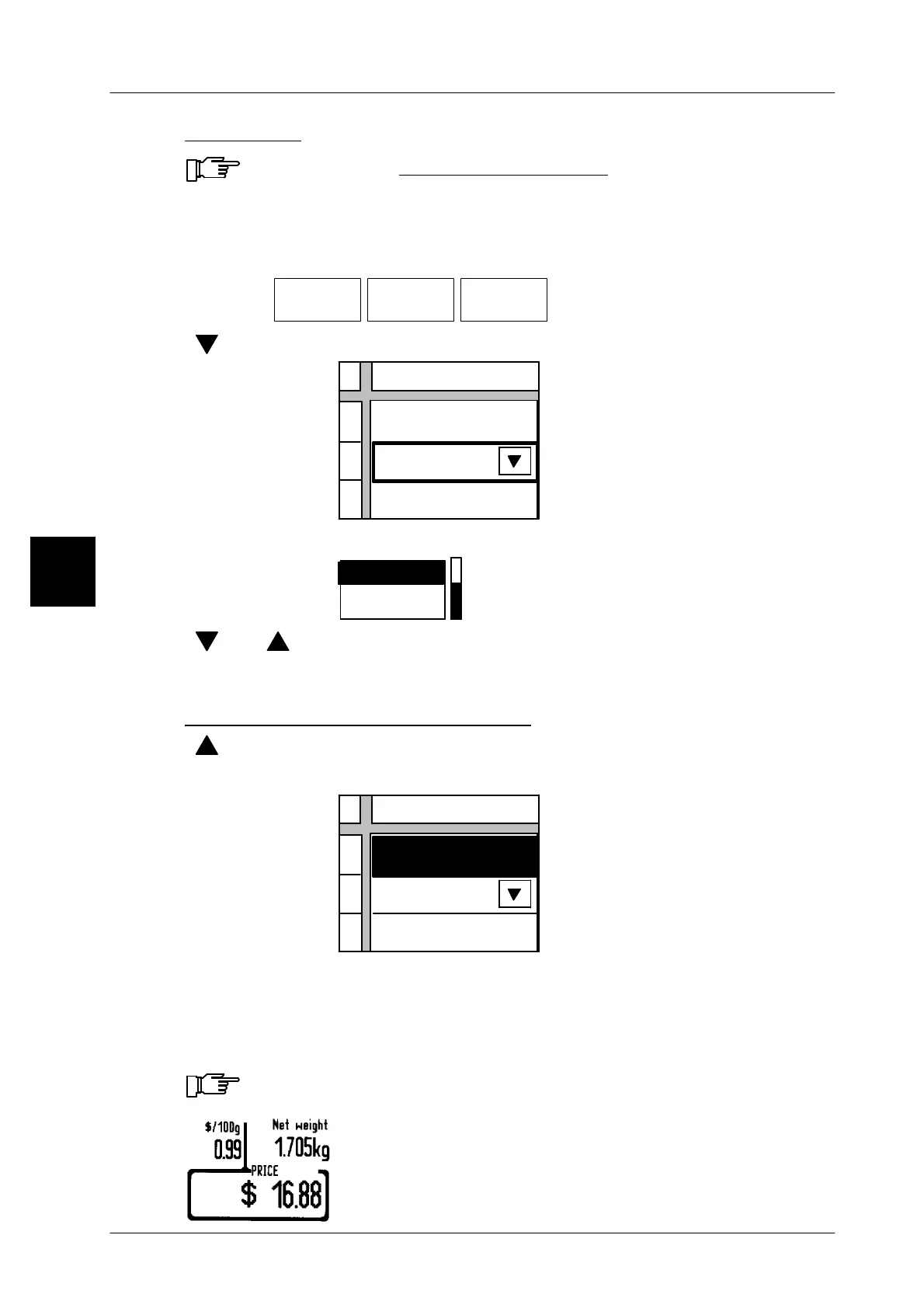
The unit price/100 g is displayed on the upper left of the unit price window and the
unit price/kg above the unit price softkey.
When changing the weight type (see page 3 -- 15), the price is auto-
matically reset to ”Price per unit”.
The unit price is printed on the label in the selected price type,
e.g. unit price/100g.
3



 To Next Page