Presettings for labeling
Operating instructions GLP
3 -- 19
6.562.98.5.01.18
Defining how weight is displayed screen and on printout
Whether the weight is to be indicated in kg or grams on the labels and on the dis-
play may be preset here.
Depending on the label type this presetting may also be made un-
der label parameters in the database!
Operating sequence: Description
------------------------------------------------------------------------------------------------------------------------------------------------------
[MODE] 2
Article
data
Weight Print
weight
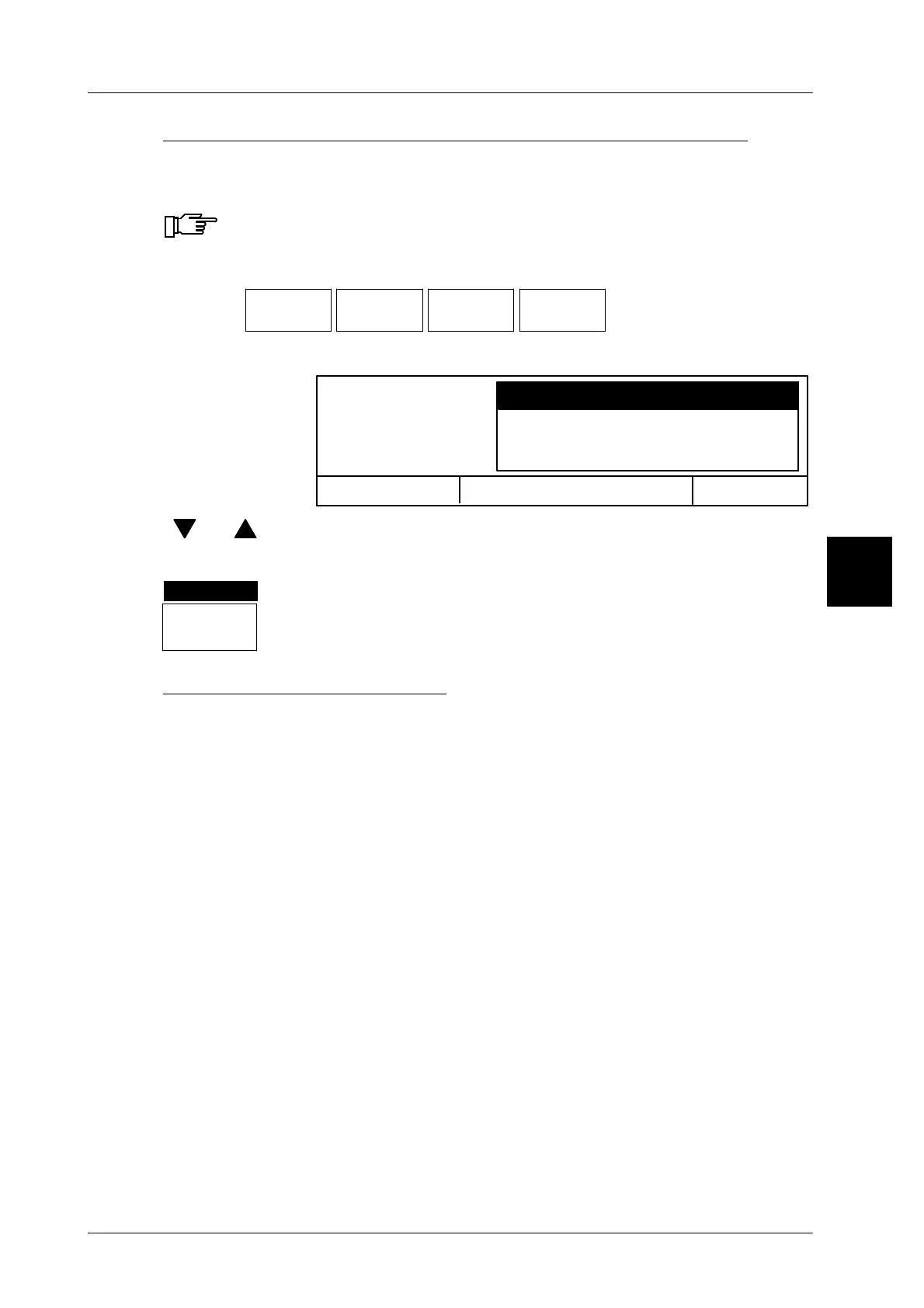
Weig.displ.
displ./pr.
Call up the selection menu
Selection menu is displayed.
OK <ENTER>
Weig.displ. displ./pr.
Display in kg, print in kg
Display in g, printout in g
Display in kg, print up to 1 kg in g
Cancel <ESC>
[ ] , [ ] -- Select required display and print mode.
[ENTER] -- Confirm selection
kg ,001
Weight displ.
displ./print
The selection is displayed inversely in the softkey
.
Description of possible settings
Display in kg, print in kg The weight value is displayed in kg and
printed in kg on the labels (Standard).
Display in g, printout in g The weight value is displayed in g and
printed in g on the labels.
Display in kg, print up 1 kg in g
The weight value is displayed in kg and
printed on the labels in grams if weight is
less than 1 kg.
Display in g, print from 1 kg onwards in kg The weight value is displayed in
grams and printed on the labels in kg if
weight is more than 1 kg.
3



 To Next Page