Presettings for labeling
Operating instructions GLP
3 -- 20
6.562.98.5.01.18
Printing gross weight on customer labels
The gross weight may only be printed on customer labels in a data field
particularly provided for this purpose.
Operating sequence: Description
------------------------------------------------------------------------------------------------------------------------------------------------------
[MODE] 2
Article
data
Weight Print
weight
-- Call up the selection menu.
Gross
weight
+
Select ”with(+)” if the gross weight is to be printed on customer
labels in a data field especially provided for this purpose.
Standard setting: without(--)
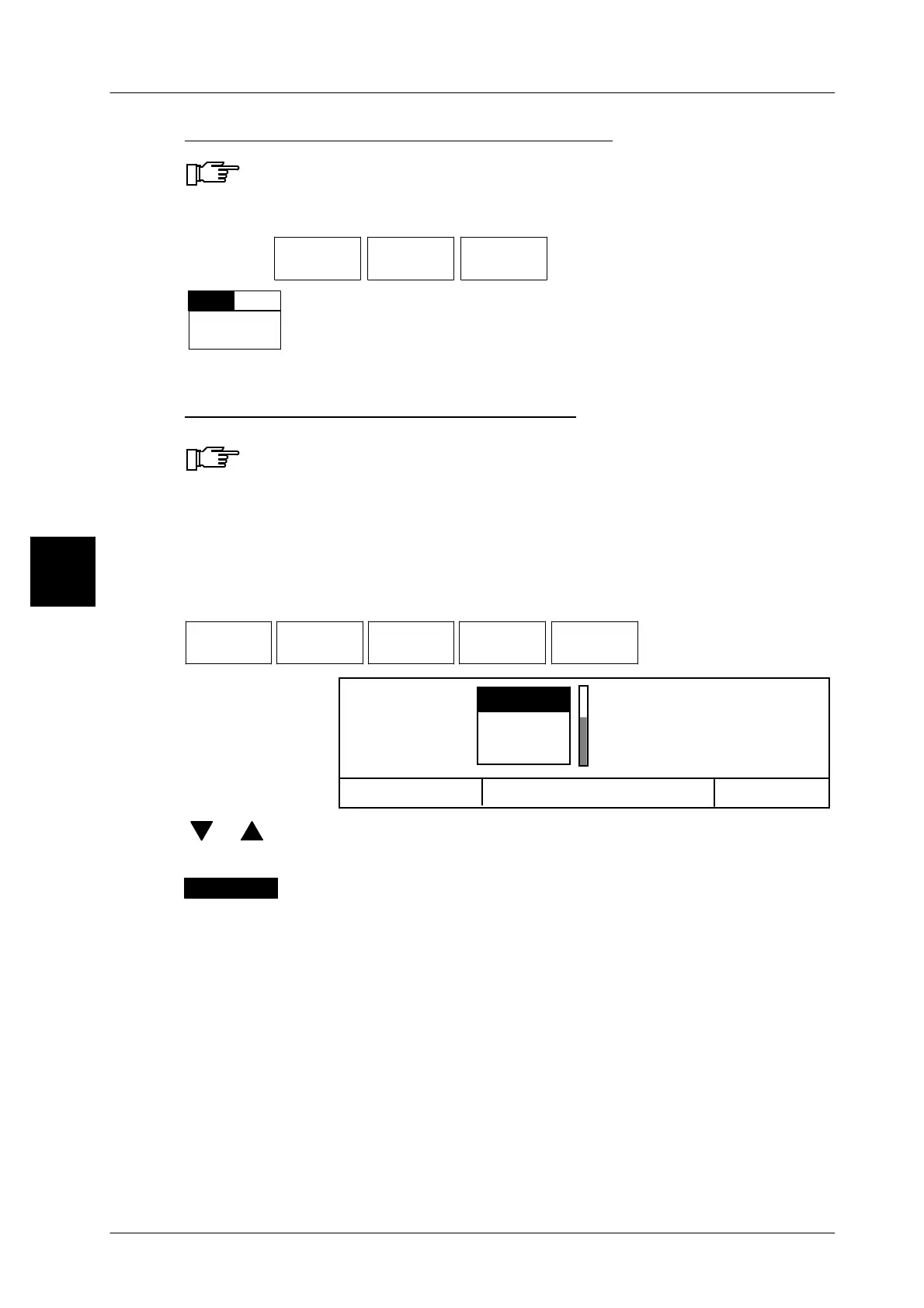
Printing weight in second weight type
A second weight may only be printed on customer labels in a data field
particularly provided for this purpose.
Customer labels offering 2 weight fields permit a weight to be printed on the label
in 2 different weight types. While, for example, the weight is printed in weight
field 1 according to the scale type, a different weight type may be selected here
for the weight in weight field 2, e. g. weight 2 in LB.
Operating sequence: Description
------------------------------------------------------------------------------------------------------------------------------------------------------
Article
data
Weight Print
weight
Weight
2
Weight
types 2
--
Call up selection menu.
OK <ENTER>
kg ,0001
kg ,001
Weight types 2
without
Cancel <ESC>
[ ] , [ ] -- Select the relevant weight type by.
[ENTER] -- Acknowledge the selection.
The selected weight type 2 is inversely presented above the
softkey.
3
without



 To Next Page