Presettings for labeling
Operating instructions GLP
3 -- 38
6.562.98.5.01.18
Operating sequence: Description
------------------------------------------------------------------------------------------------------------------------------------------------------
[MODE] 2
Texts Extra
texts1--20
Text
1
Call up the text editor, e. g. for text 1
Text
1
-- Call up the text editor for the text, e. g. for text 1
[ETC] -- Call up the selection menu beforehand for texts 13--20.
-- Enter the text as described in section 2.2 of the programming
instructions.
Enter the text as described in section 2.2 of the programming instructions.
Save the entered text temporarily:
If the entered text is to be stored only for the current labeling procedure, close the
text input by selecting ’Terminate’. Calling up this PLU for the next time causes
the previous text to reappear.
-- Call up the function ’Terminate’.
This causes the text editor to
be exited. From the next label onward, the text entered is printed
in the respective text field on the label.
Storing texts in the database
If the text entered is to replace the previous text in the database, then save the
text in the database with the ”Secure” function! The preset text number must then
be entered as a text number under the PLU data!
Secure
-- Call up the ’Secure’ function.
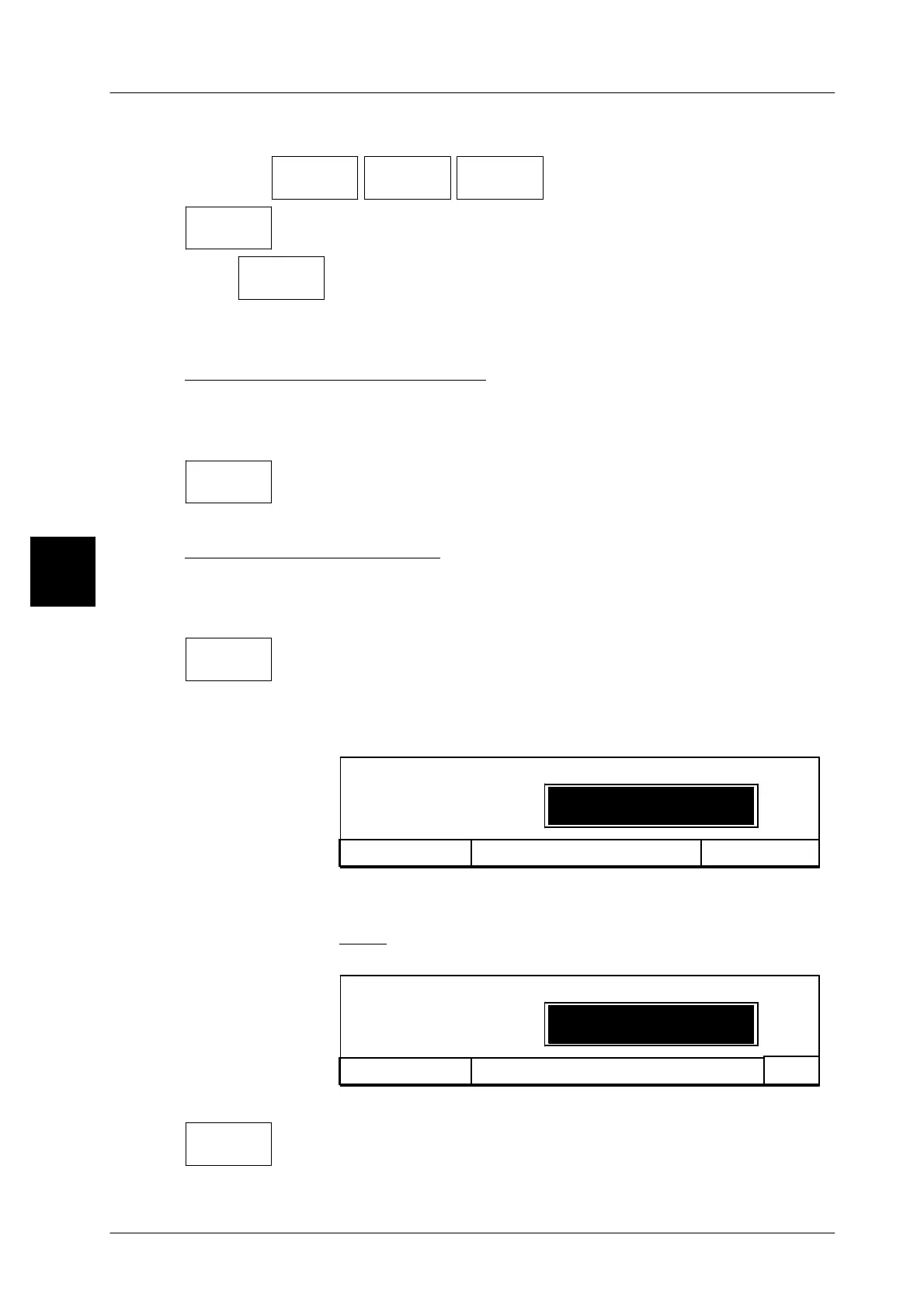
xxxx -- Enter the password of mode level 3.
The password is entered via a hidden input, i. e. each charac-
ter entered appears as an asterisk in the input field.
Cance l <ESC>
****
Save in database: local
Enter password
OK <ENTER>
[ENTER]
--
Acknowledge password entry.
xxxx -- Enter the text number for the text to be stored, e. g.1000.
Note: text number for PLU texts with max. 9 digits
text number for date texts with max. 2 digits
Cancel<ESC>
OK
Save: Text
Text number
_ _ _ _1000
[ENTER]
--
Acknowledge the input.
-- Then call the ”Terminate” function.
The text editor is exited.
The modified text is automatically called up when calling up the respective PLU.
3
Texts
13--20
Terminate
Terminate


 To Next Page
 Loading...

