Presettings for labeling
Operating instructions GLP
3 -- 39
6.562.98.5.01.18
3.2.2 Date texts
Preset standard date texts or entered variable date texts may be printed on
blanks labels in addition to the packing and best before/sell--by date. If the varia-
ble date texts are to be printed on blank labels, the operating mode ”with variable
date text” must be set (see page 3 -- 140).
The variable date texts may be entered at mode level 3 or 4 under the text num-
bers and allocated to the relevant articles under the PLU data. There is also the
possibility of entering them directly or changing date texts called up via the PLU
data. Date text inputs are made by means of a convenient text editor. This editor
is described in the programming instructions in section 2.2.
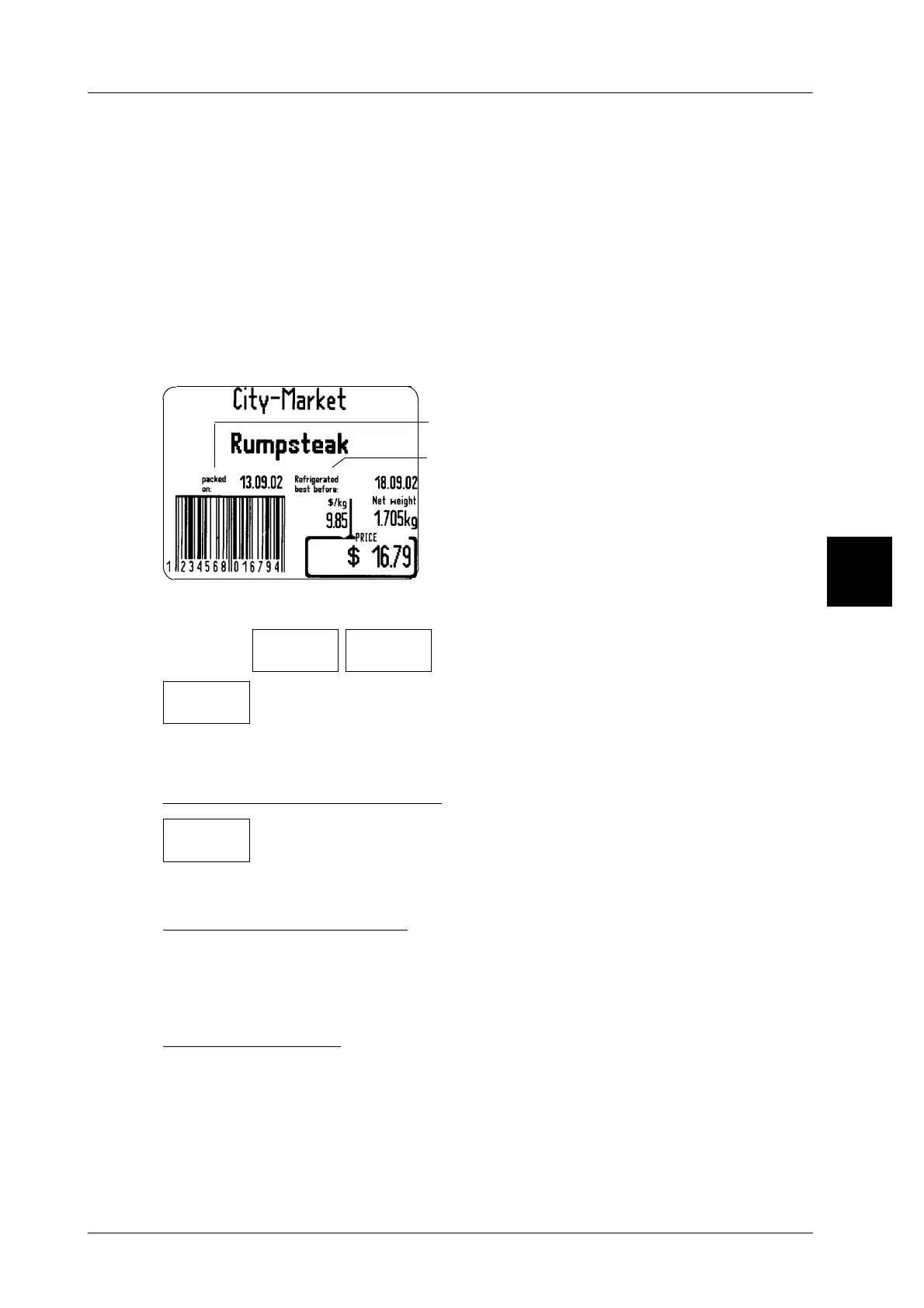
Date text fields on standard labels:
Date text field 3 on customer labels only
Date text field 1:
Text for packing date (date 1)
Date text field 2:
Text for sell--by date (date 2)
Operating sequence: Description
------------------------------------------------------------------------------------------------------------------------------------------------------
[MODE] 2
Texts Date
texts
-- Call up the input menu.
Date
txt fld1
-- Select the date text field, e. g. date text field 1.
-- Enter the text as described in section 2.2 of the programming
instructions.
Storing text for current labeling
-- Call the ”Terminate” function.
This causes the text editor to be exited and the date text entered
to be printed on the next label along with the respective date.
Storing text in the database
If the text entered is to be permanently stored in the database, close the text input
with the ”secure” function (see page 3 -- 38).
Printing date text
In addition to the packing date and the best before/sell--by date, a standard text
or a customer--specific date text may be printed out on blank labels. The relevant
settings are described on page 3 -- 140.
Standard setting: without printout of date text
3
Terminate



 To Next Page