Presettings for labeling
Operating instructions GLP
3 -- 48
6.562.98.5.01.18
3.3.5 Printing the date/time
3.3.5.1 Date notation
The date may be printed in different ways.
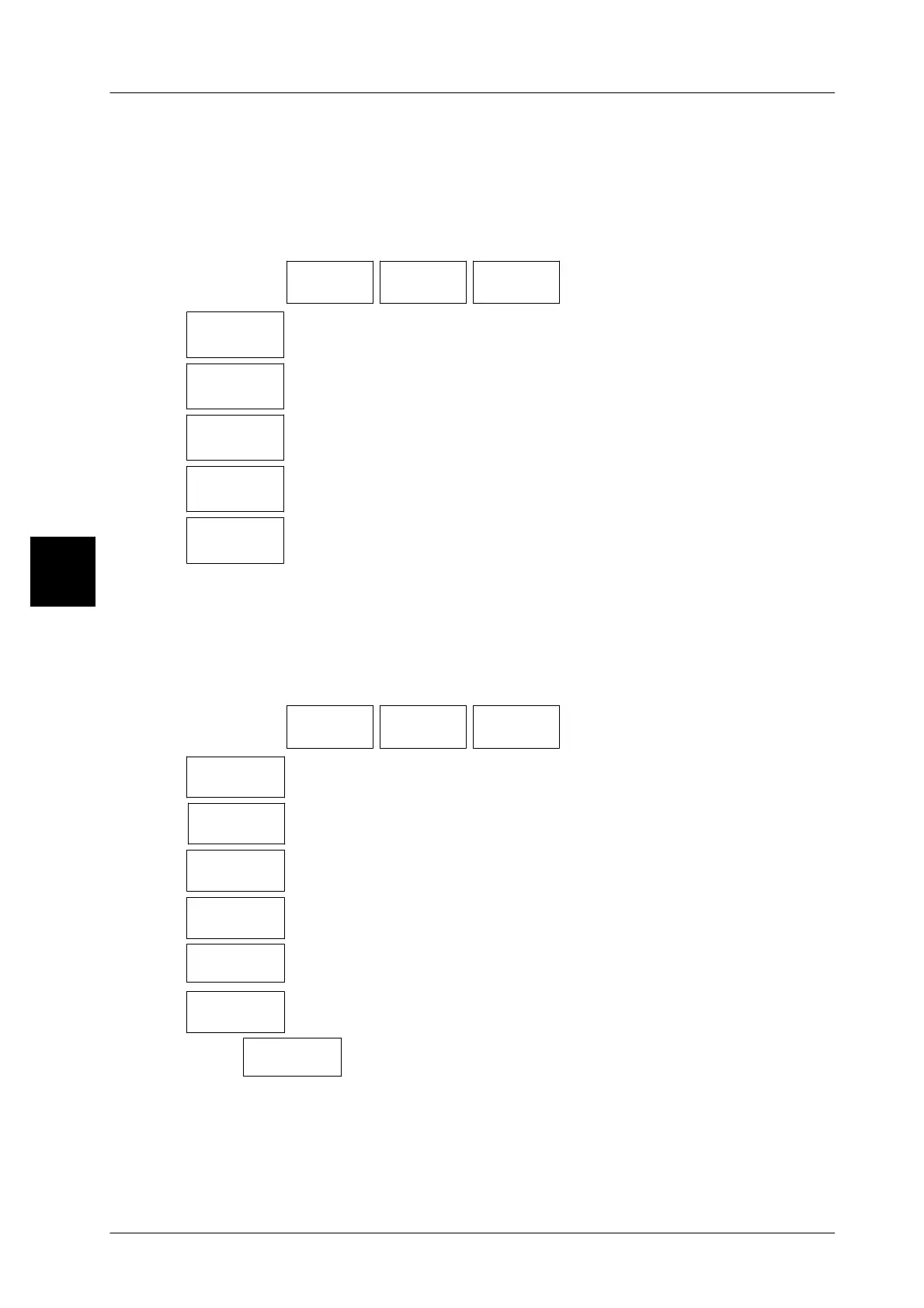
Operating sequence: Description
------------------------------------------------------------------------------------------------------------------------------------------------------
[MODE] [2]
Date Print
date/time
Date
notation
-- Call up the selection menu.
MonNum.
x.08.x
Make this setting if the month is to be printed numerically with pe-
riods (standard). Example: 21.08.05
MonAnum
xAUGx
Make this setting if the month is to be printed alphanumerically.
Example: 21AUG05
MonAnum
x.AUG.x
Make this setting if the month is to be printed alphanumerically
with periods. Example: 21.AUG.05
MonRom.
xVIIIx
Make this setting if the month is to be printed in Roman numerals.
Example: 21VIII05
MonRom.
x.VIII.x
Make this setting if the month is to be printed in Roman numerals
and periods. Example: 21.VIII.05
3.3.5.2 Date format
The date format may be preset country--specifically.
Operating sequence: Description
------------------------------------------------------------------------------------------------------------------------------------------------------
[MODE] [2]
Date Print
date/time
Date
format
-- Call up the selection menu.
Europe
DD.MM.YY
Make this selection if the date is to be printed in the form of
Day.Month.Year (standard). Example: 21.09.05
U S A
MM.DD.YY
Make this selection if the date is to be printed in the form of
Month.Day.Year. Example: 09.21.05
YY.MM:DD
Make this selection if the date is to be printed in the form of
Year.Month.Day. Example: 05.09.21
DD.MM
Make this selection if the date is to be printed in the form of
Day.Month. Example: 21.09
MM.YY
Make this selection if the date is to be printed in the form of
Month.Year. Example: 09.05
DD.MM
Make this selection if the date is to be printed in the form of
Day.Month. Example: 21.09.
DDMM
[ETC
Make this selection if the date is to be printed in the form
DayMonth. Example: 2109
3


 To Next Page
 Loading...

