Presettings for labeling
Operating instructions GLP
3 -- 49
6.562.98.5.01.18
3.3.5.3 Date: half days
If, for example, date 1 and date 2 are to be printed for minced meat on labels toge-
ther with the additional half day identifiers, i. e. V for a.m. and N for p.m. , this may
be set here.
Operating sequence: Description
------------------------------------------------------------------------------------------------------------------------------------------------------
[MODE] 2
Date Print
date/time
Date
haDays
-- Call up the selection menu.
Da w/oHD
DD.MM.YY
Make this setting if the date is to be printed without half days in the
form of day/month/year (standard). Example: 21.08.05.
Da. w. HD
DD.MM Y
Make this setting if the date is to be printed with the half day sign
in the form of day/month/half day. Example: 21.08 V
Da. w. HD
DD.MM.YY V
Make this setting if the date is to be printed with the half day sign
in the form of
day/month/year/half day. Example: 21.08.05 V
The half day identifier V or N for a.m. or p.m. may be switched to the French abbre-
viation M or A.
1/2day
signs
V/N M/A
V/N
M/A
M/A
V/N
Switching over the halfday sign:
= German
= French
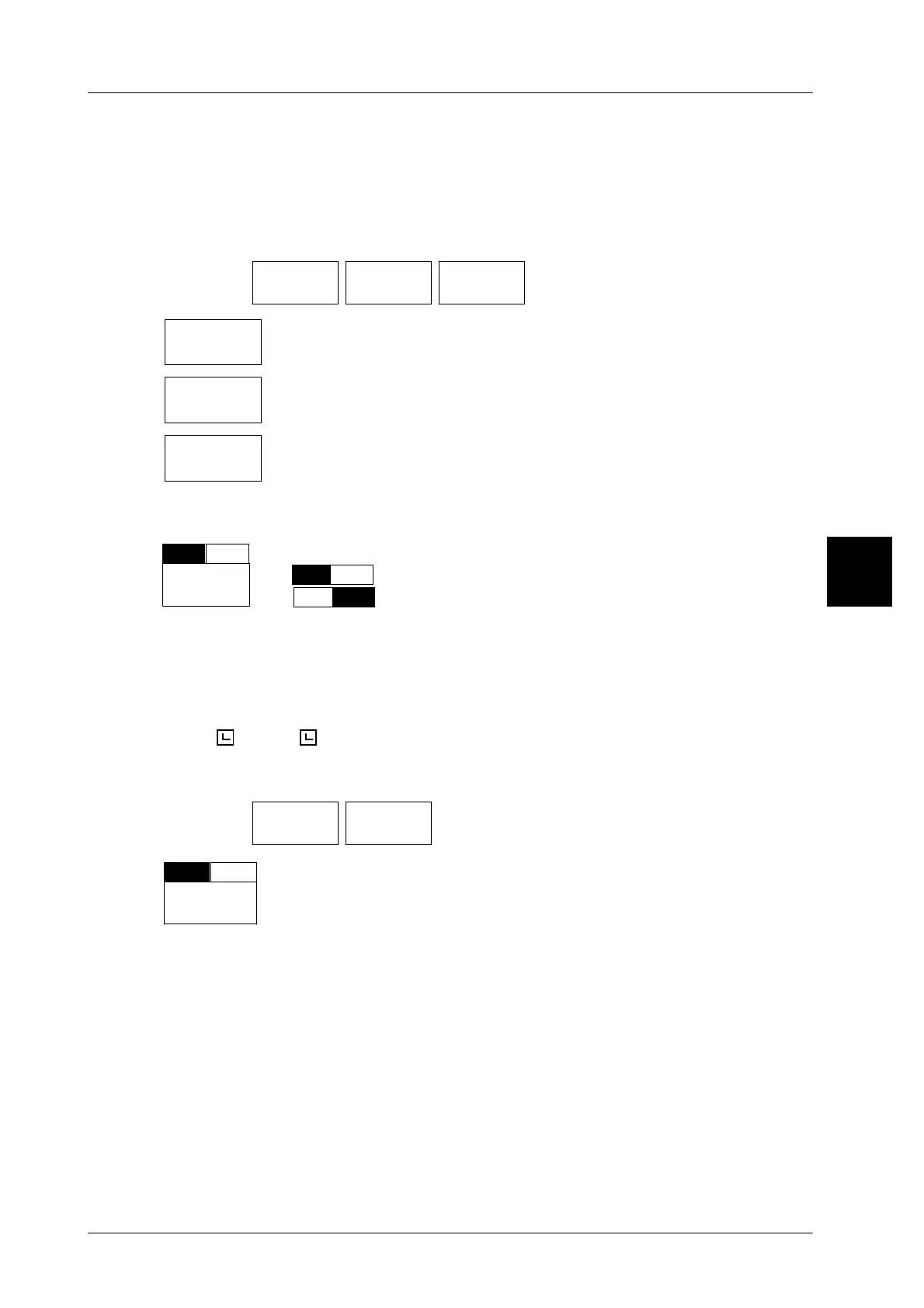
3.3.5.4 Time format
For customer--specific labels containing data fields for the packing and shelf--life
time, the form in which the time is to be printed on the labels may be preset here,
i. e. (
22
or
22.10
).
Operating sequence: Description
------------------------------------------------------------------------------------------------------------------------------------------------------
[MODE] 2
Date Print
date/time
-- Call up the selection menu.
Time
format
Hrs
H:M
Set if the packing and sell--by time is to be printed in hours or in
hours and minutes on the customer labels. Standard: Hours
3



 To Next Page