Presettings
Operating instructions GLP
3 -- 68
6.562.98.5.01.18
3.5.1.7 Separation label on change of text 1
The presettings to be made are described in section 3.10.4 under Print.
3.5.2 Labeling mode*
The labeling mode may be stored under the PLU data individually for each article,
or manually preset or changed if necessary.
When selecting a different labeling mode, a fixed weight or a
different fixed or unit price might have to be entered.
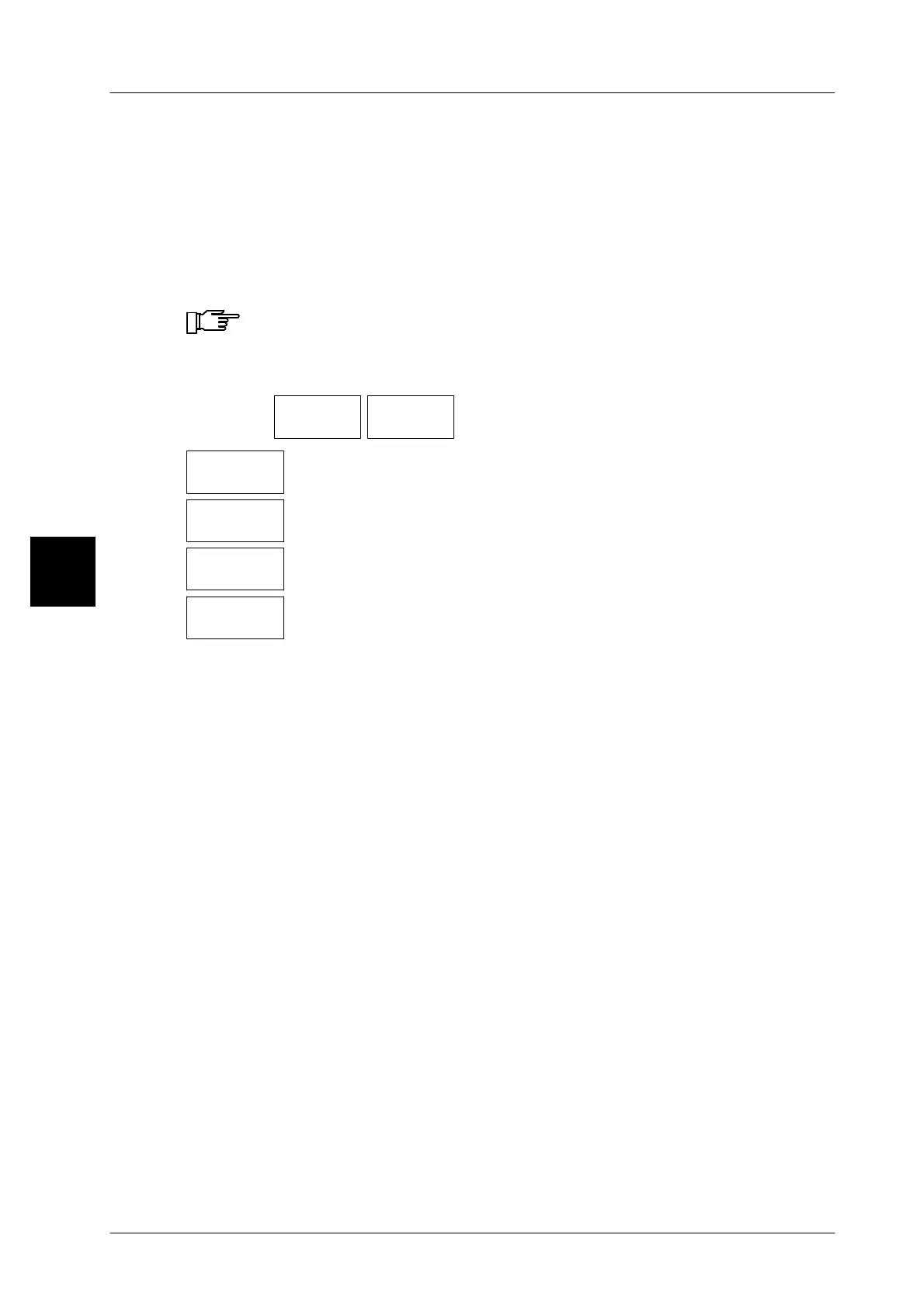
Operating sequence: Description
------------------------------------------------------------------------------------------------------------------------------------------------------
[MODE] 2
Labe-
ling
Labeling
mode
-- Call up the selection menu.
Weight
Make this setting if the packages are to be weighed and labeled
(standard setting).
Fixed
price
Make this setting if the packages are to be labeled with a fixed
price.
Fixed
weight
Make this setting if the packages are to be labeled with a fixed
weight.
Fixed
value
Make this setting if the packages are to be labeled with a fixed
weight and a fixed price.
3.5.3 Preselecting the total
The total preselection is described in section 3.6.1.
3



 To Next Page