Presettings
Operating instructions GLP
3 -- 86
6.562.98.5.01.18
Selecting the weight class column which is to be displayed
Here you can select the statistics type to be displayed.
In the selection menu, only the
statistics reports are displayed that activate and have been entered for the values.
Operating sequence: Description
------------------------------------------------------------------------------------------------------------------------------------------------------
[MODE] 2
Labe--
ling
Weight cl.
statist.
Statist.
display
St.displ.
coumn
Call up the selection menu.
Selcet stat.-- display
Cancel
OK
2. Column Marg. statistics
2. Column Main statistics
No display
Free statistics 1
or [ ] [ ] -- Select statistics to be displayed or “No display”.
OK
or ENTER] -- Acknowledge selection
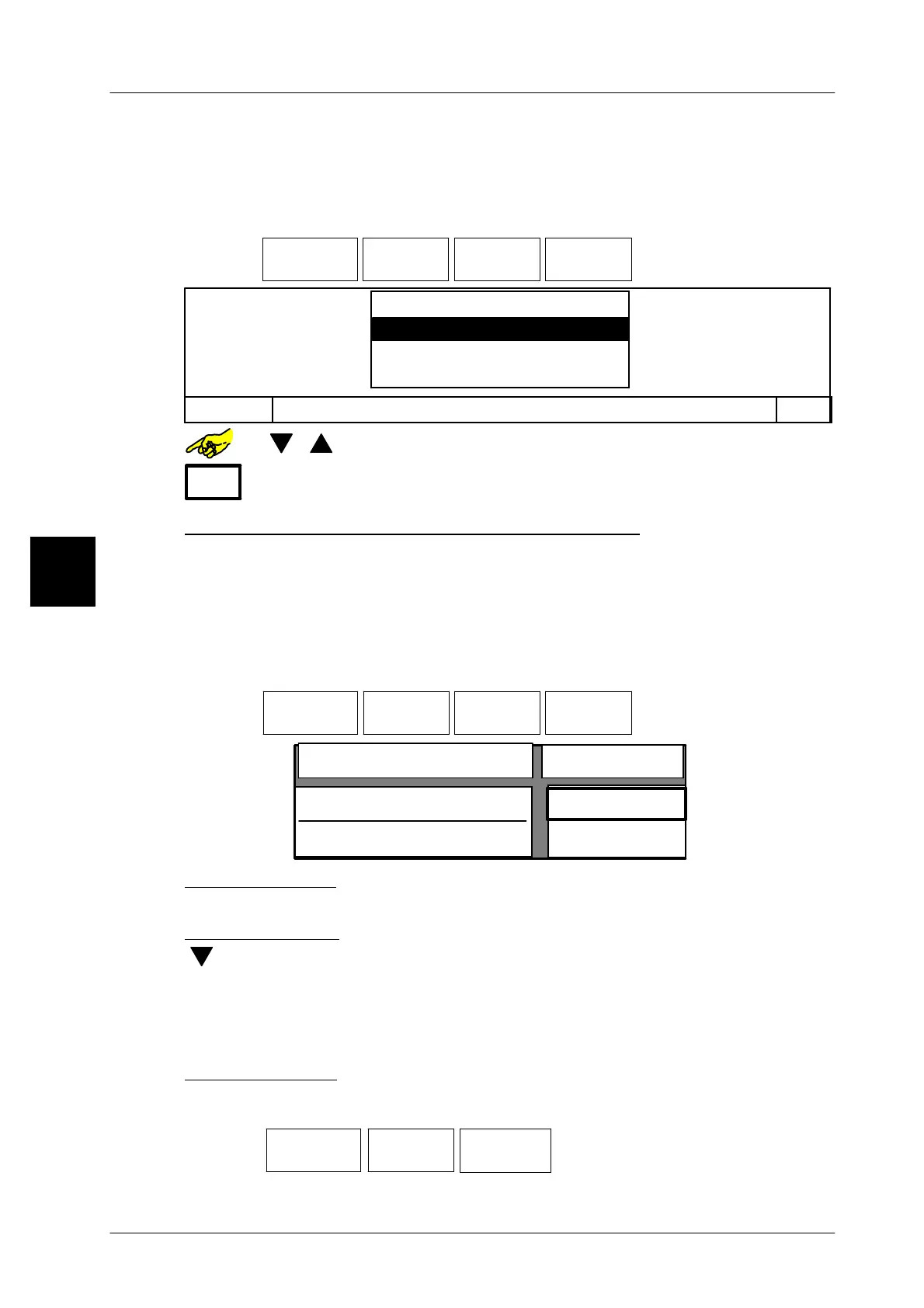
Enter values for optimized statistics display
Here it is possible to freely preset the weight range for the statistics display, indipen-
dent from the weight class or statistics type. The values entered are modified so
that all 10 bars of the histogramdisplay have the same division. If the range of 150g
-- 250g is to be displayed with a nominal weight of 200 g, every bar indicates the
package number per 10g!
Operating sequence: Description
------------------------------------------------------------------------------------------------------------------------------------------------------
[MODE] 2
Processing Wgt class
statistics
Statistics
display
Display opt.
statist
Call up the selection menu.
Statistics optimized to display
Value
Lower limit
Upper limit
100 g
200 g
Enter lower limit:
xxxx [ENTER] --
Enter respective lower limit and acknowledge, e.g. 100 g.
Enter upper limit:
[ ] xxxx [ENTER] -- Select upper limit, enter and acknowledge, e.g. 200g.
Data storage is described on page 3 -- 32.
Resetting display statistics
Since the display statistics can only be displayed and not sent, they must be
deleted manually after an article or batch change.
Operating sequence: Description
------------------------------------------------------------------------------------------------------------------------------------------------------
[MODE] 2
Labe--
ling
Weight cl.
statist.
Reset
displ. stat.
-- Softkey--Operate pushbutton
3


 To Next Page
 Loading...

