Presettings
Operating instructions GLP
3 -- 87
6.562.98.5.01.18
3.5.4.6 Accessing weight class table
Usually weight class tables are created in mode level 3 or 4 and assigned to the
respective PLU data via weight class table numbers. If need be, you may access
the respective weight class table directly before labeling or processing.
Operating sequence: Description
------------------------------------------------------------------------------------------------------------------------------------------------------
[MODE] 2
Labe--
ling
Weight cl.
statist.
[ETC]
Load wgt.
class No.
-- Call up the input menu.
x x [ENTER] -- Enter and acknowledge the weight class number.
3.5.4.7 Creating or modifying weight class tables
With the suitable presetting you may create a weight class table in mode level
1 or mode level 2 or edit an existing weight class table, if need be and save it
temporarily or save it permanently in the database (see page 3 -- 100).
Creating new weight class tables
Operating sequence: Description
------------------------------------------------------------------------------------------------------------------------------------------------------
[MODE] 2
Labe--
ling
Weight cl.
statist.
[ETC]
Wgt class
editor
Call up the weight class editor
Call up existing weight class tables and alter if required
[MODE] 2
Labe--
ling
Weight cl.
statist.
[ETC]
Load wgt.
class No.
-- Call up the input menu.
x x [ENTER] -- Enter and acknowledge the weight class number.
editor
-- Call up the weight class editor.
The table contains in horizontal direction the relevant weight class columns and
in vertical direction the relevant presettings and functions.
As of program version 8.40 on terminal GT--CT individual fields of a table may
be selected by tapping on them and opened for input or presettings by re--tapping
on them. Thus, an easy and fast selection and input is possible. The fields outside
the display range of the table are still selected by using the cursor keys.
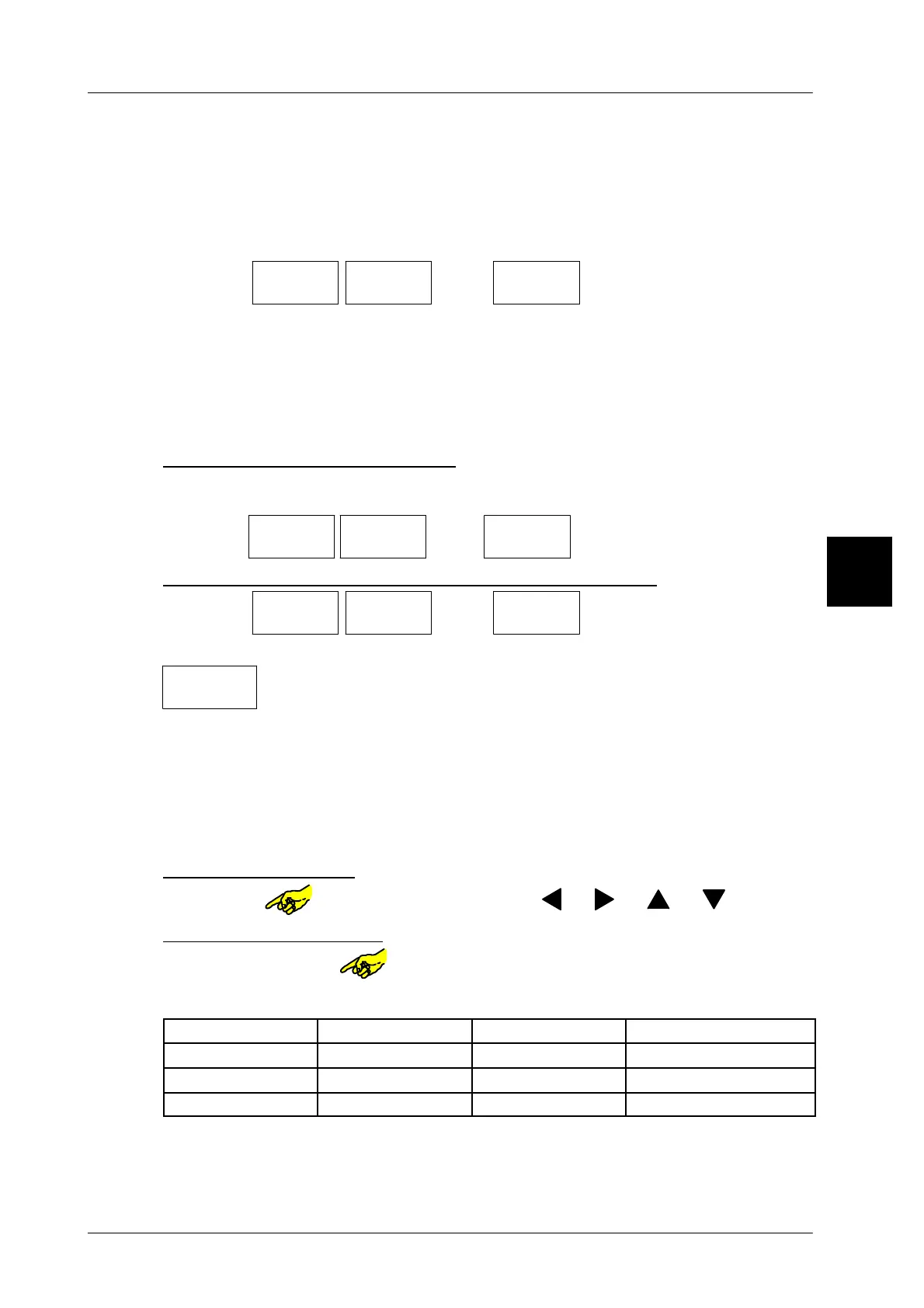
Selecting table fields:
Tap on field or select with cursor keys [ ], [ ], [ ], [ ]
Activating selected field:
Tap on selected field or open it with [SELECT].
Example with 3 weight classes:
Weight class to 1 g to 6000 g larger than 6000 g
Labeling type weighed fixed value weighed
Nominal weight -------------- 0.200 kg --------------
Statistic w/o to FPV Germany w/o
All packages between 1 g and 6000 g are checked on the adherence of the nomi-
nal weight 200 g and statistically evaluated. Packages which are not accepted
can be ejected via an ejector or a divider
.
3


 To Next Page
 Loading...

