Presettings
Operating instructions GLP
3 -- 88
6.562.98.5.01.18
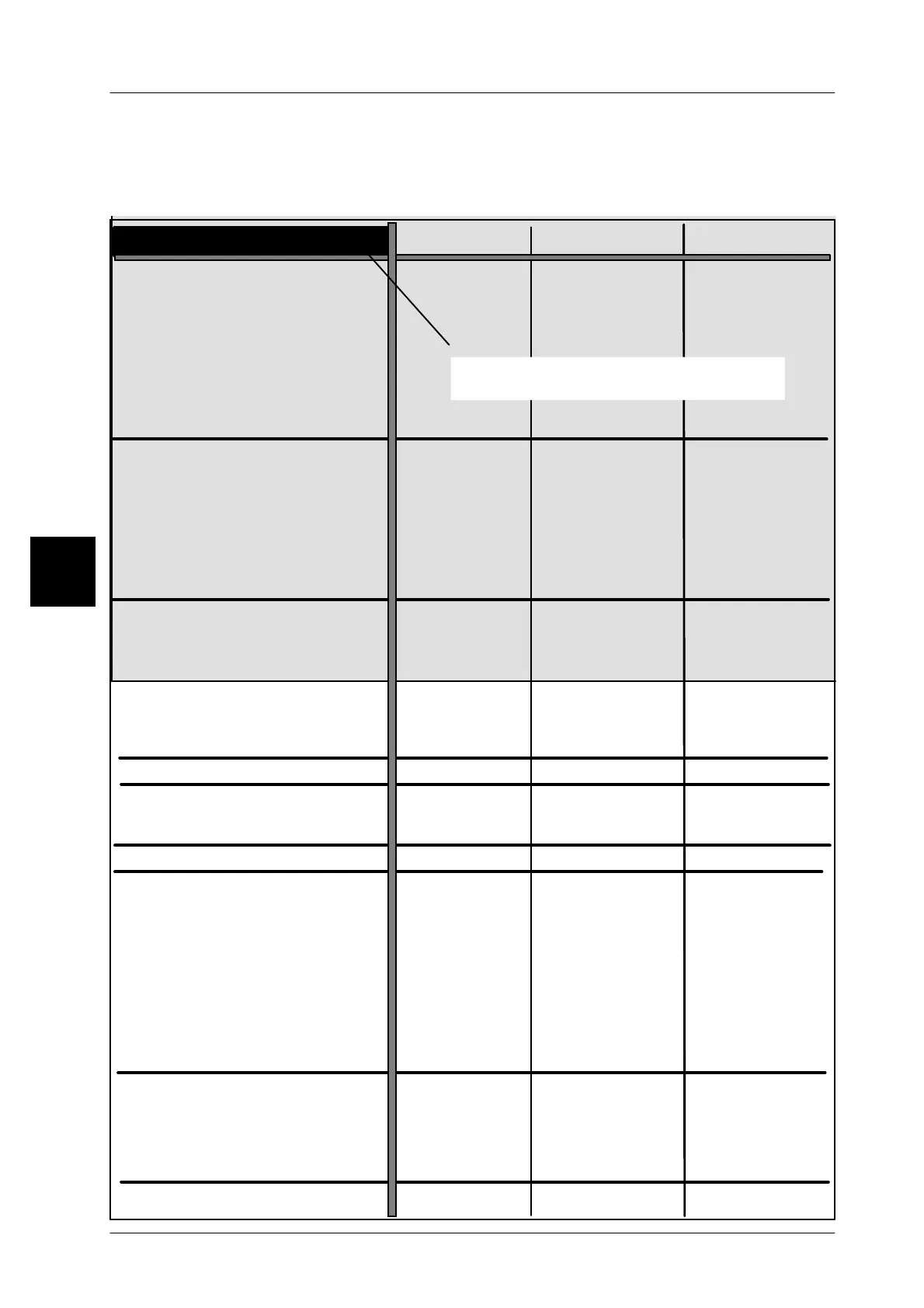
Weight class table
Determine the relevant weight ranges for each weight class column. Then determine the pa-
rameters such as labeling type, price, weight etc. for each weight class. When activating a
divider or package ejector, packages with under or over weight can be ejected automatically.
3
WgtCl
Labeling mode
Weight:
Package ejector
Statistics:
Factor To(1..30):
------
------ ------
------
------
------
without
weighed
weighed
weighed
3
Statics display
Report for main statistic:
Min. level:
Max. level:
Report for marginal statistic:
Divider control
Divider 1
Desactivate print!
internal
Channel A
Stop package on weighing conv.
Automatic labeler stop after ..
Consecutive packages
of one weight class
Totalization
Interface
Print list:
Send PSV_DATA
Add’l article parametrs
Article parameters
Price:
Codestruct. No. 1:
Code substring 1:
Date text field 1:
Date text field 2:
Date text field 3:
Text field 1:
Shelf life 1:
Print date 1:
Device No.:
Operator No.:
Lot No.:
-----
------
------
------
------
------
3
-----
------
------
------
------
------
3
-----
------
------
------
------
------
--
--
--
--
--
--
--
--
--
--
--
--
--
--
--
--
--
--
--
--
--
--
--
--
--
--
--
--
--
--
--
--
--
--
--
--
--
--
--
--
--
--
--
--
--
--
--
--
no no
no
0
0
0
yes
yes
yes
--
--
--
--
--
--
--
--
--
--
--
--
--
--
--
--
--
--
--
--
--
--
--
--
--
--
--
--
--
--
--
--
--
same as set
--
--
--
--
--
--
--
--
--
x
x
x
x
x
x
Divider 2
Divider 3
Divider 4
Divider 5
Divider 6
Divider 7
Channel B
Channel C
Channel D
Channel E
Channel F
Channel G
Text field 2:
Text field 3:
Shelf life 2:
Print date 2:
Print date 3:
without without
Marking: depending on the field,
either a scroll bar or a delection field
same as set
same as set
same as set
same as set
same as set
same as set
same as set
same as set
No. of packages for st. mean value



 To Next Page