Presettings
Operating instructions GLP
3 -- 92
6.562.98.5.01.18
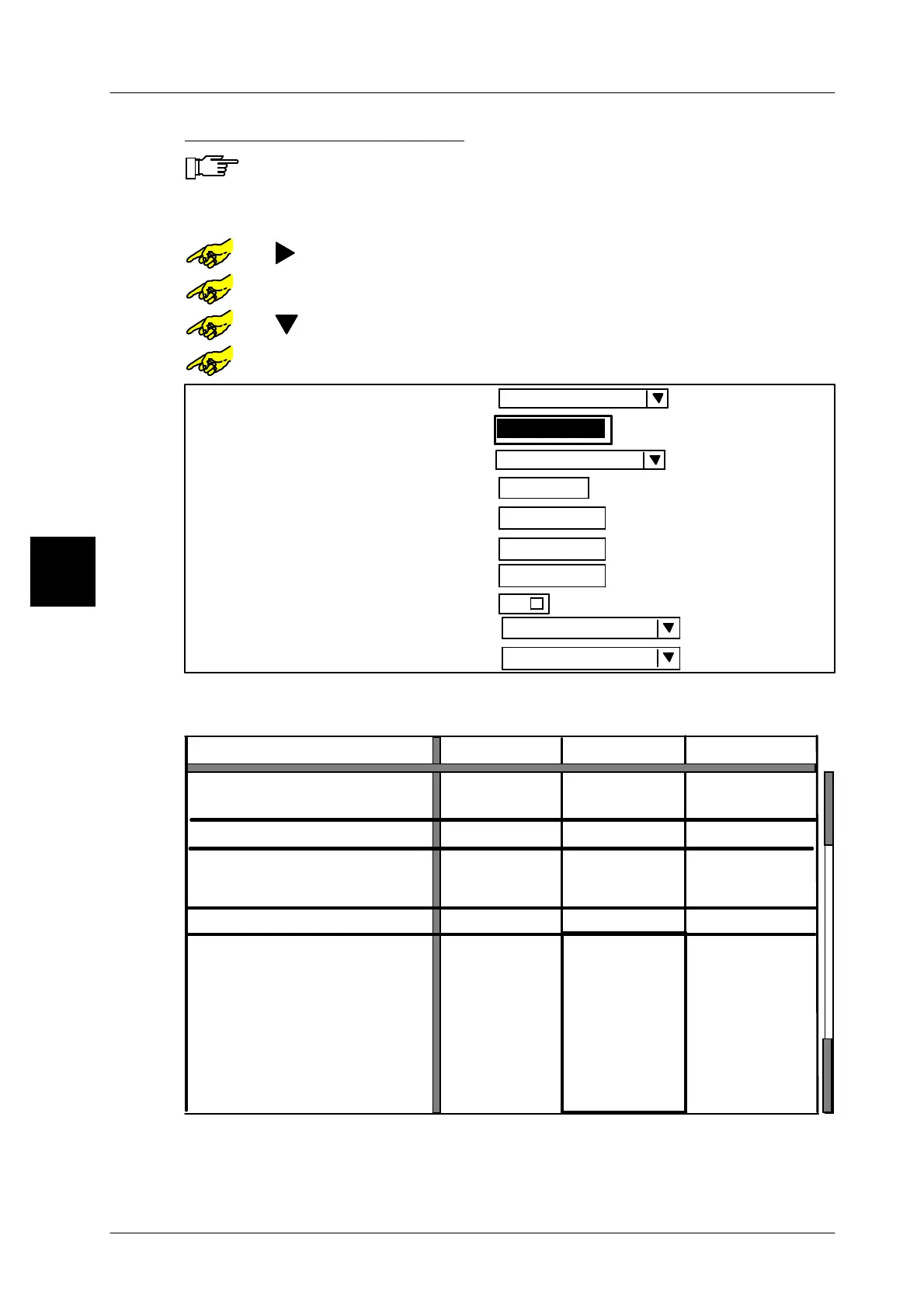
Entering nominal weight Qn
If the fixed weight of a weight class column is set to zero, the fixed weight
saved under the current PLU is used as the nominal weight. Conse-
quently various nominal weights can be preset for various PLU’s with a
weight class table!!
or [ ] -- Select required weight class column.
or [SELECT] -- Open the table field “Labeling mode”.
or [ ] -- Select the input field ”Weight”.
or [SELECT] -- Open the input field “Weight”.
Weight:
Statistics:
without
Factor To(1..30):
3
Min level:
0 g
Max. level:
Report for marginal statistics
without
Report for main statistics:
Default
Statics display
weighed
Labeling mode
0
No. of packages for st. mean value
0 g
0 g
xxx [ENTER]
-- Enter the nominal weight, e. g. 200g and acknowledge
[ENTER] -- Confirm input
3
Wgtcl
to
Great than
1 g
6000 g
to
Stop package on weighing conv.
Automatic labeler stop after ..
Consecutive packages
of one weight class
Totalization
Article parameters
Price:
Codestruct. No. 1:
Code substring 1:
Date text field 1:
Date text field 2:
Date text field 3:
Text field 1:
Shelf life 1:
--
--
no
0
yes
--
--
--
--
--
--
--
--
--
--
Channel F
Channel G
Text field 2:
Text field 3:
no
0
yes
no
0
yes
$ 2.00
--
--
--
--
--
--
--
--
--
--
--
--
--
--
--
--
--
--
--
--
--
--
--
6000 g



 To Next Page