Presettings
Operating instructions GLP
3 -- 106
6.562.98.5.01.18
3.5.7 Automatic PLU change
If a frequent change of the PLU becomes necessary because of small article
quantities to be labeled, a relevant PLU change mode may be set in the editor
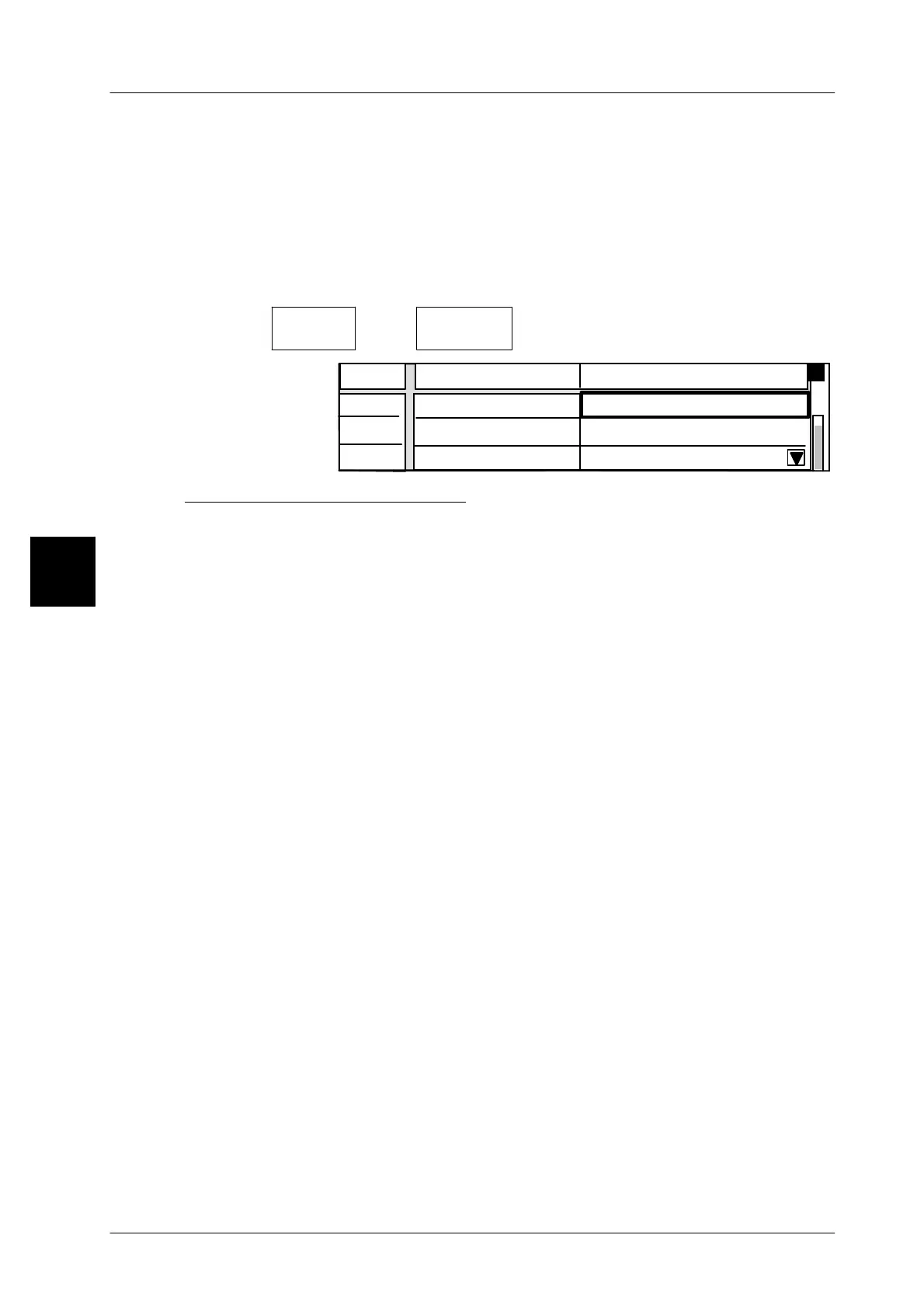
”Autom. PLU change” under ”Operating mode”. Both the PLU number and the
customer number may then be input and other presettings made. With the opera-
ting mode ”passive” set, the automatic PLU change may be deactivated.
Operating sequence: Description
------------------------------------------------------------------------------------------------------------------------------------------------------
[MODE] 2
Labe--
ling
[ETC]
Auto.PLU
change
-- Call editor
01
02
0
03
Operating mode
0
Passive
Line Auto.PLU change Value
PLU no.:
Customer no.:
Description of operating modes: for setting the operating mode, see next page.
The operating modes as described in the following sections are offered for most
diverse application possibilities. Further settings might become necessary in the
editor in relation to the operating mode selected.
Passive
The labeler is operated in the normal labeling mode. Further presettings cannot
be made (standard setting).
PLU change after *
The PLU preset in the editor becomes only effective when the total set under ”Ex-
ecute if” is reached, printed and acknowledged. As soon as the total is reached
and a new PLU has not yet been entered, the editor will be automatically called
up for the input of the next PLU. The customer number may also be called up. The
unit is stopped when the preset total is reached and reactivated at the moment
at which an input is made and acknowledged.
Lock after *
Every time the total set under ”Execute if” is reached, the editor for the PLU number
input is called up. The unit is stopped when the preset total is reached and reactiva-
ted as soon as a new input is made. For the operating modes ”PLU change after
*” and ”lock after *”, the relevant total must be set under ”Execute if” (see next
page).
Synchronize direct PLU
Calling a different PLU via a PLU softkey, direct PLU keys or via the QS keyboard
causes the PLU change to be carried out immediately provided that the preset
total is not yet reached. If a preset total is reached, a new PLU may only be called
up after the printout of the total label. This ensures that the article text of the last
stored package is retained on the label. If a PLU is called up prior to the printout
of the total label, the PLU softkey will appear in grey and will be disabled at mode
level 1.
3


 To Next Page
 Loading...

