Presettings
Operating instructions GLP
3 -- 108
6.562.98.5.01.18
3.5.8 Template editor
If templates for the input of PLU data are created at mode level 3 or 4, these may
be called up manually at mode level 2. This permits the relevant values or texts to
be clearly entered in a template or selected accordingly. When storing the template,
the preset values or texts are stored identically to manually entered data and dis-
played above the relevant softkey.
If the values preset in the template are default values, templates may be called up
directly via their numbers (see page 3 -- 110) or if allocated accordingly, automati-
cally together with the PLU data permitting the PLU data to be set directly.
Operating sequence: Description
------------------------------------------------------------------------------------------------------------------------------------------------------
[MODE] 2
Labe--
ling
[ETC]
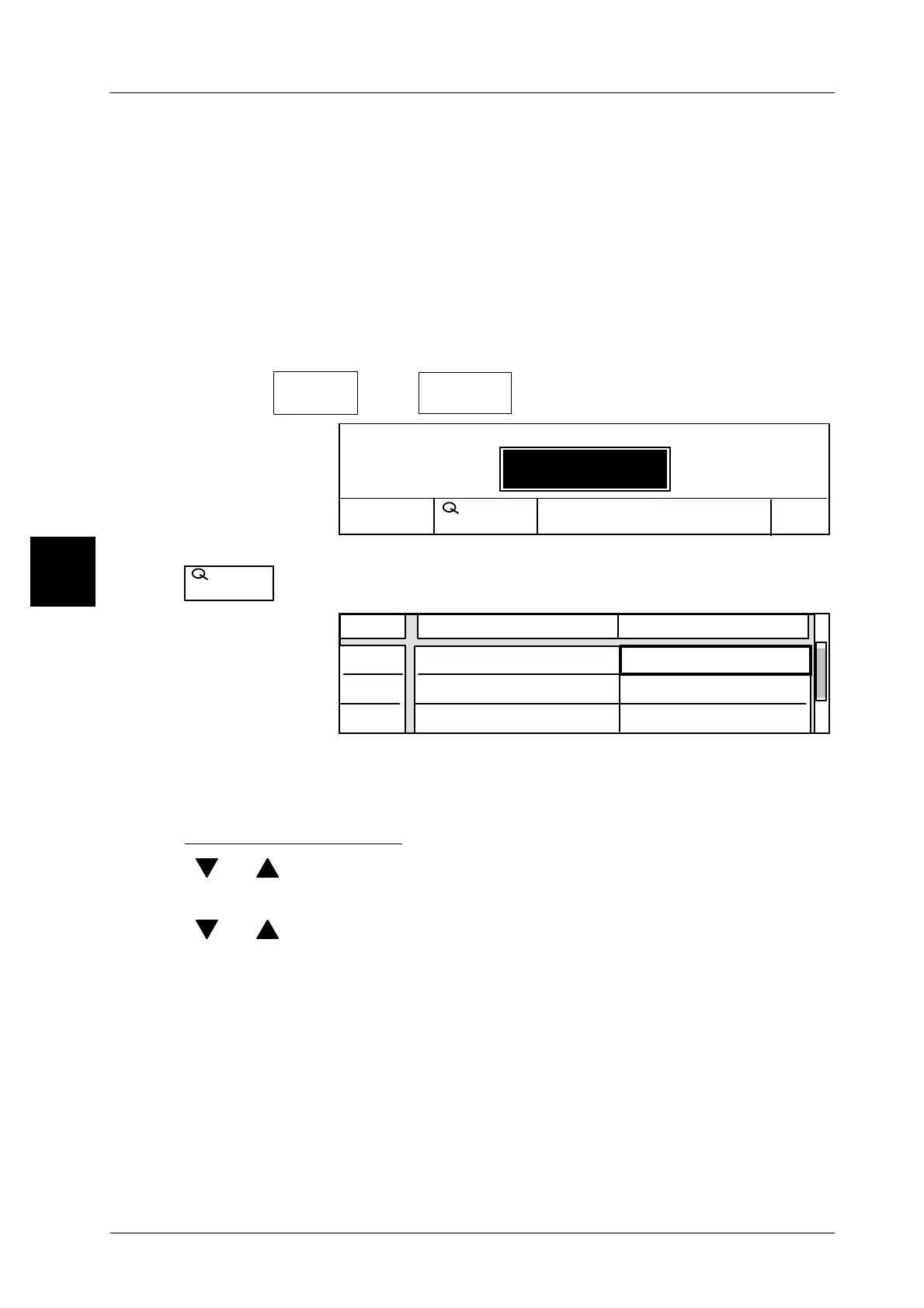
Template
editor
-- Call up the template editor
No. Template
1
Cancel
OK
Load record: Templates
No.
Template
xx [ENTER] -- Enter the template number and acknowledge or
No.
Template
-- By activation of this funcion the number can be selected.
Attribute
01
02
0
Line Value
Unit price
Operator number
$ 9.90
03
Tare
0,010 kg
During the first call of a template, the values and texts preset in the device are
indicated in the relevant value fields of the attributes. After presetting of new val-
ues or texts, the last entered values are always indicated during the next call.
Entering numeric values
[ ] , [ ] -- Select the relevant value field using the cursor keys.
xxxx [ENTER] -- Enter the value, e. g. tare, and acknowledge.
[ ] , [ ] -- Select the next value field etc.
3



 To Next Page