Presettings
Operating instructions GLP
3 -- 115
6.562.98.5.01.18
Total preselection matrix (only with terminal GT--CT)
If PLU-related totalization or weight class--related totalization is set at mode
level 5, the totals to be labeled may be entered in a total preselection matrix for
the PLUs or weight classes created and be used for labeling.
Operating sequence: Description
------------------------------------------------------------------------------------------------------------------------------------------------------
[MODE] 2
Config.
total
Preselect
total
[ETC]
Preselect
tot. matrix
Call the ’Preselect tot. matrix’.
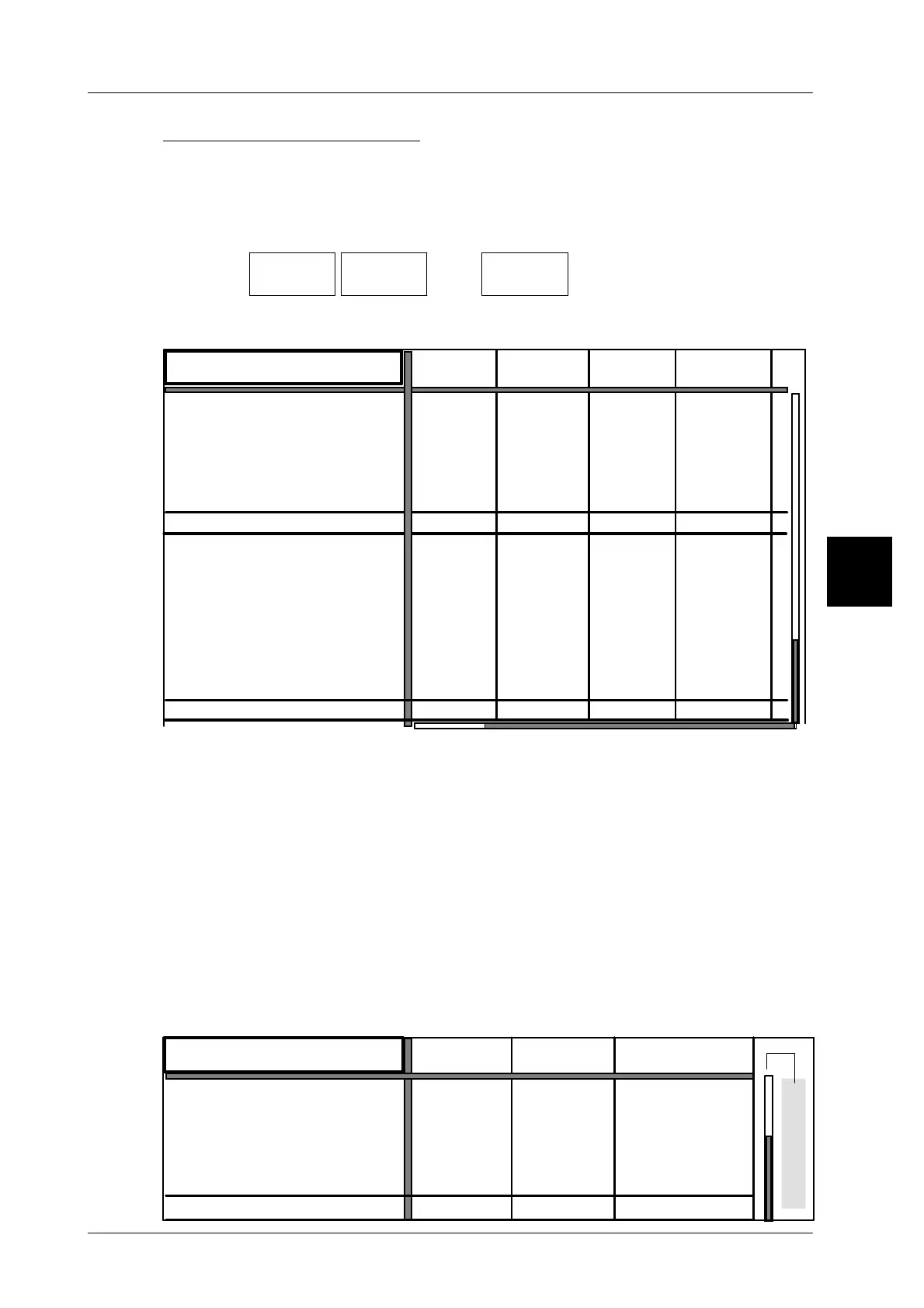
As regards the PLU-related total preselection, the PLU and customer num-
bers of max. 40 articles are displayed in the first table row.
--- --- ---
0 g
0
0
0
---
---
--- --- ---
--- --- ---
---
---
--- --- ---
---
---
---
Pcs
---
0 g
0 g
0 g
0 Pcs
0
0 g
0 g
0 g
0 g
0
0
0
0
PLU number
Customer number
Preselection type
Preset total 1:
Weight:
Price:
Pcs:
Total 1 value:
Print total 1 and delete
Weight:
Price:
Pcs:
Preselection type
Preset total 1:
Weight:
Price:
Pcs:
Total 2 value:
Print total 1 and delete
Weight:
Price:
Pcs:
Number *1:
Number *1:
Pcs
Pcs
Pcs
0 Pcs
0 Pcs 0 Pcs
0 Pcs 0 Pcs 0 Pcs 0 Pcs
Pcs
Pcs
Pcs
Pcs
0 Pcs
0 Pcs
0 Pcs 0 Pcs
0 Pcs
0 Pcs
0 Pcs 0 Pcs
$ 0.00
$ 0.00
$ 0.00
$ 0.00
$ 0.00
$ 0.00
$ 0.00
$ 0.00
0
0
0
0
The total preselection matrix is made up in the form of a table.
The table rows contain the entered and accumulated totals of total 1 and total
2 as well as a few functions. The selection of the table fields, the inputs and preset-
tings are described on page 3 -- 117.
Scroll bars
The scroll bars in both the horizontal and vertical direction indicate the position
of the part selected from the table within the complete table. Thereby, the light
field shows the displayed section and the dark field the non--displayed sec-
tion of the table.
In conjunction with the weight class--related total preselection, the weight va-
lues of 3 weight classes are displayed as standard in the first table row. If more
weight classes are needed, the number of weight classes may be increased to
80 at mode level 5. Such an increase is, however, subject to a licence.
3.1
Scrollbalken
Weight class
0,190 kg
0,210 kg 0,210 kgto to larger then
Preset type
Preset total 1:
Weight:
Price:
Pcs:
Value total 1:
Print total 1 and delete
Weight:
Price:
Pcs.
Weight Weight Weight
0.000 kg
--- --- ---
--- --- ---
0.000 kg 0.000 kg
0.000 kg 0.000 kg 0.000 kg
$ 0.00
$ 0.00
$ 0.00
0 Pcs
0 Pcs 0 Pcs.


 To Next Page
 Loading...

