Presettings
Operating instructions GLP
3 -- 116
6.562.98.5.01.18
Total preselection column (only with terminal GT--CT)
If the display and operating terminal GT--CT is connected to the GLP and if the totali-
zation mode ’PLU dynamic’ is selected at mode level 5, then when a PLU not con-
tained in the total preset matrix is called, the preset total column is automatically
called up. After the preset total, this is inserted in the preset total matrix. If there is
no longer a free column in the preset total matrix, an attempt is made to delete a
column in which no total value has yet been added up. If this does not succeed, then
the labeling is locked! The total preset can also be saved in the database. If the en-
try in the total preset matrix is then deleted when the total is reached, then the ap-
propriate total preset is automatically inserted in the matrix when the PLU is called!
Operating sequence: Description
------------------------------------------------------------------------------------------------------------------------------------------------------
[MODE] 2
Config.
total
Presel.
total
[ETC]
Tot.pres.
column
-- Call up ’Tot. presel. column’.
The relevant PLU number and if necessary the customer number is automatically
displayed.
---
---
0100
1100
PLU number
Preselection type
Preset total 1: Weight:
Price:
Pcs.:
Total 1 value
Print total 1 and delete
Weight
$ 0.00
0 Pcs
Customer number
Weight:
Price:
Pcs.:
50.00 0 kg
0.000 kg
The total presetting is described on the following pages. When preset, the total
may be stored and the editor exited.
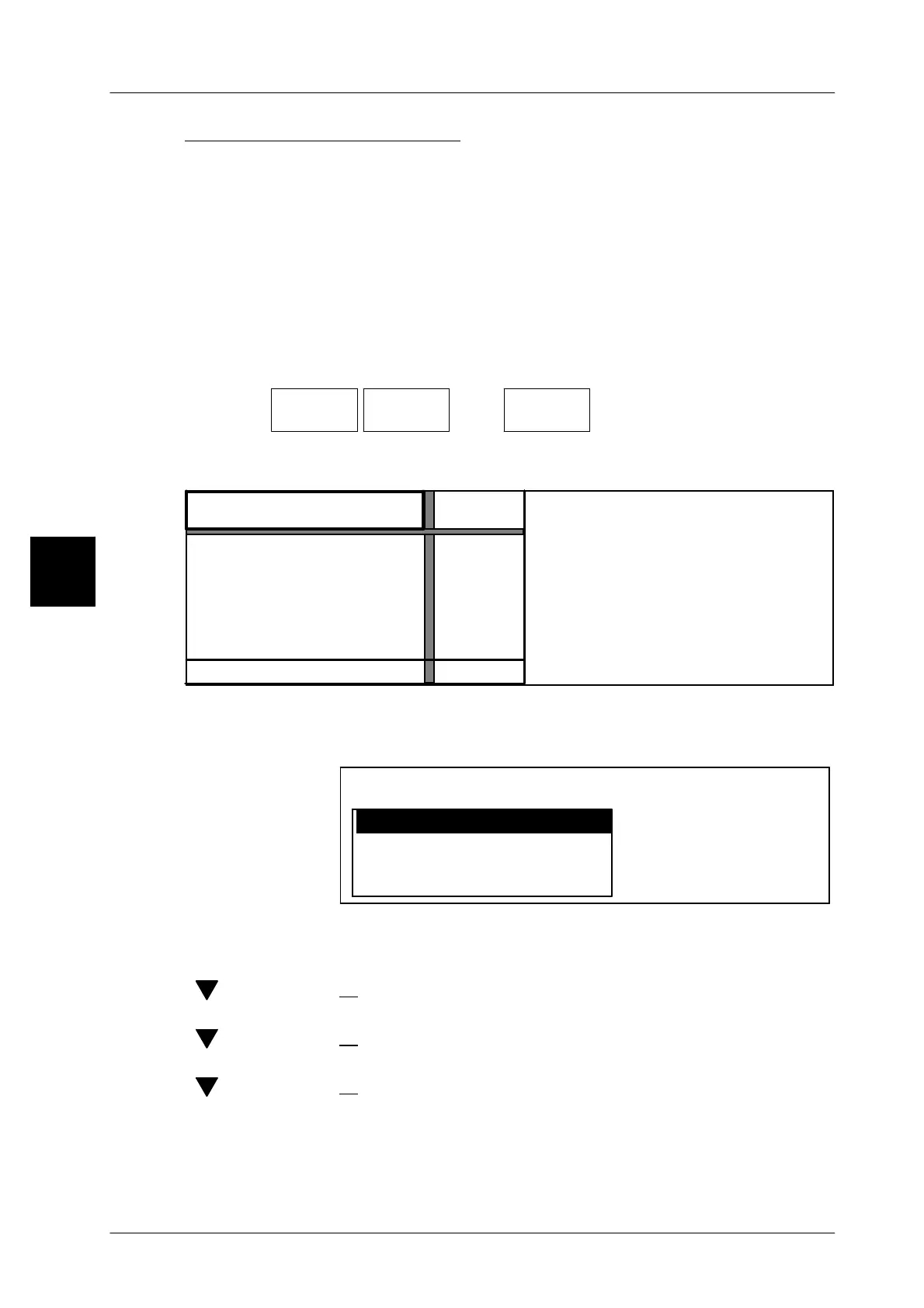
[ENTER] -- Close the input. The following selection menu appears:
no
Return
yes
Yes, also in database
Editor being exited
Save data?
[ENTER] -- Enter ’yes’ and acknowledge if the data is to be temporarily
stored for the next following labeling procedure. Changing of
PLU leads to a loss of the new data,
[ ] [ENTER] -- or select ’no’ and acknowledge if the editor is to be exited with-
out the storage of data,
[ ] [ENTER] -- or select ’Return’ and acknowledge if the editor is again to be
entered to change data,
[ ] [ENTER] -- or select ’Yes, in addition in database’ and acknowledge if
you want to save the data permanently in the database.
xxxx [ENTER] -- Enter the applicable password and acknowledge. When recal-
ling the PLU, the preset total is called up simultaneously.
3.1


 To Next Page
 Loading...

