Presettings
Operating instructions GLP
3 -- 117
6.562.98.5.01.18
Selection and input notes
As of program version 8.40 the relevant input and selection fields inthe tables may
be selected by slighty tapping on them on the display and may be activated for
input or selection by re--tapping on them. Furthermore, all selection and input
functions mentioned in section 1.5 of the programming instructions are possible.
Selecting a table field:
or [ ] [ ] [ ] [ ]-- Select requested table field.
Opening the table field selected
or [SELECT] -- Open the chosen field for a selection or an input..
Identical presettings for each weight class
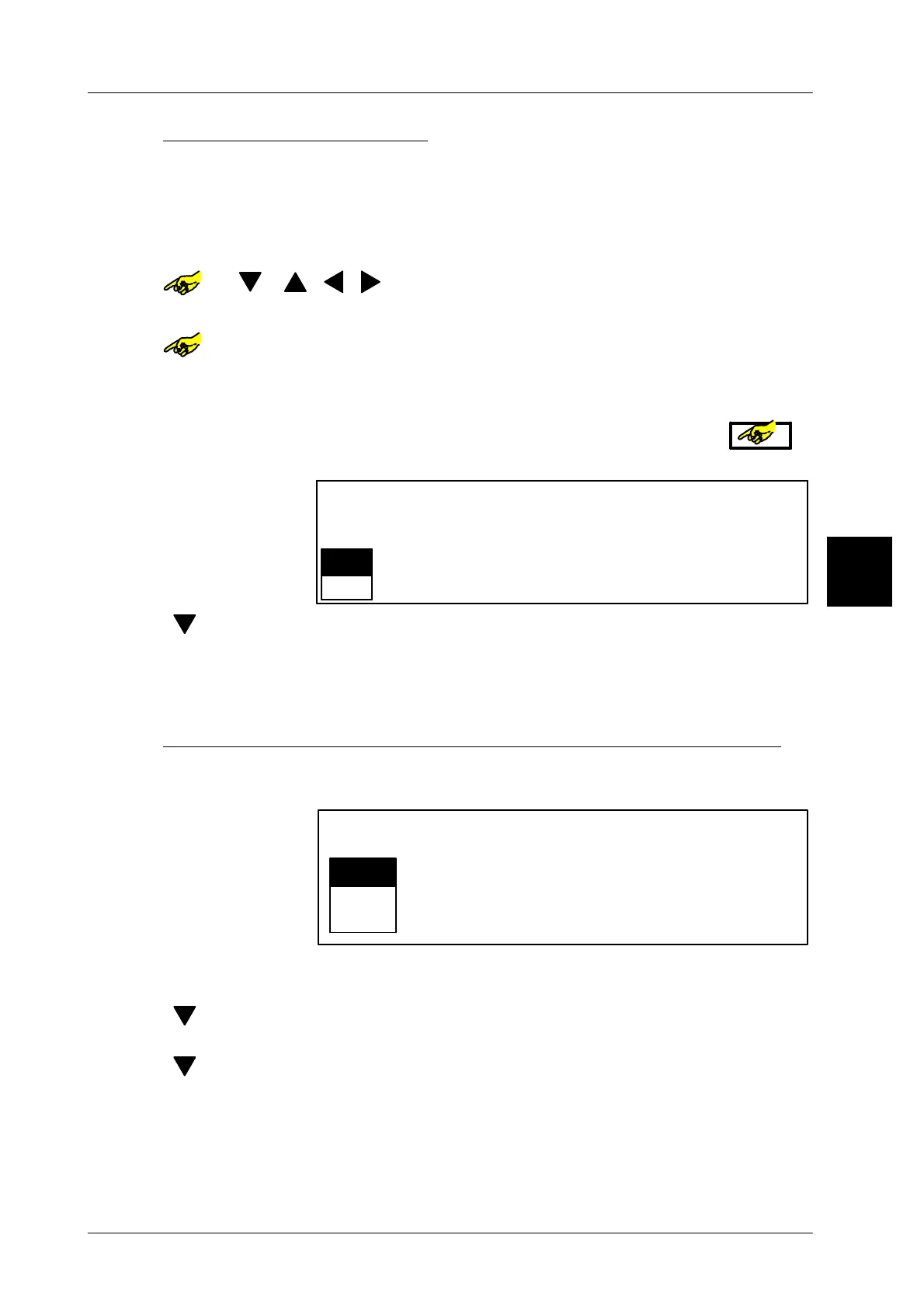
If a value or a selection is to apply to all weight classes, the table field on the ex-
treme left may be selected in the relevant table line and opened by or
means of the key [SELECT]. This will cause the following message to appear:
Yes
Entries in this cell
affect whole table line
Edit this cell?
No
[ ] [ENTER] -- Select ’No’ and acknowledge if the presetting is not to apply
to the complete table line
[ENTER] -- or select ’Yes’ and acknowledge if the presetting is to apply to
the complete table line.
Storing presettings and exiting the total preselection matrix
[ENTER] --
After completion of the relevant inputs, the total preselection ma-
trix may be exited. After exiting, the following display will appear:
Yes
No
Editor being exited.
Save data?
Return
[ENTER] -- Select ’Yes’ and acknowledge if the data is to be stored and
the total preselection matrix exited.
[ ] [ENTER] -- Select ’No’ and acknowledge if the total preselection matrix is
to be exited without the storage of data.
[ ] [ENTER] -- Select ’Return’ and acknowledge if the total preselection ma-
trix is to be reaccessed. A new input is possible.
3.1


 To Next Page
 Loading...

