Presettings
Operating instructions GLP
3 -- 118
6.562.98.5.01.18
Entering the PLU and the customer number
If a new PLU is to be entered in the total preselection matrix for a PLU-related
total preselection, first input its PLU and if necessary, the customer number
in the first table row of a free table field.
With the operating mode ’P L U dynamic’ set, a total preselection column is auto-
matically called up when calling a PLU, and the total as well as the relevant PLU
number and customer number are automatically inserted in the total preselection
matrix after presetting of total (see page 3 -- 116).
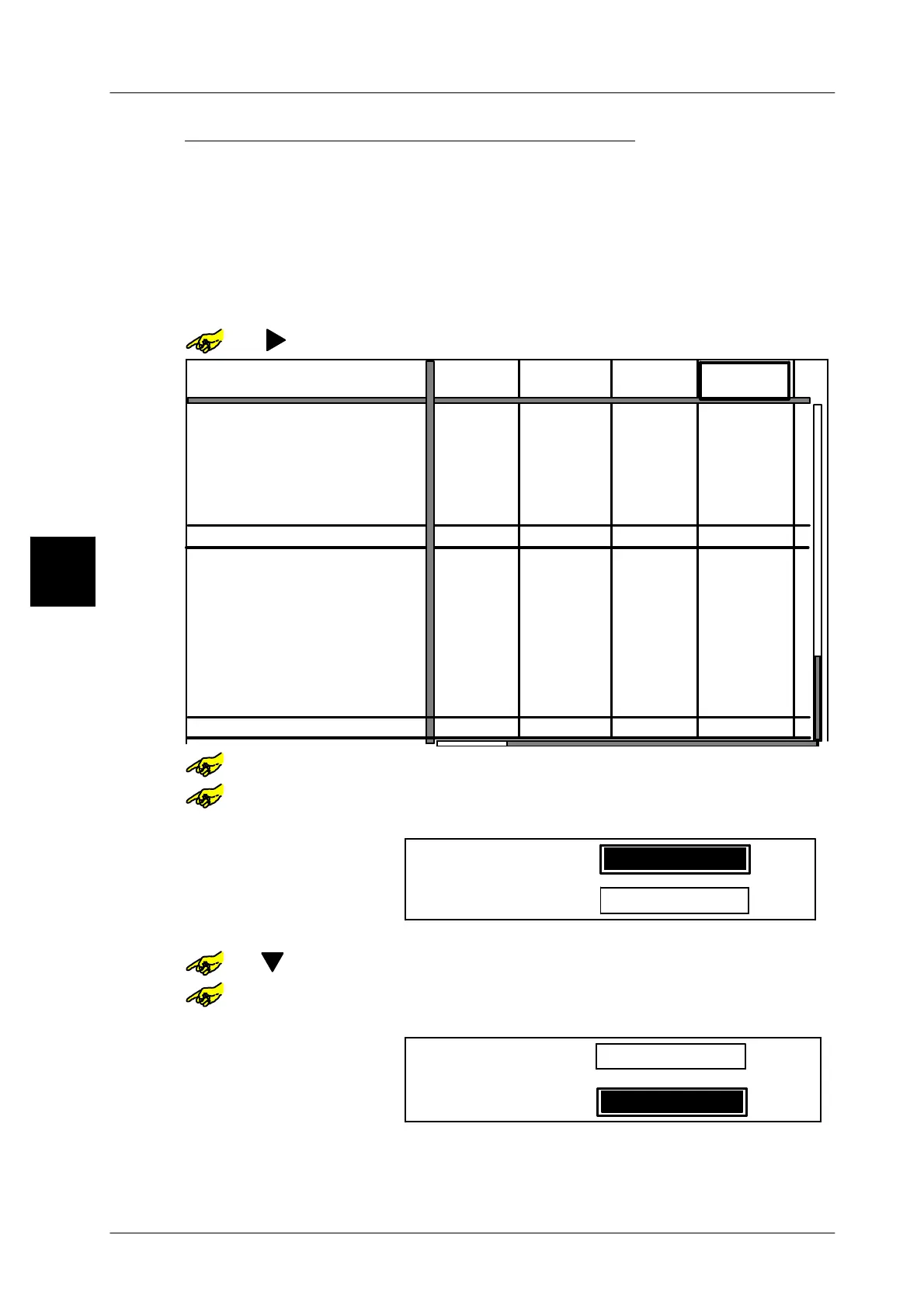
Selecting an input field:
or [ ] -- Select a free table field from the first table row.
--- --- ---
0 g
---
---
--- --- ---
--- --- ---
---
---
--- --- ---
---
---
---
Pcs
---
0 g
$ 0.00
0 g
0 g
0 Pcs
0
0 g
0 g
0 g
0 g
0
0
0
0
PLU number
Customer number
Preselection type
Preset total 1:
Weight:
Price:
Pcs:
Total 1 value:
Print total 1 and delete
Weight:
Price:
Pcs:
Preselection type
Preset total 1:
Weight:
Price:
Pcs:
Total 2 value:
Print total 1 and delete
Weight:
Price:
Pcs:
Number *1:
Number *1:
Pcs
Pcs
Pcs
0 Pcs
0 Pcs 0 Pcs
0 Pcs 0 Pcs 0 Pcs 0 Pcs
Pcs
Pcs
Pcs
Pcs
0 Pcs
0 Pcs
0 Pcs 0 Pcs
0 Pcs
0 Pcs
0 Pcs 0 Pcs
0
$ 0.00
$ 0.00 $ 0.00
$ 0.00
$ 0.00
$ 0.00 $ 0.00
1010
2000
1020
2000
1030
2000
or [SELECT] -- Open the selected table field.
or [SELECT] -- Activate the input
xxx -- Enter the PLU number, e. g. 1230.
PLU number:
Customer number:
___1230
0
[ENTER] -- Confirm input.
or [ ] -- If required, select input customer number
or [SELECT] -- Activate the input
xxx -- Enter the customer number, if applicable, e. g. 1000.
PLU number:
Customer number:
___1000
1230
[ENTER] [ENTER] -- Confirm input.
If required, select additional free fields and enter further PLU numbers and, if ne-
cessary, customer numbers as decribed before.
3.1


 To Next Page
 Loading...

