Presettings
Operating instructions GLP
3 -- 119
6.562.98.5.01.18
Preset the preselecting type
Before entering a total for a PLU or a weight class, the relevant preselection type
for total 1 and, if necessary, for total 2 must be preset.
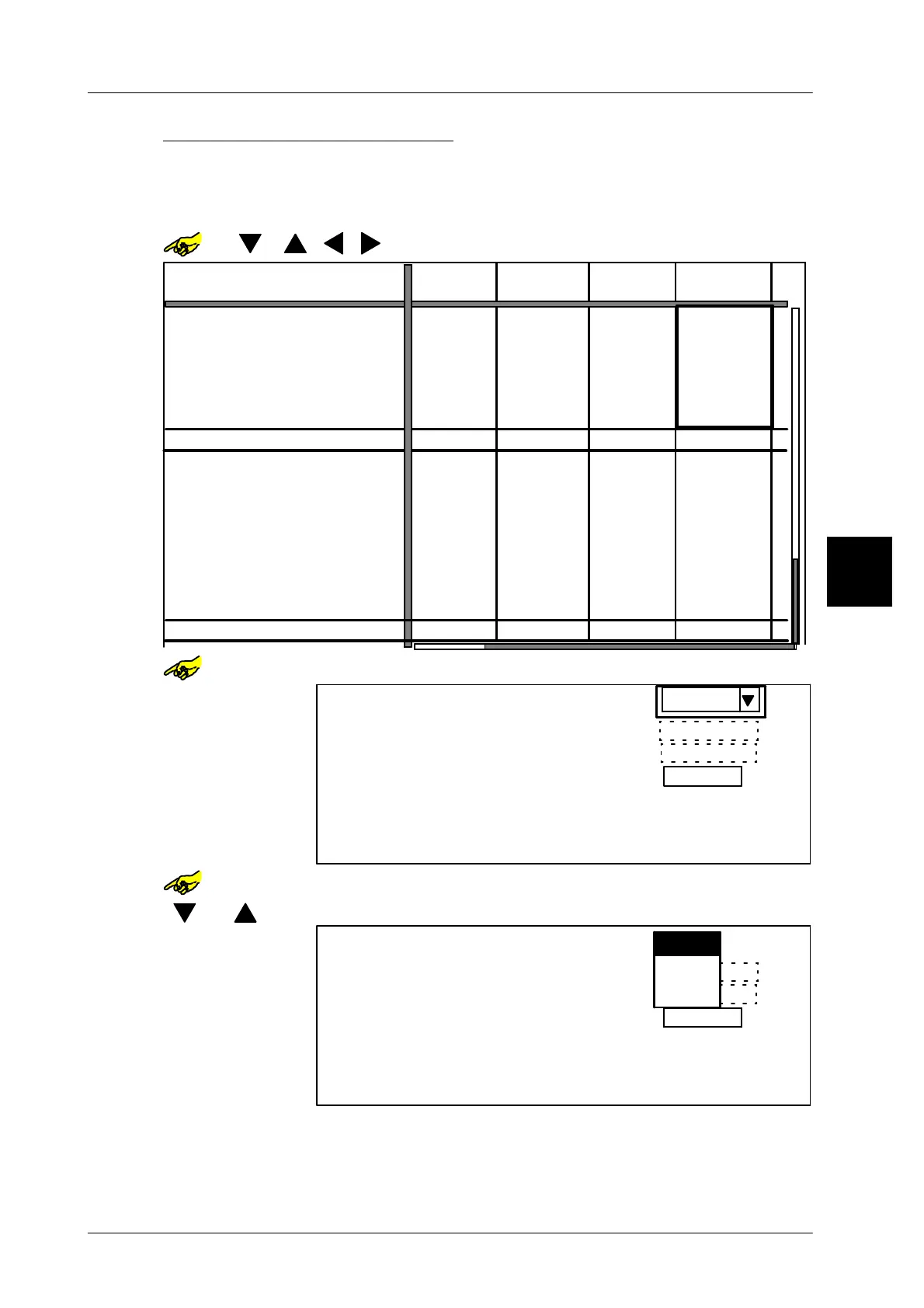
Example -- presetting the type for total 2:
or [ ] [ ] [ ] [ ]-- Select required table field.
--- --- ---
0 g
---
---
--- --- ---
--- --- ---
---
---
--- --- ---
---
---
---
Pcs
---
0 g
$ 0.00
0 g
0 g
0 Pcs
1000
0 g
0 g
0 g
0 g
0
0
0
0
PLU number
Customer number
Preselection type
Preset total 1:
Weight:
Price:
Pcs:
Total 1 value:
Print total 1 and delete
Weight:
Price:
Pcs:
Preselection type
Preset total 1:
Weight:
Price:
Pcs:
Total 2 value:
Print total 1 and delete
Weight:
Price:
Pcs:
Number *1:
Number *1:
Pcs
Pcs
Pcs
0 Pcs
0 Pcs 0 Pcs
0 Pcs 0 Pcs 0 Pcs 0 Pcs
Pcs
Pcs
Pcs
Pcs
0 Pcs
0 Pcs
0 Pcs 0 Pcs
0 Pcs
0 Pcs
0 Pcs 0 Pcs
1230
$ 0.00
$ 0.00 $ 0.00
$ 0.00
$ 0.00
$ 0.00 $ 0.00
1010
2000
1020
2000
1030
2000
or [SELECT]
-- Open the table field selected.
Pcs
0 g
0 g
0
0 Pcs
$ 0.00
Presel. total 1:
Total 1 values:
Preselection type
Weight:
Price:
Pcs:
Weight:
Price:
Pcs:
$ 0.00
or [SELECT]
-- Activate ’Preselection type’.
[ ] , [ ] -- Select ’Preset type’, e. g.’Weight’.
0 g
0 g
0
0 Pcs
Presel. total 2:
Total 1 values:
Preselection type
Weight:
Price:
Pcs:
Weight:
Price:
Pcs:
$ 0.00
$ 0.00
Weight
Price
Pcs
[ENTER] [ENTER]
-- Acknowledge the selection and return to the basic mask.
Make the selection for total 1 as described before.
3.1


 To Next Page
 Loading...

