Presettings
Operating instructions GLP
3 -- 121
6.562.98.5.01.18
Defining totalization
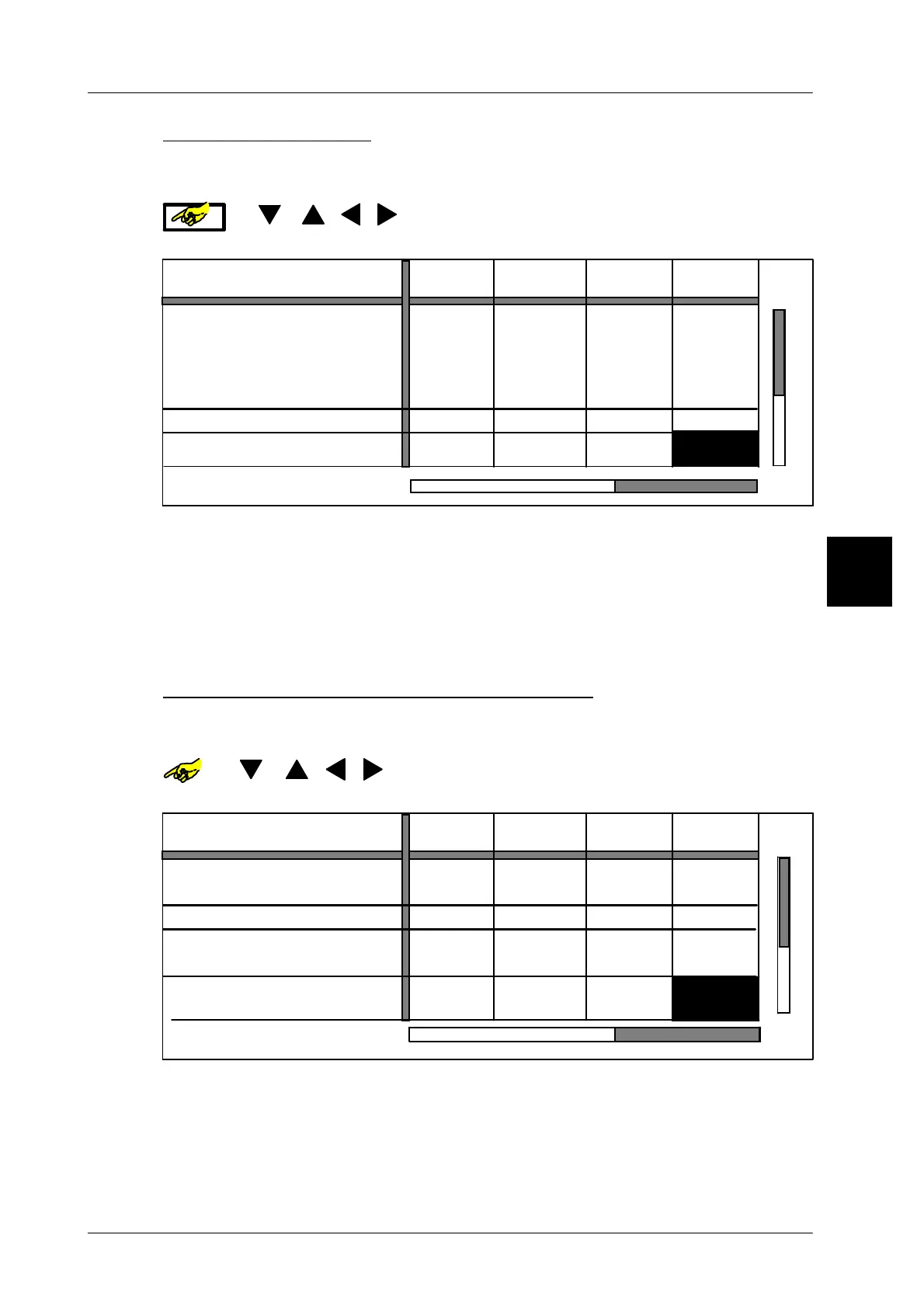
Totalization in the standard total memories total 1 and total 2 may be activated
or deactivated for each PLU or weight class.
or [ ] [ ] [ ] [ ]-- Select table field ”Include in global totalization
process” of the required total and PLU.
--- --- --- 10
Include
in global totalization process
Yes Yes NoYes
PLU number
Number *1
Print total 2 and delete
Customer number
Weight:
Price:
Pcs:
$ 0.00
0.000 kg 0.000 kg 0.000 kg 0.000 kg
Number *1
0
0 0 0
$ 0.00
$ 0.00
$ 0.00
Total 2 value
1000
1230
1010
2000
1020
2000
1030
2000
0 pcs. 0 pcs. 0 pcs. 0 pcs.
Yes: the weight and price of the articles labeled are also totalized in the
standard total memories *1, *2, *3, *A, *PG and *D simultaneously with the
total preselection matrix.
No: no totalization is made in the standard total memories *1 and *2.
[TOGGLE] -- Toggle the yes/no option accordingly.
[ENTER] -- Acknowledge the selection.
Deleting the column after drawing of total
Whether or not the preset total of the column is to be automatically deleted after
printout of the total label may be preset here.
or [ ] [ ] [ ] [ ]-- Select table field ”Delete column after total dra-
wing” of the required total and PLU.
Include
in global totalization process
Yes Yes YesYes
PLU number
Print total 2 and delete
Customer number
Pcs:
0 pcs. 0 pcs. 0 pcs. 0 pcs.
Number *1
0
0 0 0
Delete column
after total drawing
Yes Yes
No
Yes
1000
1230
1010
2000
1020
2000
1030
2000
Yes: the preset total is automatically deleted after printout of total.
No: the preset total is not deleted after printout of total.
[TOGGLE] -- Toggle the yes/no option accordingly.
[ENTER] -- Acknowledge the selection.
3.1



 To Next Page