Presettings
Operating instructions GLP
3 -- 128
6.562.98.5.01.18
3.7.1 Label types
A different label type may be selected here, or there is the possibility of
temporarily changing the label type called via the PLU data.
The following label types are offered for selection:
Standard labels: standard label layouts according to BIZERBA or ISB stan-
dards in different widths or heights
Customer labels:
with label layouts saved in the device under label numbers and
created specifically for the customer with a PC program.
Special labels: label layouts customer--specifically created and
permanently programmed in the unit.
Euro labels: standard label layouts in accordance with the BIZERBA or
ISB standards with additional fields for an additional 2nd
unit price and selling price and the preset conversion rate.
3.7.1.1 Standard labels*
The following standard formats are offered for selection:
BIZERBA 68 mm, 58 mm, 37 mm, 33 mm, 58/1 mm, ISB 68 mm, 50 mm
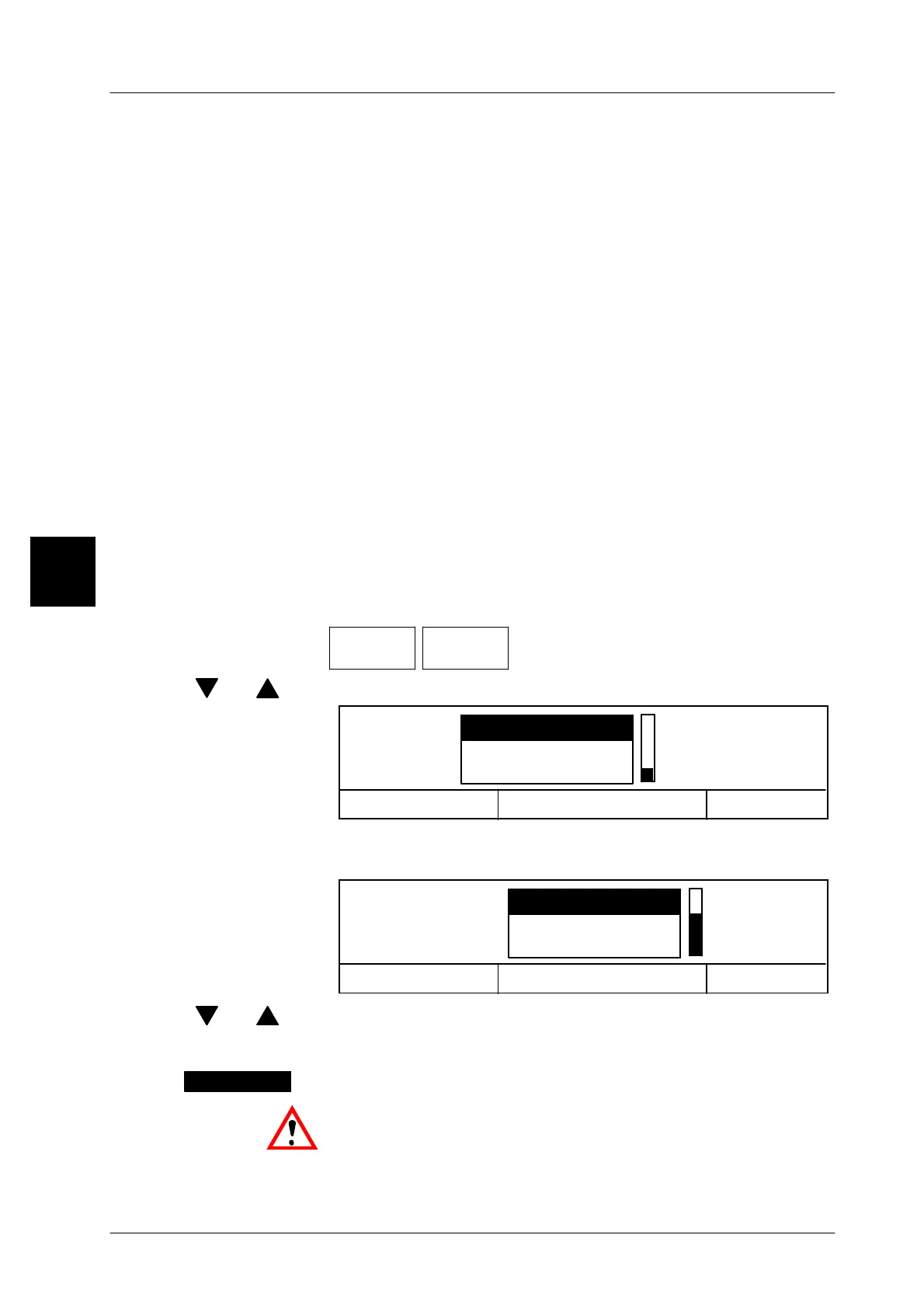
Operating sequence: Description
------------------------------------------------------------------------------------------------------------------------------------------------------
[MODE] 2 [ETC]
Labels Label
type
-- Call up the selection menu.
[ ] , [ ] -- Select ”Standard labels” by means of the cursor keys.
Cancel <ESC>
OK <ENTER>
Special labels
Label type Standard labels
Customer labels
[ENTER] -- Acknowledge the ”Standard labels” selection.
The system advances automatically to the label selection.
Cancel <ESC>
OK <ENTER>
Standard labels BIZERBA 68 mm
ISB 68 mm
BIZERBA 37mm
[ ] , [ ] -- Select the standard label using the cursor keys.
[ENTER] -- Store the label selected.
The selected label is displayed above the softkey.
Insert the respective label roll into the labeler.
3
BIZERBA 68 mm



 To Next Page