Presettings
Operating instructions GLP
3 -- 140
6.562.98.5.01.18
Date text printing*
On blank labels, a standard text or a variable date text may be printed in addition
to the packing and best before/sell--by date. This setting can be made here.
Operating sequence: Description
------------------------------------------------------------------------------------------------------------------------------------------------------
[MODE] 2 [ETC]
Labels Layout
options
[ETC]
Texts
Print
date text
Call up selection menu
W/o date
text print
Make this setting for labels having a date text preprinted. A date
text is not printed (standard setting).
With std.
txt print
Make this setting for blank labels if the standard text is to be printed
in addition to date 1 and date 2.
With var.
txt print
Make this setting for blank labels if a variable date text is to be prin-
ted on the labels.
The variable date text must be readily stored under the PLU data
or entered directly (see page 3 -- 39).
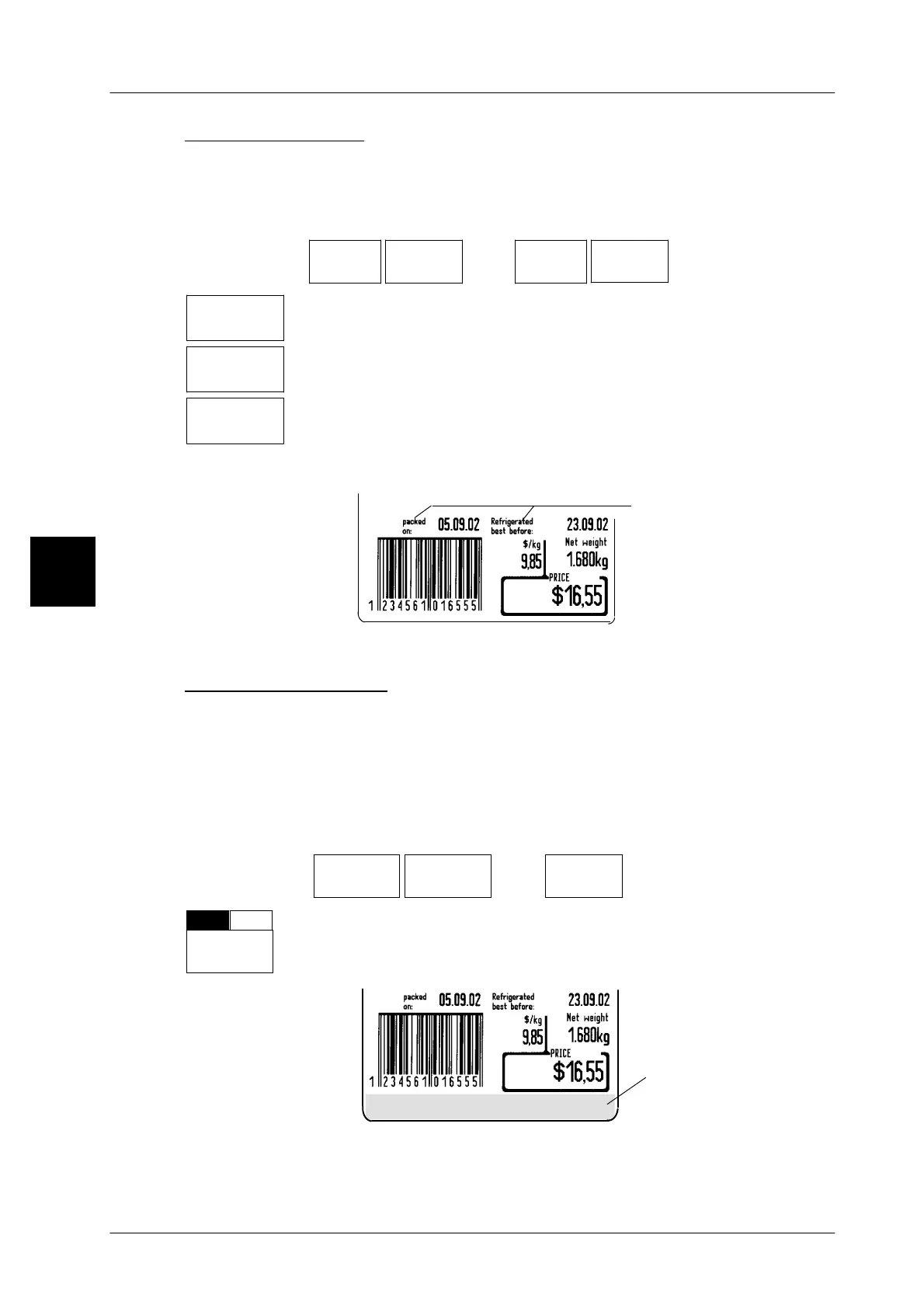
Label example:
Standard date text
or variable date te
Additional text field*
If an additional text is to be printed at the bottom of the label, blank labels permit
to select the next smaller label size and the option ”with additional text field”.
By selecting the smaller label size, the space is enlarged automatically. Text 3 for
the additional text field may be preset directly at mode level 1 or 2 or stored under
the PLU data and called up together with the PLU data.
Operating sequence: Description
------------------------------------------------------------------------------------------------------------------------------------------------------
[MODE] 2 [ETC]
Labels Layout
options
[ETC]
Texts
-- Call up the selection menu
--
+
Addit.
text fld
Select ”without(--)” or ”with(+)” additional text field.
Standard: without(--)
Label example:
for text 3
Special offer
Additional text field
3



 To Next Page