Presettings
Operating instructions GLP
3 -- 145
6.562.98.5.01.18
3.7.5.8 Print output
The built--in thermal printer is capable of printing labels on backing paper, tag la-
bels, labels with punched margin or thermal tally rolls. Depending on the applica-
tion, the relevant setting can be made here.
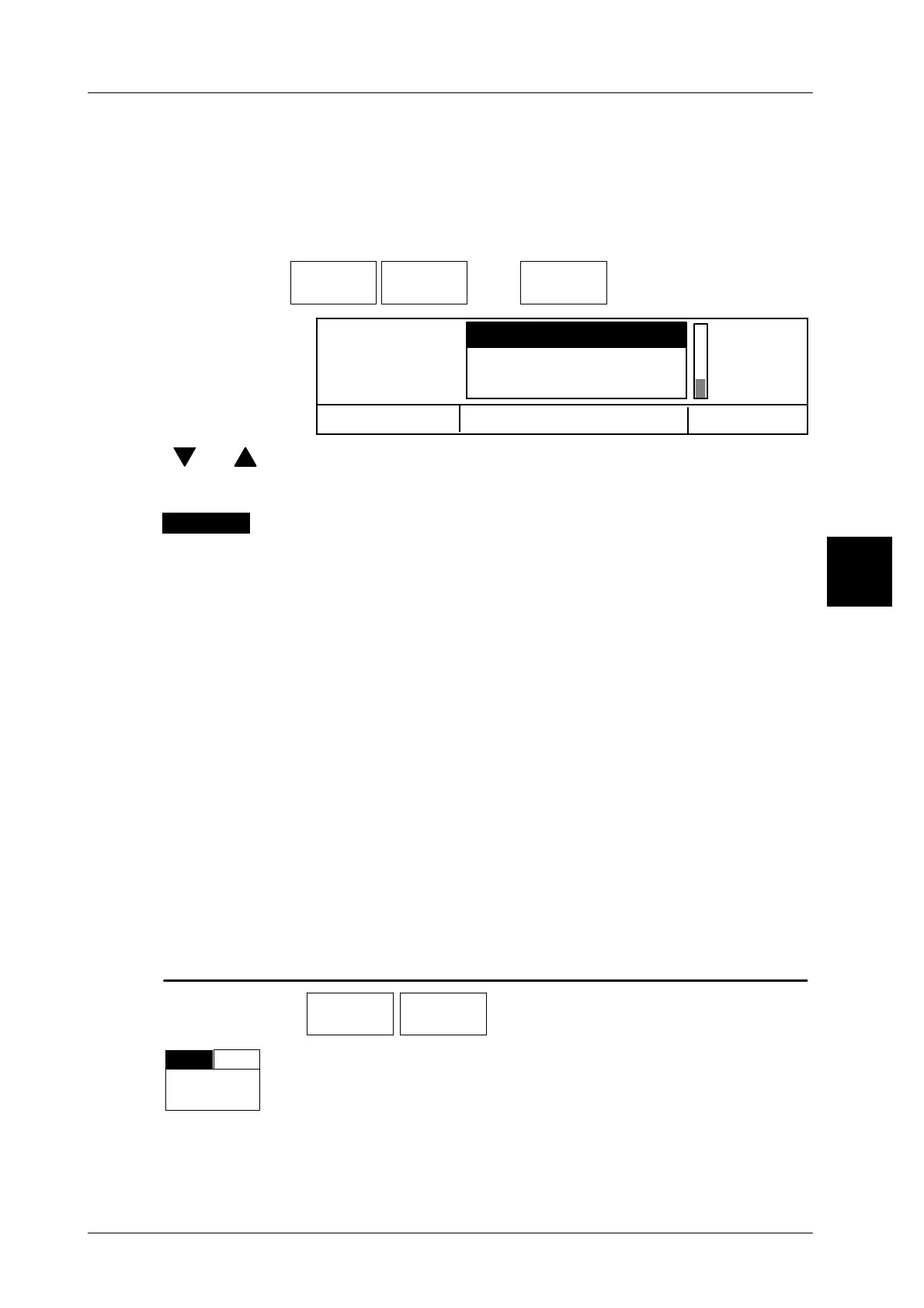
Operating sequence: Description
------------------------------------------------------------------------------------------------------------------------------------------------------
[MODE] 2 [ETC]
Labels Printer
menu
[ETC]
Pr.out--
put to..
-- Call up the selection menu
Cancel <ESC>
OK <ENTER>
Ticket w/o prepr.Head
Print output Lab.w. backing paper
Lab. w/o back. paper
[ ] , [ ] -- Make the relevant preselection using the cursor keys.
[ENTER] -- Acknowledge the selection and exit the selection menu.
The selected print output is presented inversely above the
softkey.
Label with backing paper
The printer feed is controlled via the gap between the labels or by black synchroni-
zation strips on the backing paper.
Label without backing paper
This setting becomes necessary, e.g., for tag labels. The unprintable range is
quickly passed.
Ticket without preprinted header
This setting becomes necessary for printout on tally rolls (tape printer operation).
Ticket with preprinted header
The ticket paper is processed identically to labels, i. e. a subsequent header is
printed out.
3.7.5.9 Position at tearoff edge
For tag labels, set the unit to ”Position tearoff edge = TE”.
Operating sequence: Description
[MODE] 2 [ETC]
Labels Printer
menu
[ETC] -- Call up the selection menu.
TE
LE
pos.
t.o.e.
Setting LE: the leading edge of the subsequent label is positio-
ned on the tearoff edge.
Setting TE: the trailing edge of the printed label is positioned on
the tearoff edge (standard).
3
Label with b



 To Next Page