Presettings
Operating instructions GLP
3 -- 147
6.562.98.5.01.18
3.7.5.12Horizontal print position
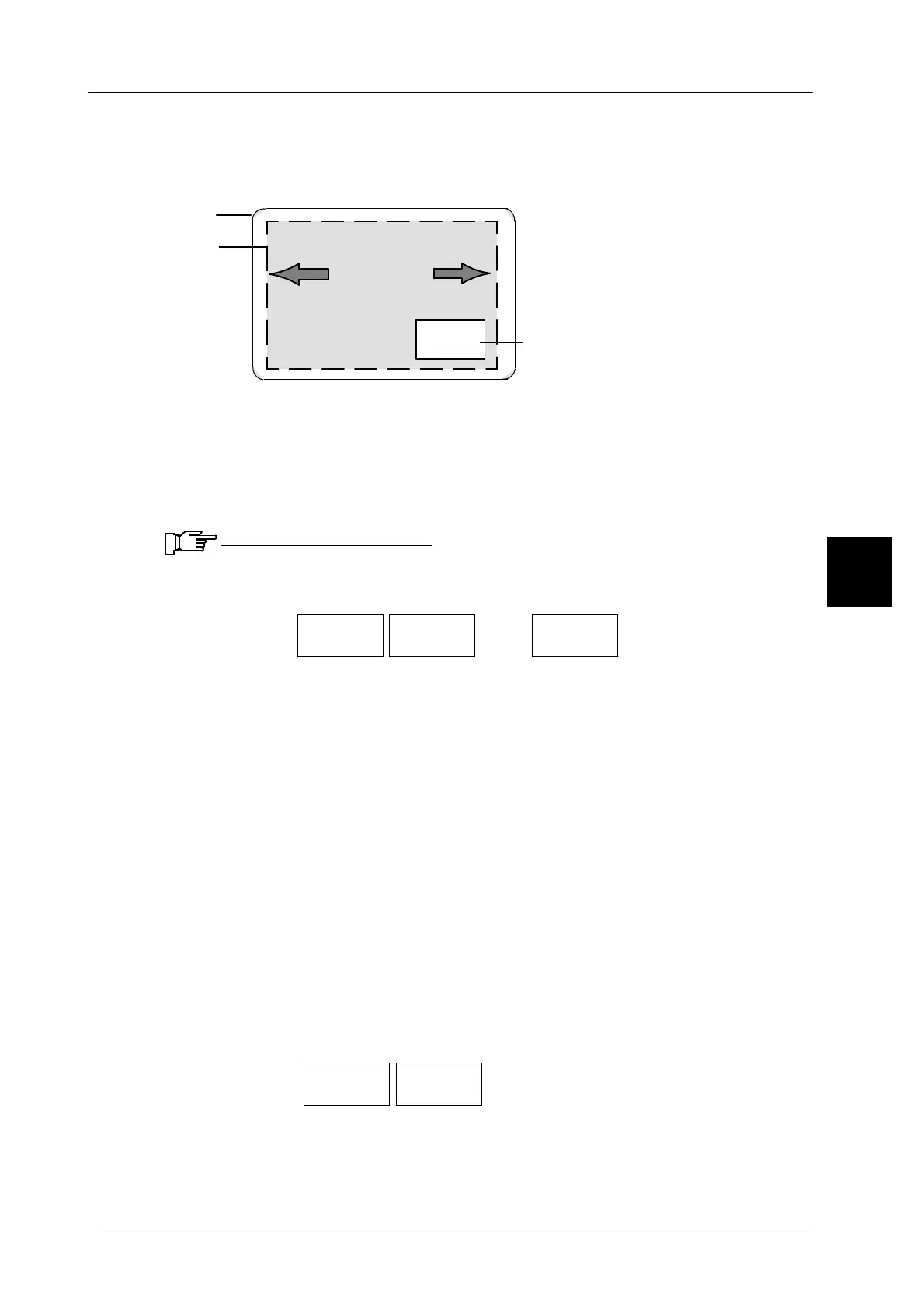
In the event that the horizontal print position of the layout is incorrect on the label,
the printout may be horizontally shifted in both directions.
Label
Layout
Shifting
+
--
Price
Field
Shifting to the left: enter the number of dots without a sign.
Shifting to the right:
enter the number of dots with a minus sign.
Shifting: in both directions max. 100 dots = 13.3 mm (1 dot = 0.133 mm)
Calculation: offset in mm : 0.133mm = number of dots
Example: 2 mm : 0.133 mm = 15 dots
Input range: --100 to 100. If the value entered exceeds the range, an
error message appears and the range is displayed!
Operating sequence: Description
------------------------------------------------------------------------------------------------------------------------------------------------------
[MODE] 2 [ETC]
Labels Printer
menu
[ETC]
Hor. print
posit./dot
-- Call up the input menu.
[ +/-- ] -- To shift the print position backward, enter a minus sign.
xx [ENTER]
--
Enter the number of dots for shifting and acknowledge.
Check the settings by printing a test label.
If a value preset for a shift to the right is so high (number of dots with a minus sign)
that the layout extends beyond the right label edge, the layout will be shortened
by the respective dots. Fields which lie within this range will also be shortened and
texts as well as values will be printed in the smaller field in a ”compressed” way.
Shifting the fields outside the range prevents their content from being printed. If
a value preset for a shift to the left is so high that the layout extends beyond the
left label edge, the extending part will be cut.
3.7.6 Loading label parameters
The label data stored under the label parameter numbers may be called up toge-
ther with the PLU data or manually by the operator.
Operating sequence: Description
------------------------------------------------------------------------------------------------------------------------------------------------------
[MODE] 2 [ETC]
Labels Label
par. No.
-- Call up the label parameters manually.
xx [ENTER]
--
Enter the label parameter number and acknowledge.
3


 To Next Page
 Loading...

