Presettings
Operating instructions GLP
3 -- 150
6.562.98.5.01.18
3.8.4 Scanning rules
The use of a scanner in conjunction with the labeler is subject to
the purchase of a ”SCANNER” licence.
With a scanner connected to the labeler, the scancodes applied to the packages
may be read and the scanning result evaluated on the basis of the scanning rules.
The scanning rules are normally established at mode level 3 or 4, stored under
the scanning rule numbers, and the numbers are allocated to the relevant articles
under the PLU data. Calling up a PLU also causes the allocated scanning rules
to be called up.
There is also the possibility of calling up the rules manually at mode level 2 via
the scanning rule numbers. If required, called up scanning rules may be tempo-
rarily changed.
3.8.4.1 Calling up scanning rules
Operating sequence: Description
------------------------------------------------------------------------------------------------------------------------------------------------------
[MODE] 2 [ETC]
Printer&
intrface
Scanner Scan.
rules
-- Call up the input menu.
x [ENTER] -- Enter the scanning rule number and acknowledge. For the
next scanning procedure, new scanning rules will be used.
3.8.4.2 Changing the scanning rules
To change the called up scanning rules, call up the editor, change and restore
them. Changes do not affect the data stored in the database and is overwritten
on PLU change.
Operating sequence: Description
------------------------------------------------------------------------------------------------------------------------------------------------------
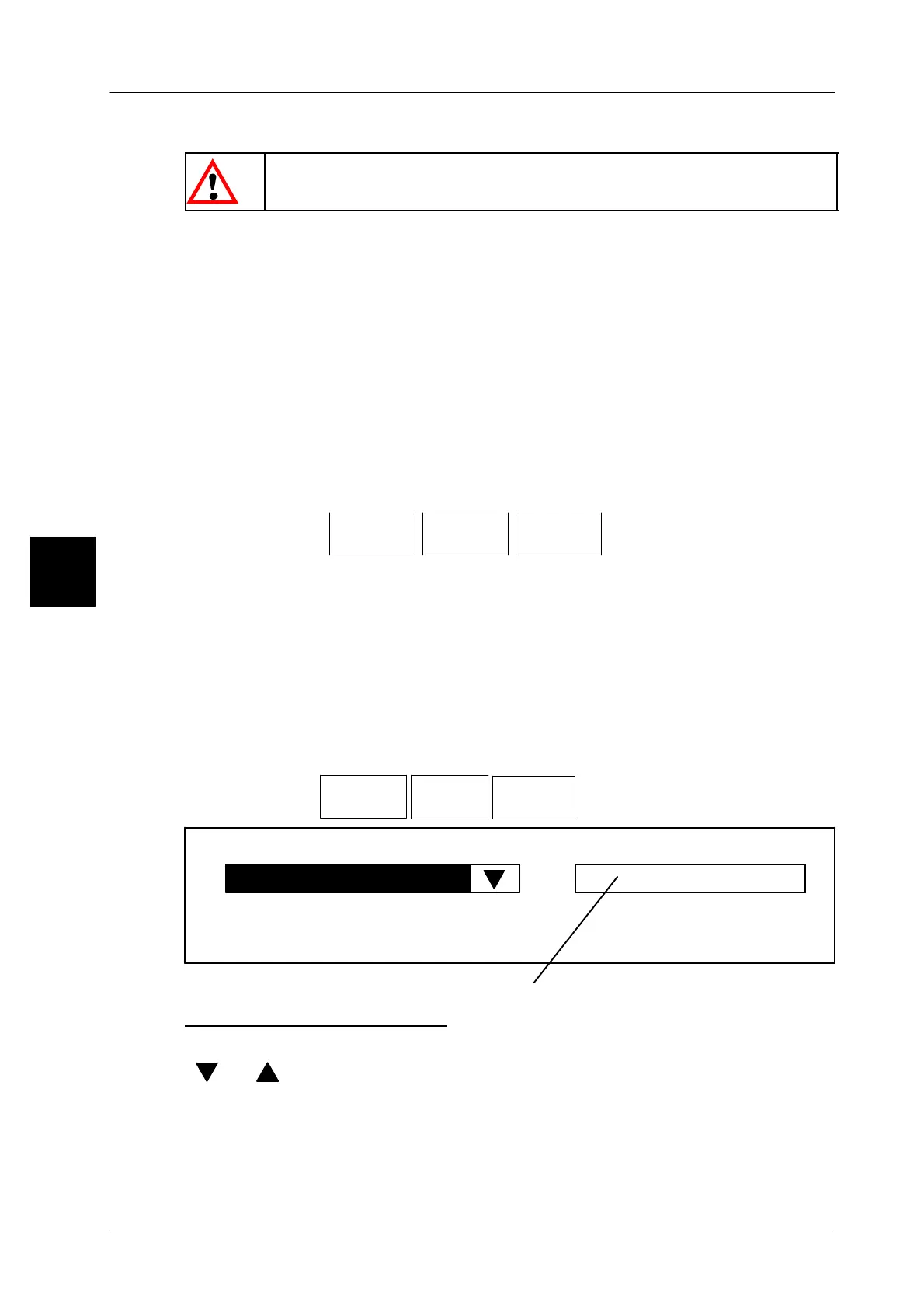
[MODE] 2 [ETC]
Printer&
intrface
Scanner
Scan.rul.
editor
-- Call up the scanning rule editor.
Scancode
Code structure
Selection menu for the scancode rules
Selecting the code family
[SELECT] -- Go to the scancode selection menu and activate “Scancode”.
[ ] , [ ] -- Select the code family (”Scancode” = all codes except for
EAN128)
[ENTER] -- Acknowledge the selection.
3



 To Next Page