Presettings
Operating instructions GLP
3 -- 153
6.562.98.5.01.18
Preset code part string
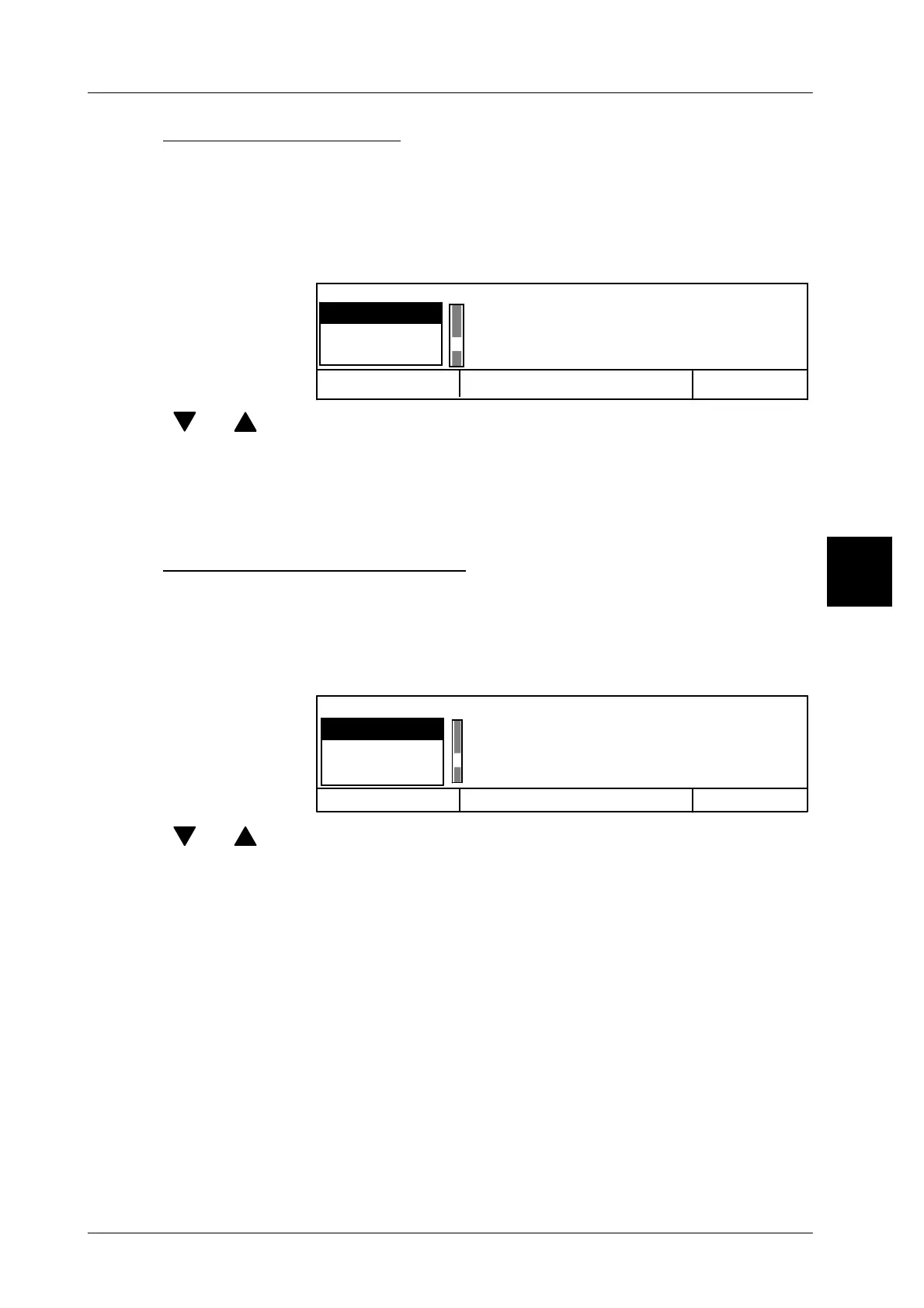
If code contents have been changed or a different number of digits is required for
a code content, a different number of digits may be chosen from a scroll menu.
The call is made automatically after the selection of the relevant code content or
after deletion of the current number of digits.
Operating sequence: Description
------------------------------------------------------------------------------------------------------------------------------------------------------
Cancel <ESC> OK <ENTER>
Code substr. format
12--digit
13--digit
14--digit
[ ] , [ ] -- Select the required number of digits using the cursor keys
8 -- or enter the desired number of digits numerically, e. g. 8 for
8 digits.
[ENTER] -- Acknowledge the selection.
Preset scan code content
For several code contents, make your selection and choose the related number
of digits from a scroll menu. The call is made automatically after the selection of
the relevant code content, e. g. for code substrings.
Operating sequence: Description
------------------------------------------------------------------------------------------------------------------------------------------------------
Nmb o.dig.in barcode
4 digits
5 digits
6 digits
Cancel <ESC>
OK <ENTER>
[ ] , [ ] -- Select the required number of digits using the cursor keys
5 -- or enter the desired number of digits numerically, e. g. 5 for
5 digits.
[ENTER] -- Acknowledge the selection.
3



 To Next Page