Presettings
Operating instructions GLP
3 -- 154
6.562.98.5.01.18
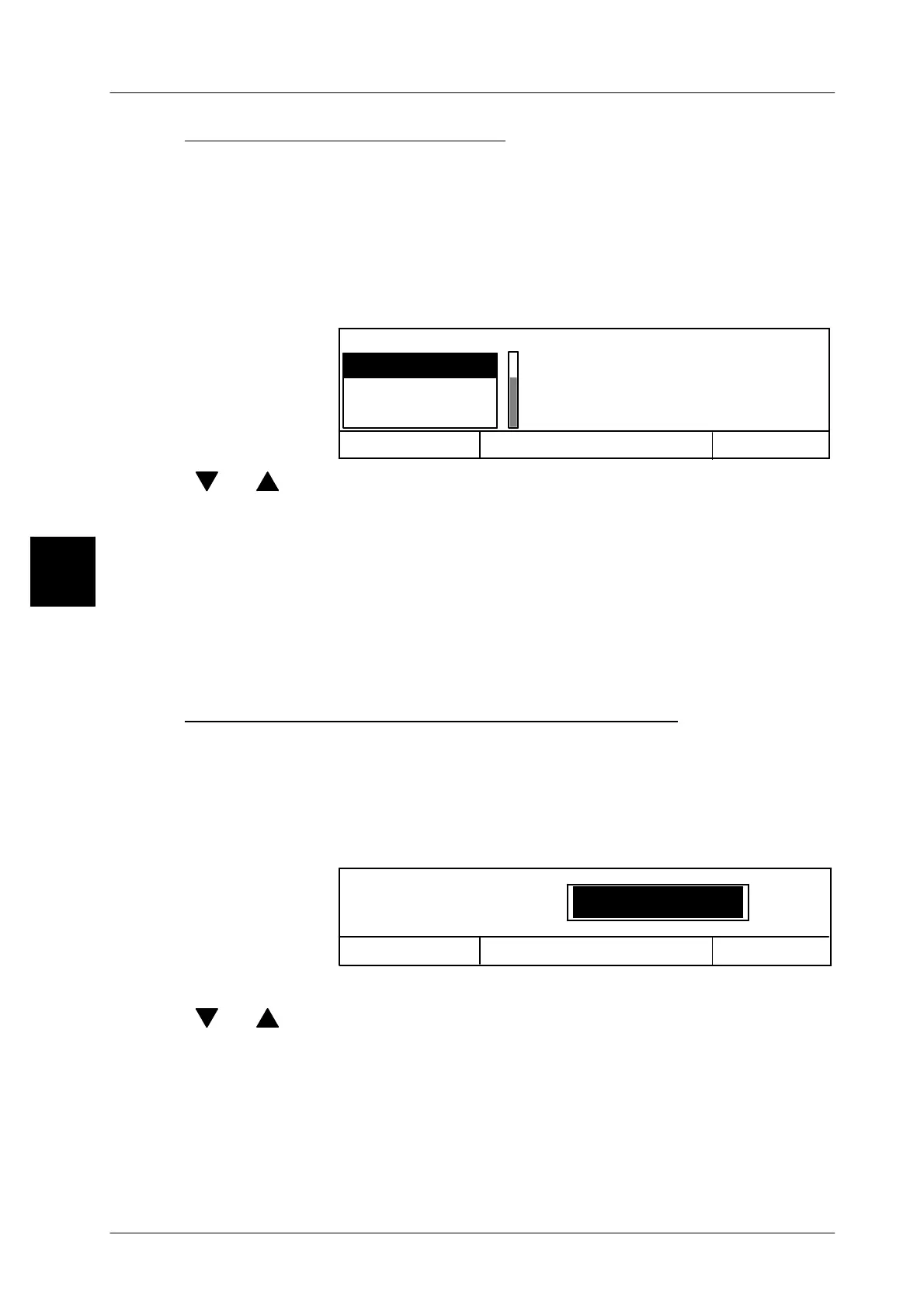
Selecting decimal place format
Selecting code contents, such as weight, tare or price, or deleting the current deci-
mal place format, causes a scroll menu to appear automatically for the decimal
place format. Select the required decimal place format. The set decimal place for-
mat is then compared with that of the Gx during the reading procedure. Non--con-
formity causes an error message to be output, in which case the operator has to
enter the relevant decimal place format on the Gx.
Operating sequence: Description
------------------------------------------------------------------------------------------------------------------------------------------------------
Decimal place format
Int. dec.places
0 dec. places
Cancel <ESC> OK <ENTER>
1decimal place
[ ] , [ ] -- Select the decimal place format using the cursor keys or ...
3 -- select the decimal place format by entering the 1st digit.
[ENTER] -- Acknowledge the selection.
Int. dec. places: The scanning result is used with the number of decimal
places set in the Gx.
0--3 dec. places. The scanning result is used with the number of decimal
places set in the Gx.
Entering number of digits for the code contents
As regards the code contents for “Text field xx” and “Ignore, the required number
of digits may be entered directly. The input menu is automatically called up after
the selection of the relevant code content or on deletion of the current number of
digits.
Operating sequence: Description
------------------------------------------------------------------------------------------------------------------------------------------------------
1 Characters
Code input editor
Number of digits
Cancel <ESC> OK <ENTER>
xx -- Enter the relevant number of digits or .....
[ ] , [ ] -- change the number of digits using the cursor keys.
[ENTER] -- Acknowledge the selection.
3



 To Next Page